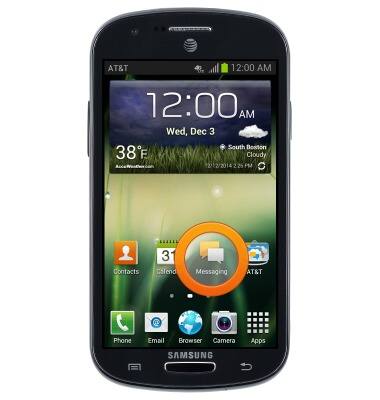
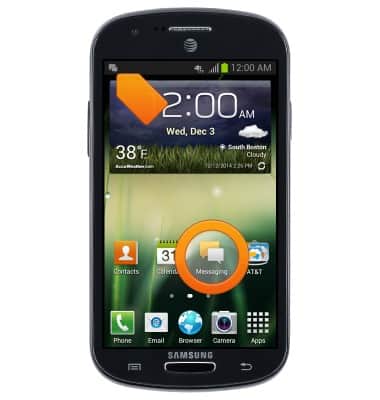
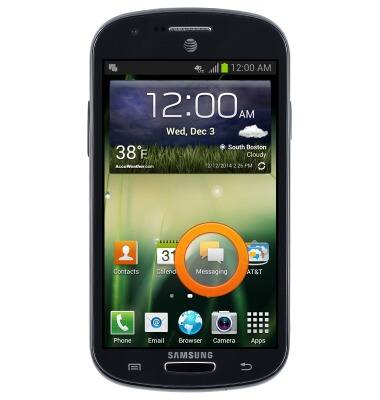
- From the home screen, tap Messaging.
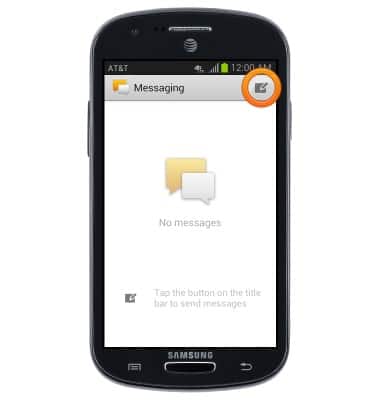
- Tap the Compose icon to compose a message.
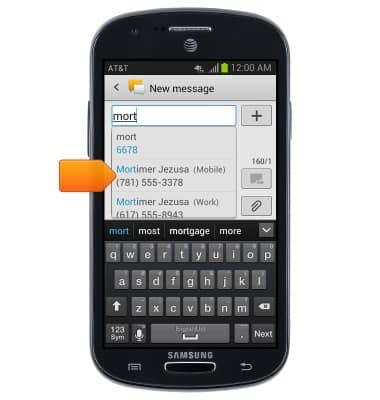
- Tap the Recipient field to enter the desired number or contact name, then tap the desired contact.
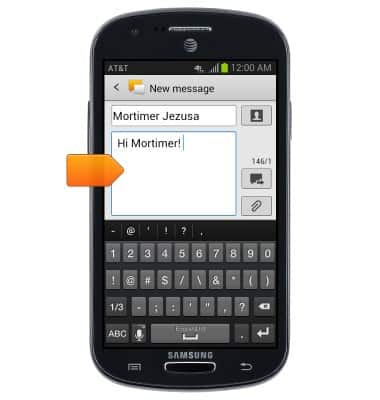
- Tap the Message field to enter a message.
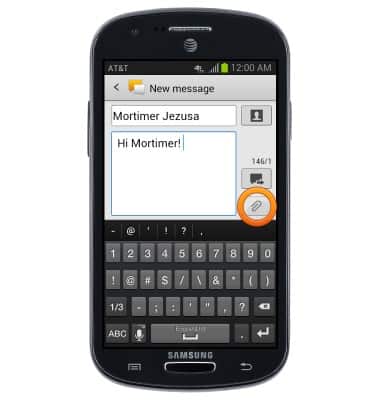
- To attach media, tap the Attach icon.
- Tap the desired option.
Note: This tutorial selects Image.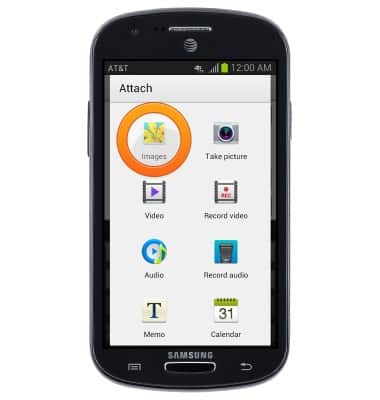
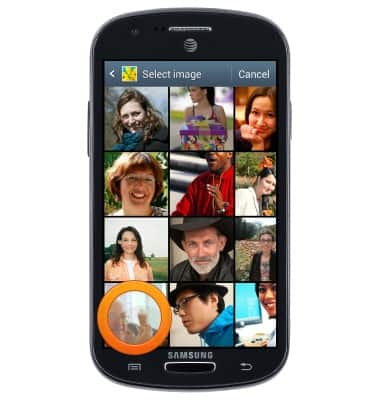
- Tap the desired image.
- Tap the Send icon to deliver the message.
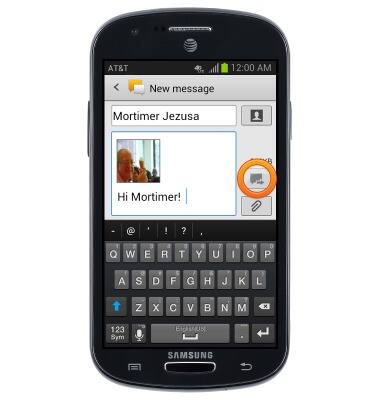
- When a new message is received,the New message icon will display in the notification bar. To view the message, tap Messaging.
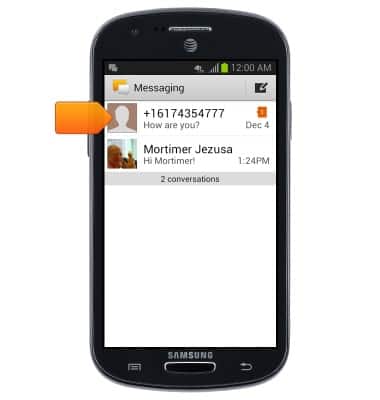
- Tap the desired conversation.
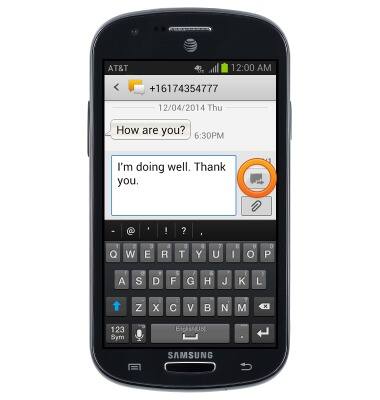
- Enter the desired response, then tap the Send icon to deliver the message.
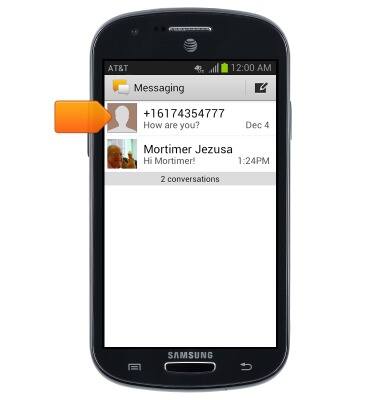
- Touch, and hold the desired conversation to delete.
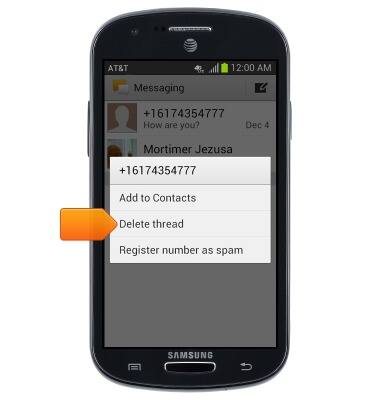
- Tap Delete thread.
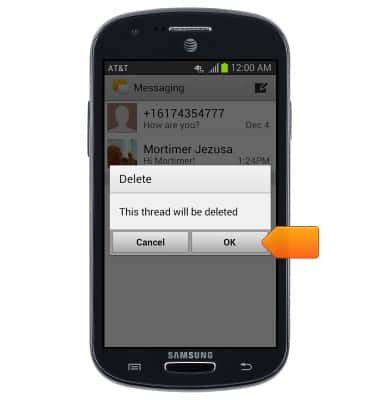
- Tap OK.
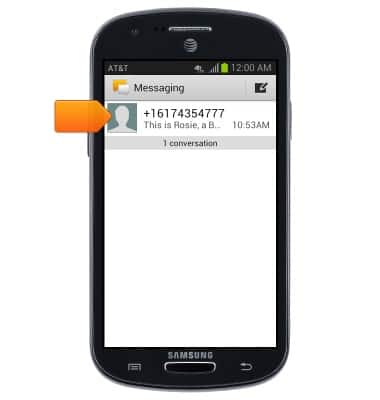
- To view a message with an attachment, tap Messaging.
- Tap the desired message.
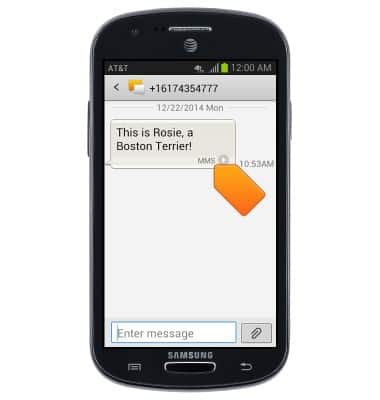
- Tap MMS at the bottom of the message.
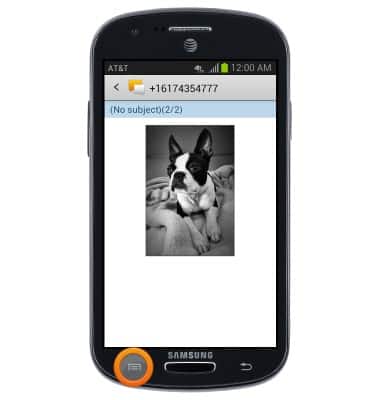
- The attachment will be displayed. To save the attachment to your device, tap the Menu key.
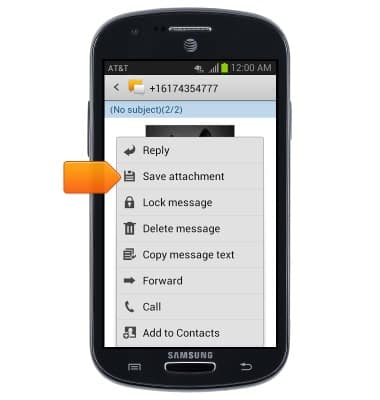
- Tap Save attachment.
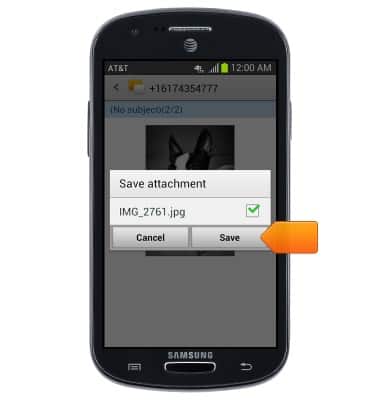
- Select the desired attachment, then tap Save.
Send & receive messages
Samsung Galaxy Express (I437/I437p) OS 4.0-4.1
Send & receive messages
How to send, receive, and delete picture (MMS) and text (SMS) messages.
Text Messaging
This video describes how to send and read text messages.
Text Messaging
1:16
INSTRUCTIONS & INFO