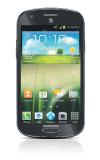
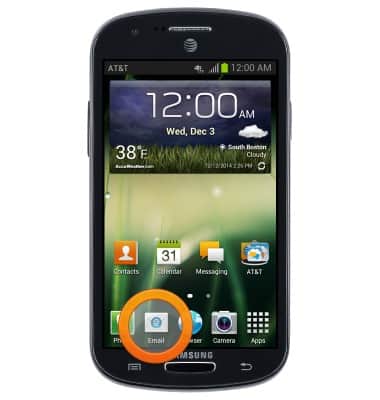
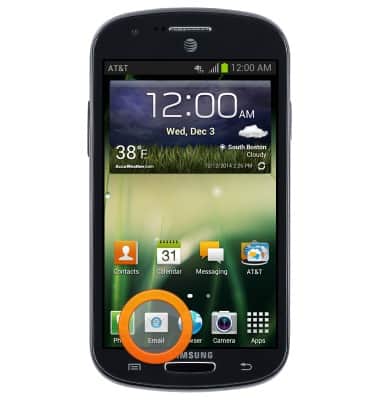
- From the home screen, tap Email.
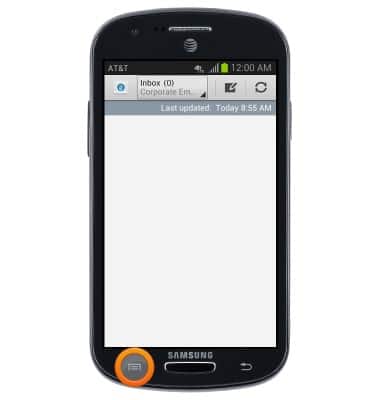
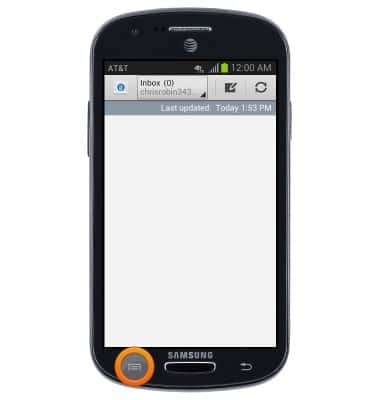
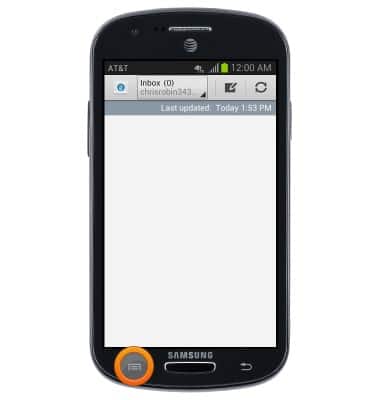
- Tap the Menu key.
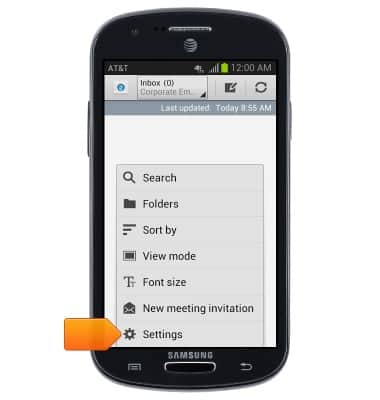
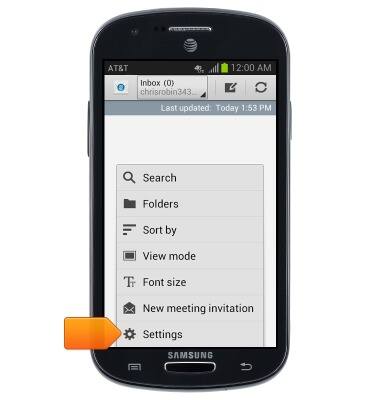
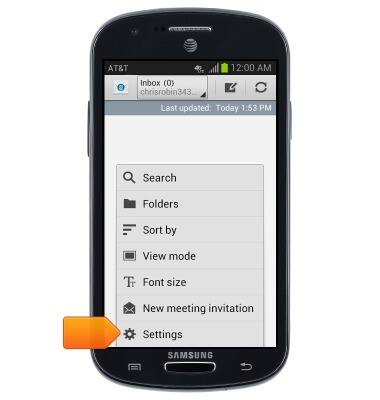
- Tap Settings.
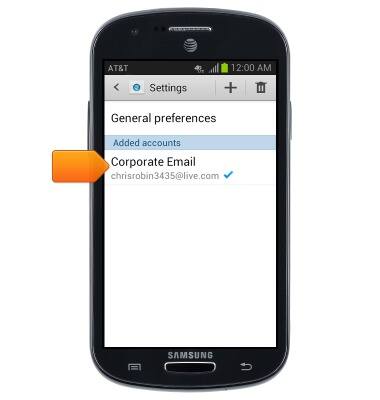
- Select the desired Email account to access and adjust Sync settings.
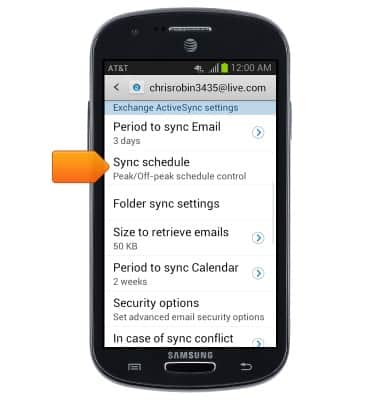
- Tap Sync schedule.
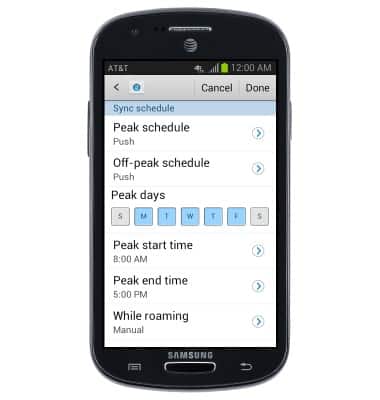
- Tap to adjust the desired Sync options.
- To edit your signature, tap Signature.
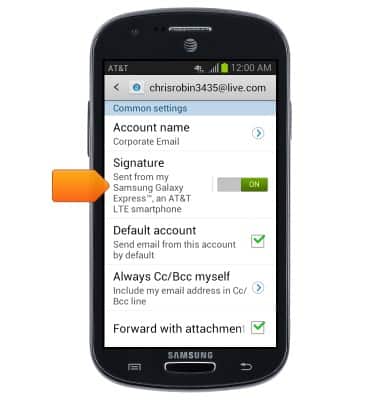
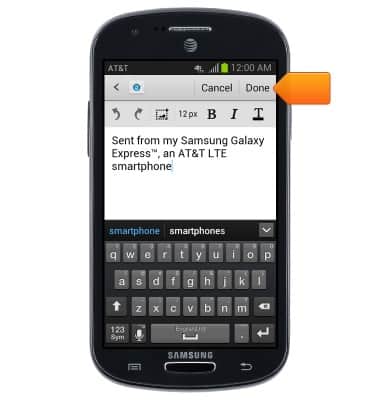
- Enter the desired signature, then tap Done.
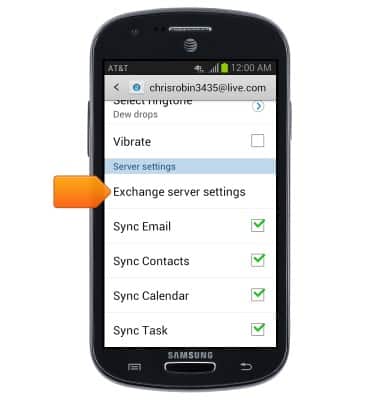
- Scroll to, than tap Exchange server settings.
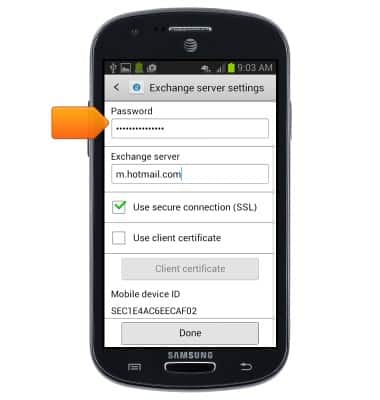
- To edit your password, tap Password.
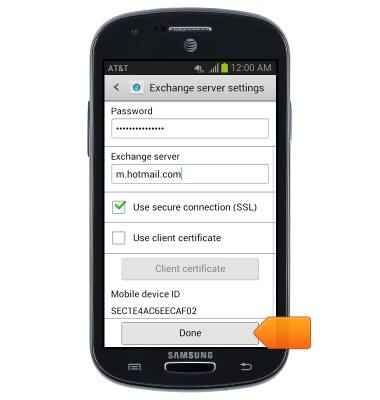
- Tap the Exchange server field to edit the server, then tap Done.
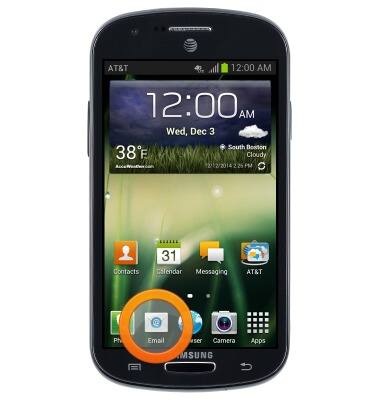
- To remove an existing email account, tap Email.
- Tap the Menu key.
- Tap Settings.
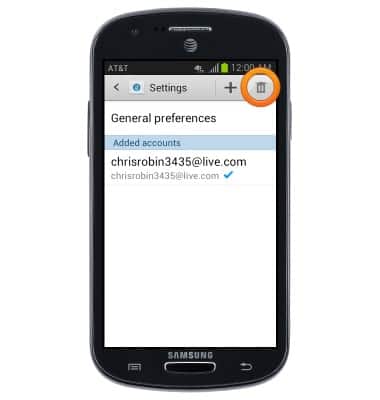
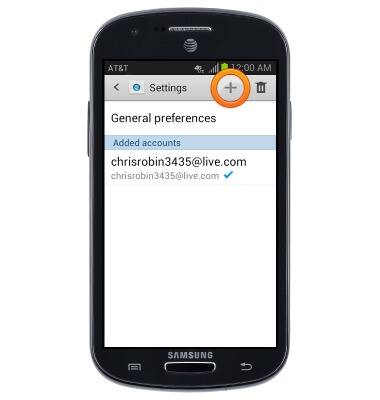
- Tap the Delete icon.
- Select the desired email account.
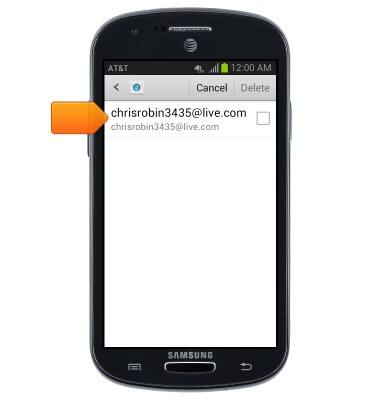
- Tap Delete.
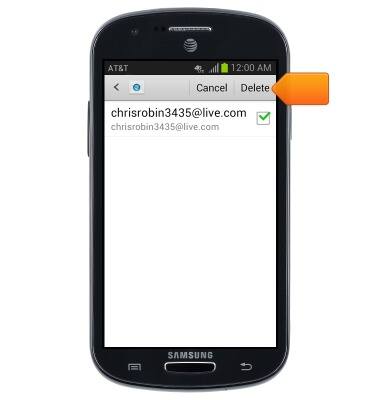
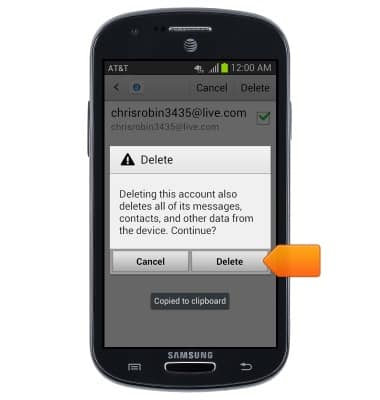
- Tap Delete.
- To add an additional email account, tap Email.
- Tap the Menu key.
- Tap Settings.
- Tap the Add icon.
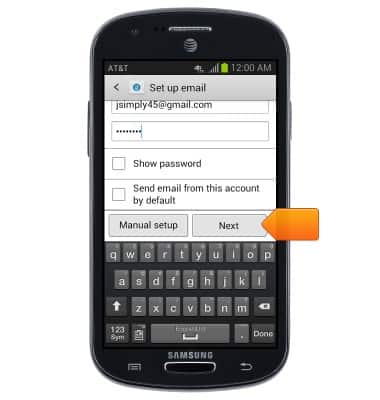
- Enter your account information, then tap Next.
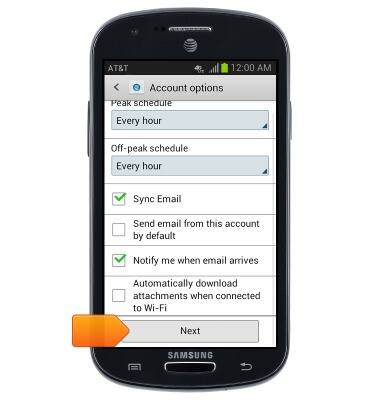
- Select the desired account options, then tap Next.
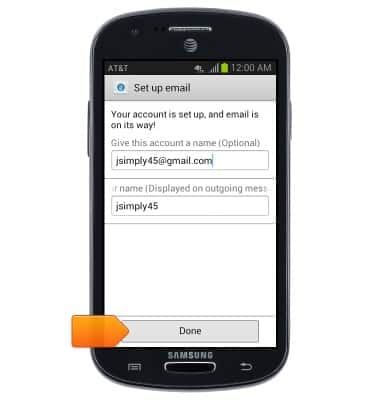
- Tap Done.
Email settings
Samsung Galaxy Express (I437/I437p) OS 4.0-4.1
Email settings
Manage email settings such as sync frequency, server settings, signature, deleting an email account, and more.
INSTRUCTIONS & INFO