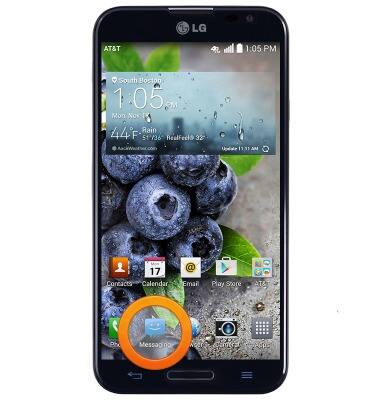
- From the home screen, tap Messaging.
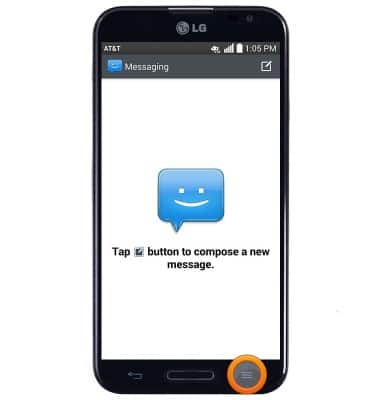
- Press the Menu key.
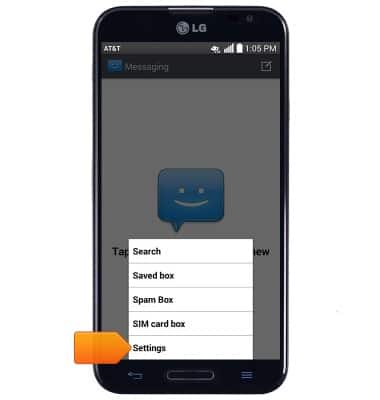
- Tap Settings.
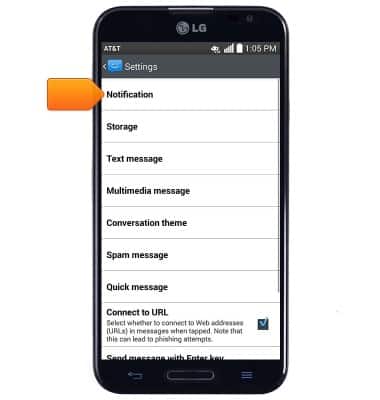
- Tap Notification to change notification alert settings.
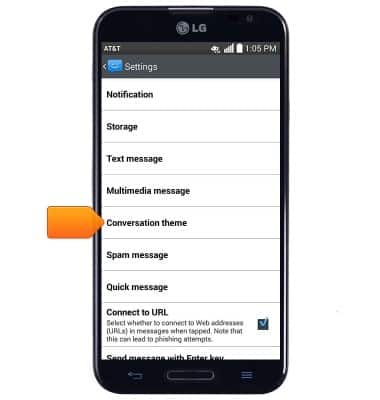
- Tap Conversation theme to change the message display style.
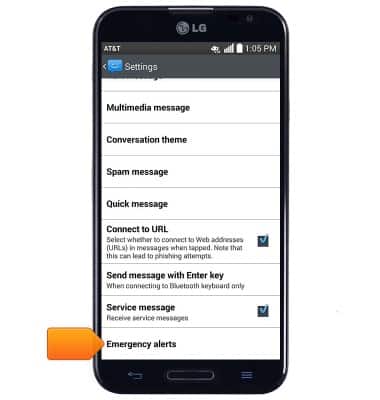
- Scroll to, then tap Emergency alerts to edit emergency alert notification settings.
- To restore default settings, press the Menu key.
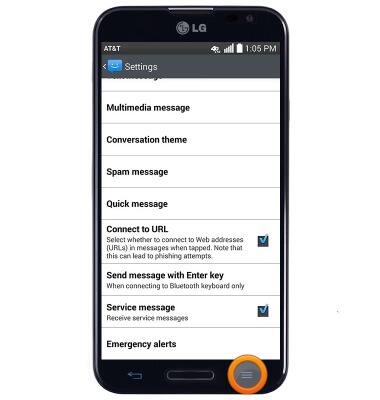
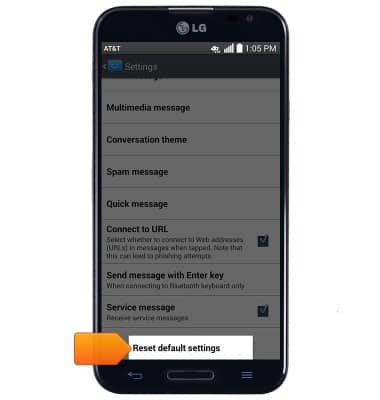
- Tap Reset default settings.
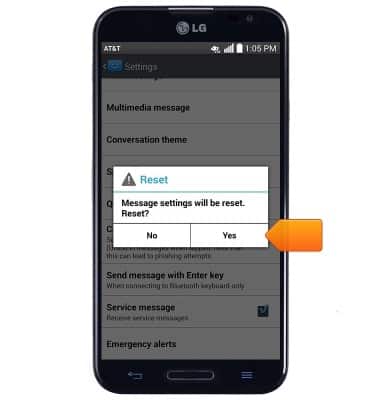
- Tap Yes.
Messaging settings
LG Optimus G Pro (E980)
Messaging settings
Set text (SMS) and picture (MMS) message alerts, limits, display options and more.
INSTRUCTIONS & INFO