
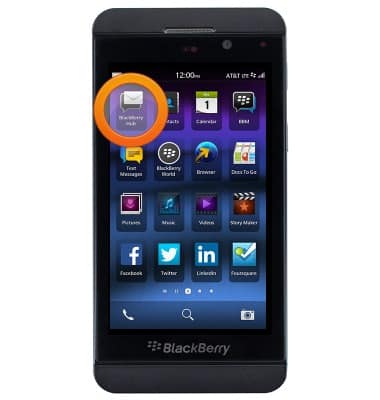
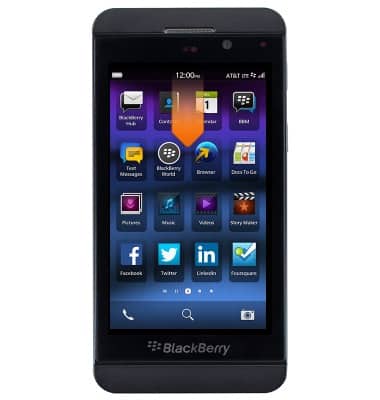
- From the home screen, tap BlackBerry Hub.
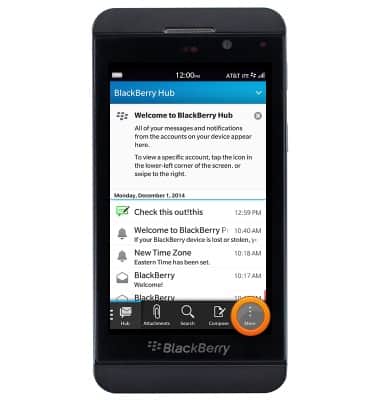
- Tap More.
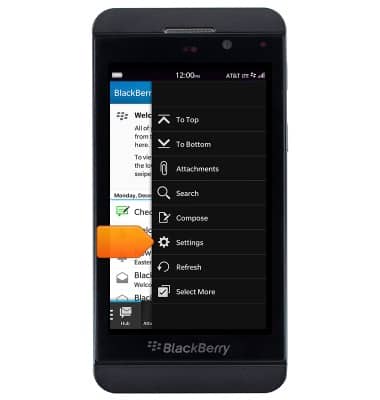
- Tap Settings.
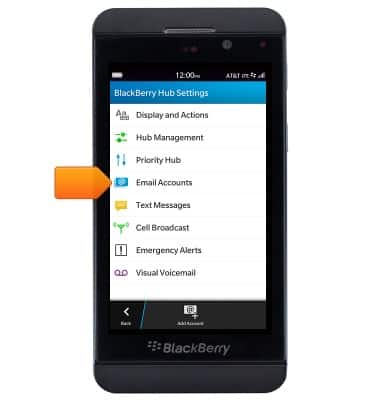
- Tap Email Accounts.
- Tap the desired account.
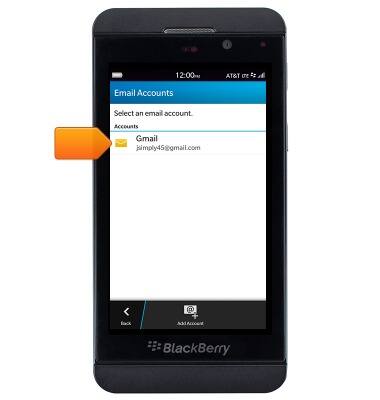
- To add a signature, tap the Signature field, then enter the desired signature
Note: Ensure that the 'Auto Signature switch' is turned on.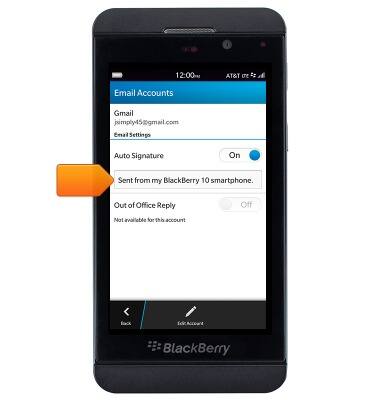
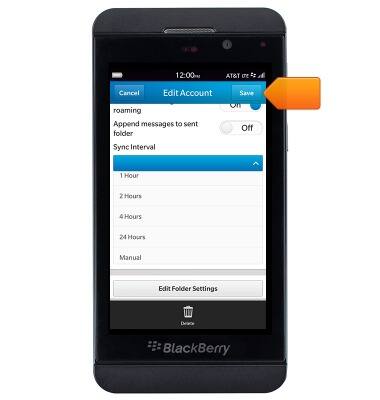
- To change email sync frequency, tap Edit Account.
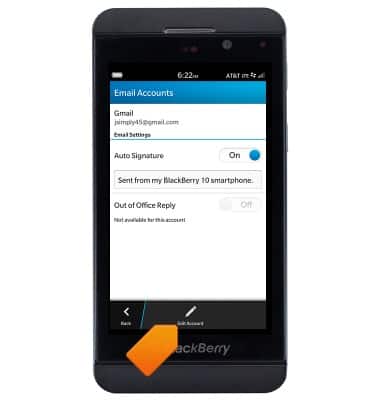
- Scroll to, the ntap the Sync Interval field.
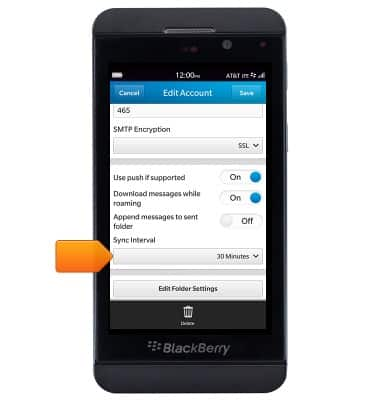
- Tap the desired option, then tap Save.
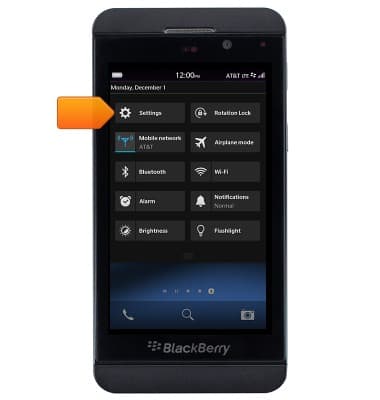
- To adjust notification settings, from the home screen, swipe down from the status bar.
- Tap Settings.
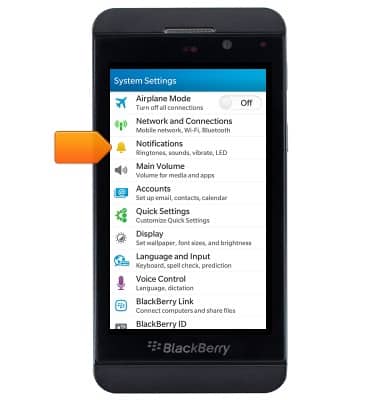
- Tap Notifications.
- Scroll to, then tap Applications.
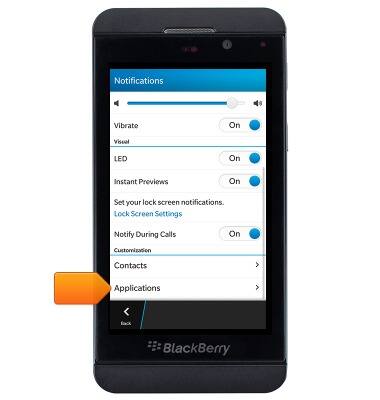
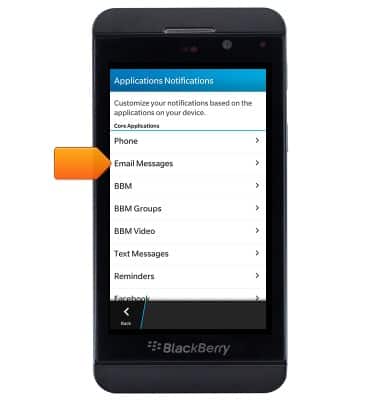
- Tap Email Messages.
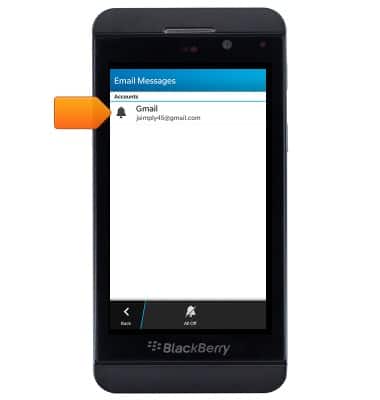
- Tap the desired account.
- Tap the Sound switch to turn tones on or off.
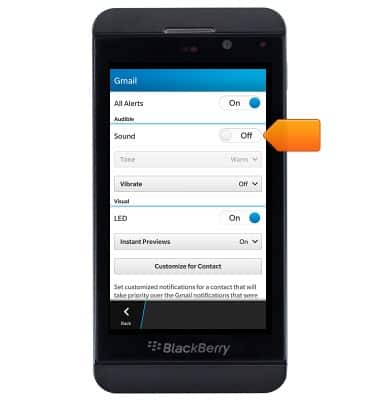
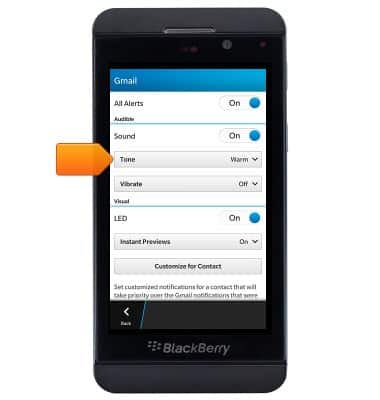
- Tap the Tone field, then tap the desired option.
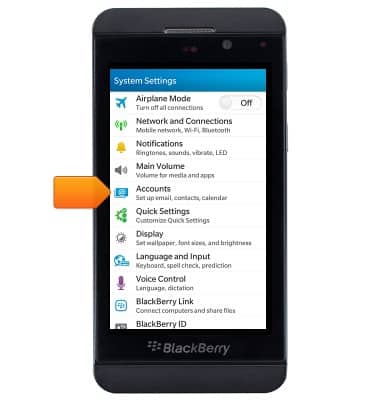
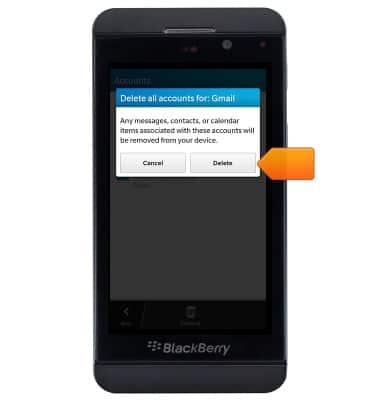
- To delete an account, tap Accounts from the System Settings.
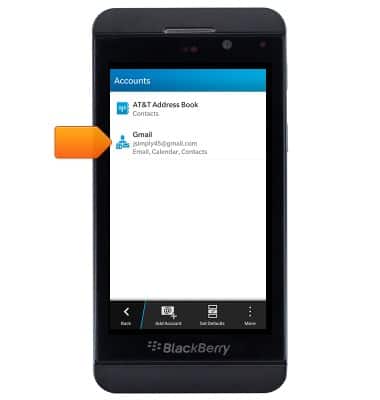
- Tap the desired account.
- Tap Delete All.
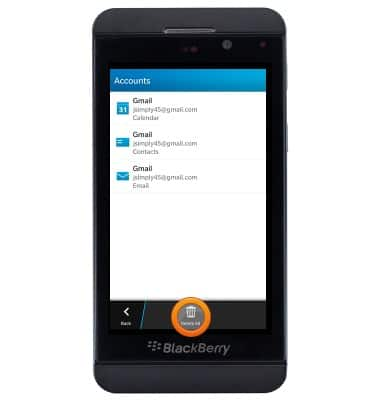
- Tap delete.
Email settings
BlackBerry Z10 (STL100-3)
Email settings
Manage email settings such as sync frequency, server settings, signature, deleting an email account, and more.
INSTRUCTIONS & INFO