
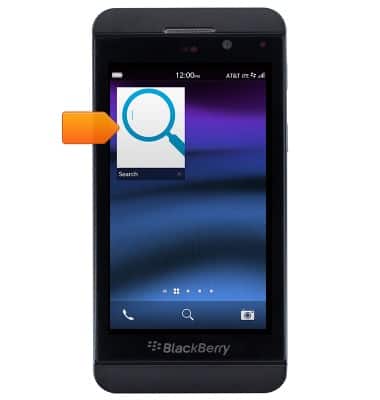
- From the home screen, tap the Search icon.

- Enter the desired search.
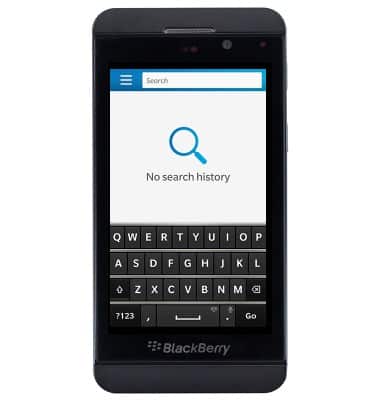
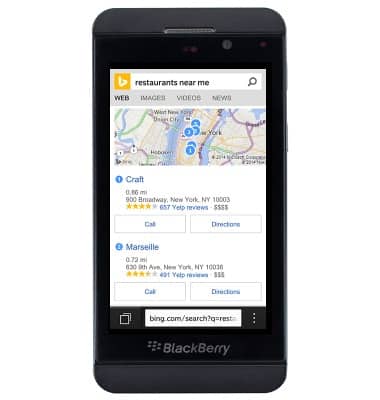
- Tap Go.

- The results are displayed.
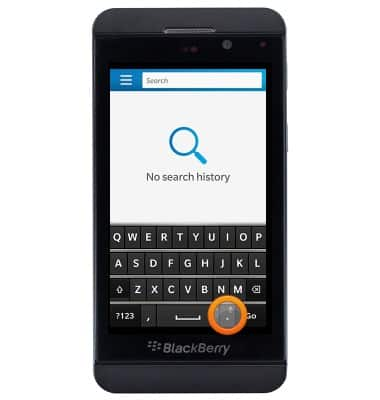
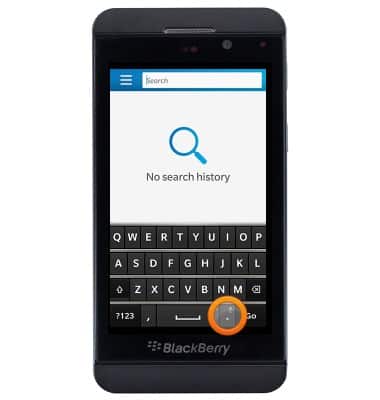
- To perform a voice search, press and hold the Period/Microphone icon.
- If prompted, tap I Agree.
Note: If dictation is already set up, skip to step 10.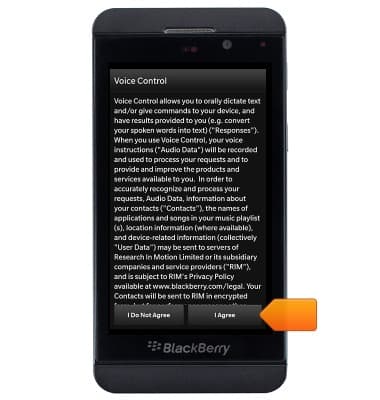
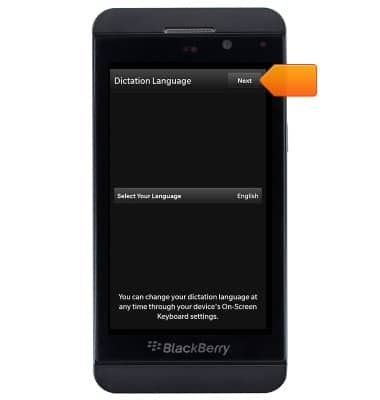
- Select the desired language, then tap Next.
- Tap Search to return to the Search app.
- Press and hold the Period/Microphone icon.
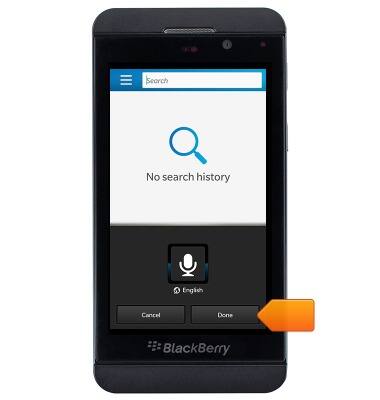
- Speak the desired search term(s), then tap Done.
Search
BlackBerry Z10 (STL100-3)
Search
Perform a text and voice search on your device and how to adjust search settings.
INSTRUCTIONS & INFO