
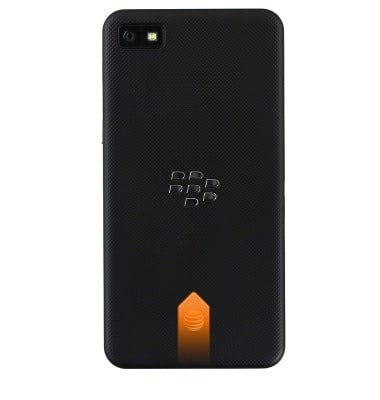
- Remove the Back panel of the device by inserting a fingernail into the notch at the base of the device and gently lifting.
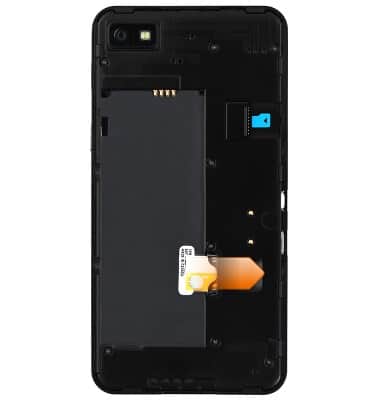
- Insert the Micro-SIM card into the slot, making sure the gold contacts are facing down, and the beveled edge of the card points to the top right of the device.
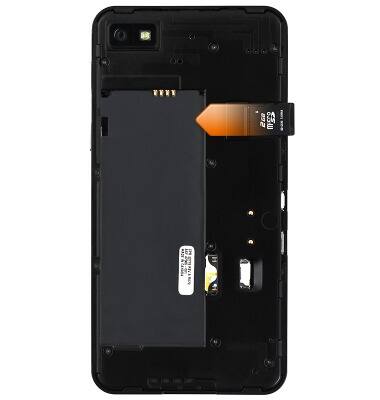
- Insert the microSD card into the microSD card slot, making sure the gold contacts on the card are facing down and toward the slot.
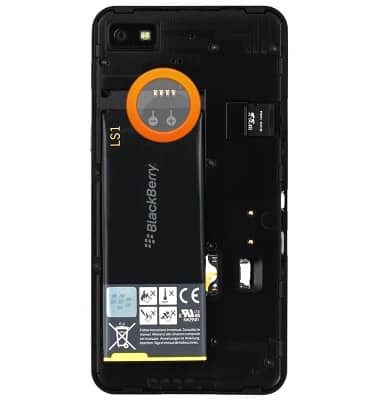
- Insert the Battery, making sure the gold contacts on the battery are lined up with the contacts on the device.
- Replace the Back panel by placing it over the device, then pressing all the edges until it snaps into place and is flush with the device.

- If a SIM is not in the device the Missing SIM icon will display in the Notifications bar.

Phone assembly
BlackBerry Z10 (STL100-3)
Phone assembly
How to install the battery, SIM, and memory card (for applicable devices).
Device Overview
This video provides an overview of the device.
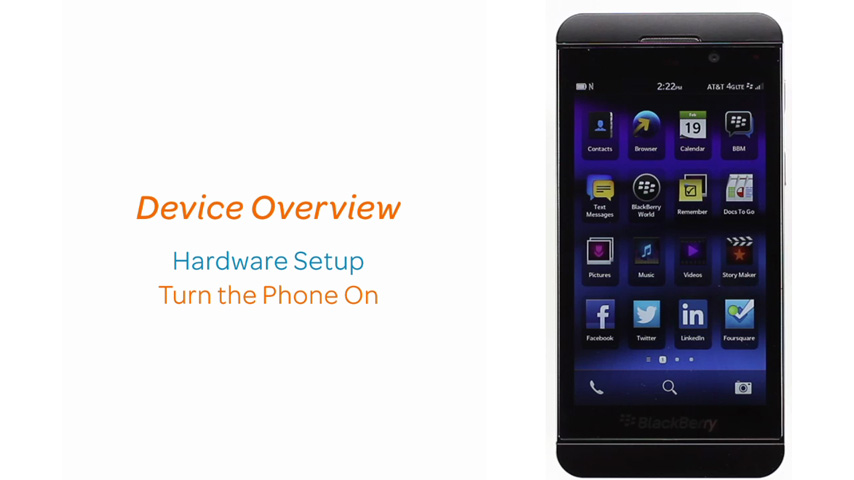
Device Overview
1:09
INSTRUCTIONS & INFO