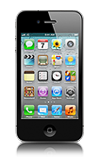
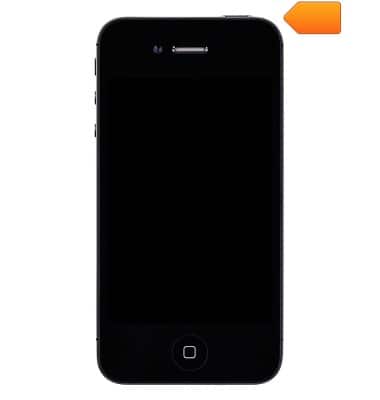
- Turn off iPhone.
Note: A Micro-SIM card is required in order to use cellular services when connecting to the AT&T network.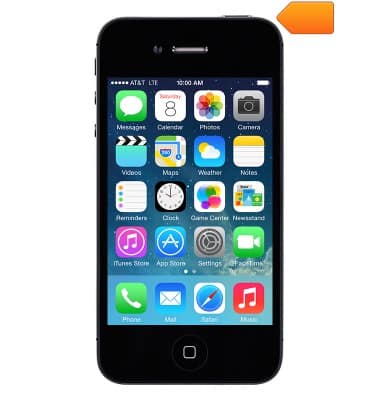
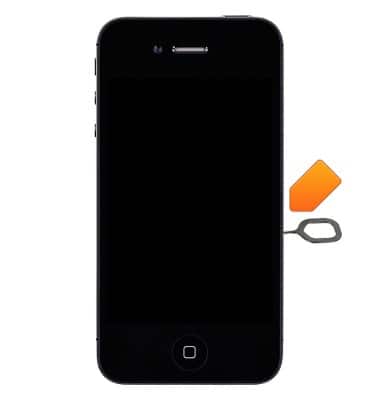
- Remove or insert the SIM card tray using a paper clip or SIM eject tool.
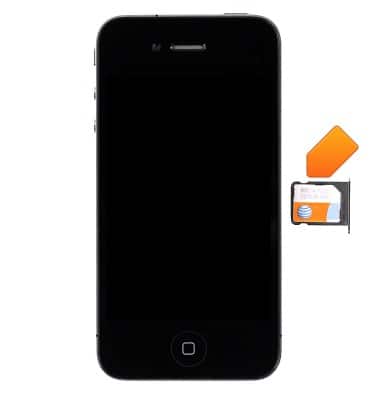
- Remove or insert the SIM card into the SIM card tray.
- Turn iPhone back on.
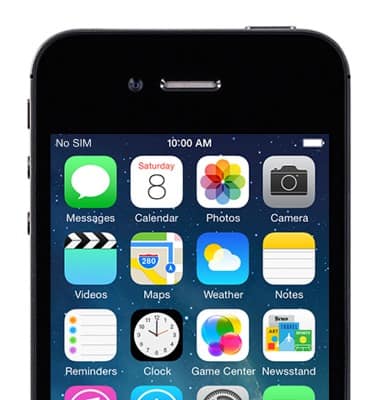
- If a SIM is not in the device, "No SIM" will display at the top of the screen.
Insert SIM card
Apple iPhone 4
Insert SIM card
How to insert a SIM card into your device.
INSTRUCTIONS & INFO