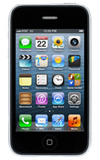
- From the home screen, tap Camera.
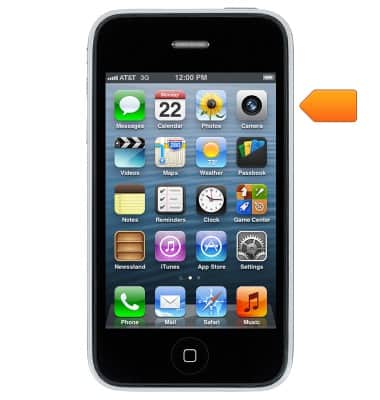
- Take a photo:
Tap the Camera icon.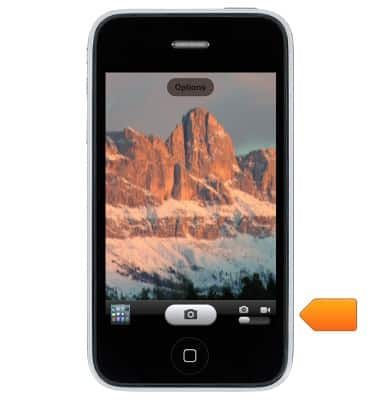
- Take a video:
Tap the Mode switch.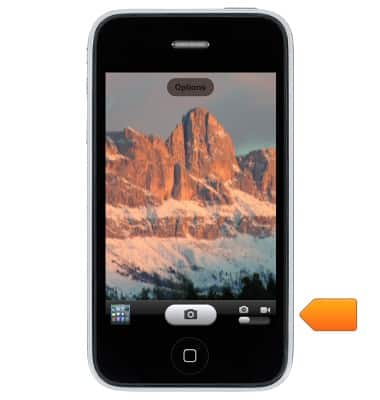
- Tap the Record icon to being recording, then tap the Record icon to end the recording.
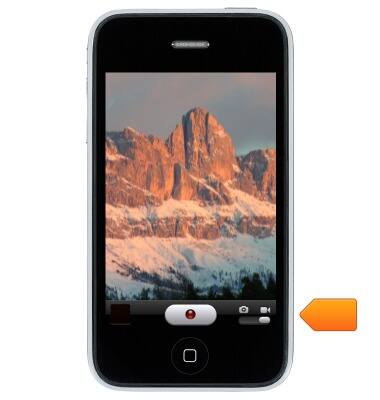
Take a picture or video
Apple iPhone 3-GS
Take a picture or video
Take and edit a picture or video, use the front and rear camera, and switch between camera and video modes.
INSTRUCTIONS & INFO