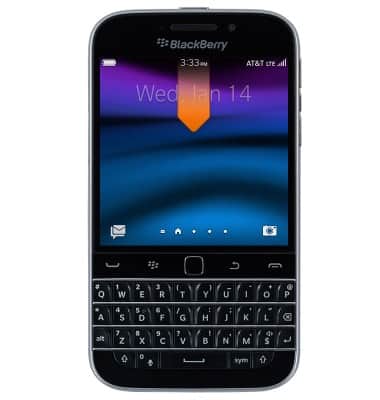
- From the home screen, swipe down from the top of the screen to access Quick settings.
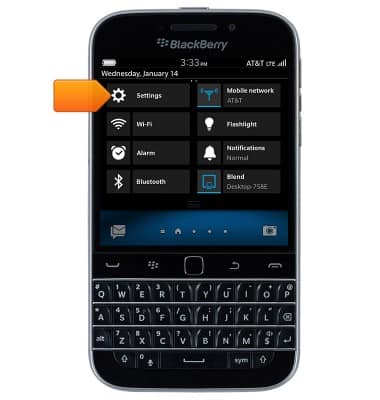
- Tap Settings.
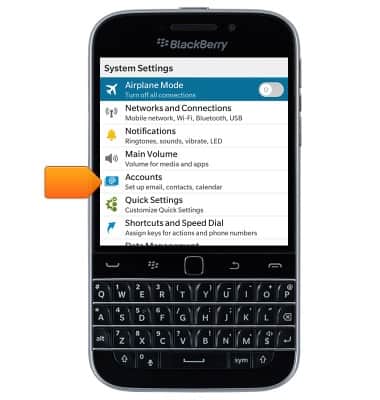
- Tap Accounts.
- Tap the desired account.
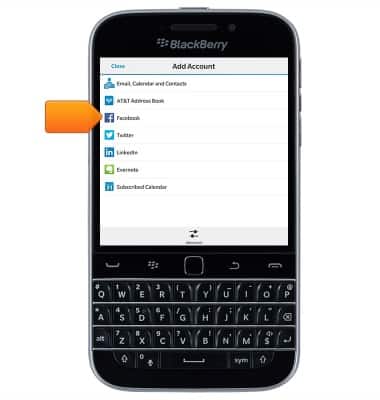
- Enter the desired email address and password.
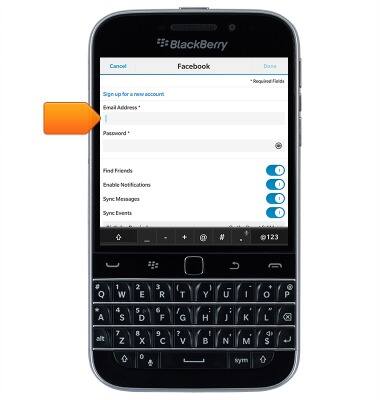
- Edit any additional settings, then tap Done.
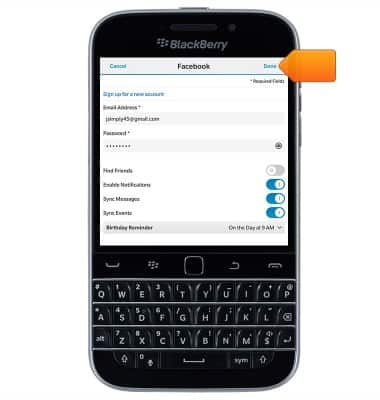
- Tap Done.
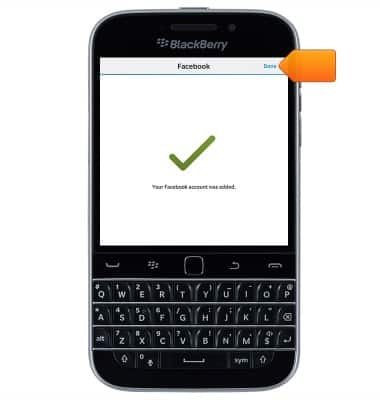
- Facebook is now ready for use.
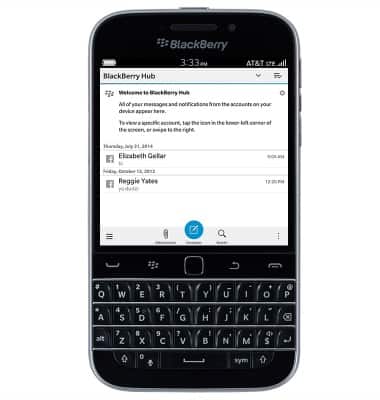
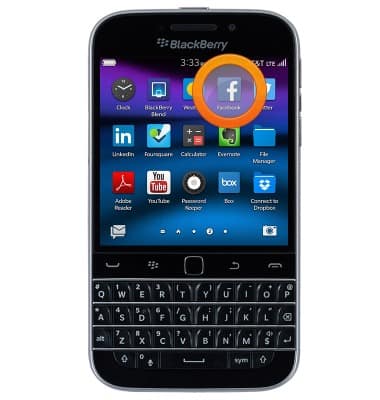
- To access Facebook, from the home screen, swipe to, then tap Facebook.
Social media
BlackBerry Classic (SQC100-2)
Social media
Stay connected by using a social media app or aggregator.
INSTRUCTIONS & INFO