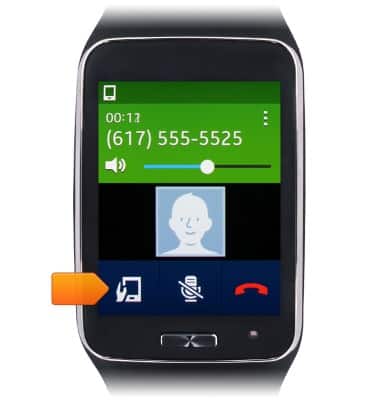
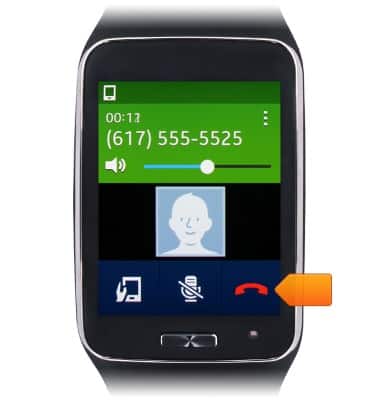
- While on a call, tap the Device icon to send the call to the paired Galaxy device.
- Touch, then drag the Volume Slider to adjust the in call volume.

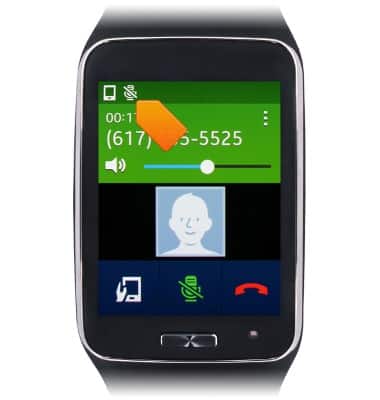
- Tap the Mute icon to mute the call.

- While the call is muted, the Mute icon will be displayed in the notifications bar.
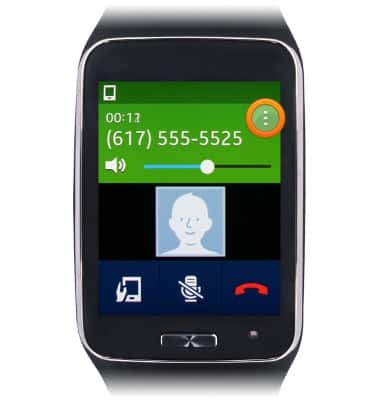
- For more call options, tap the Menu icon.
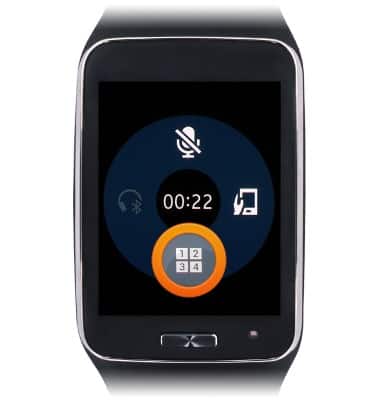
- Tap the Keypad icon to view the keypad.
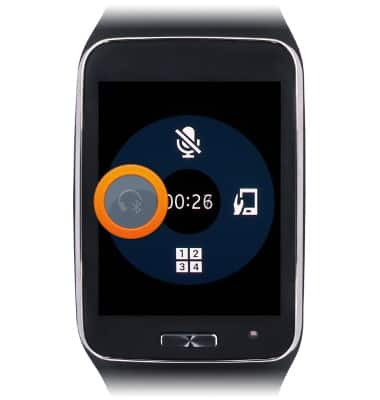
- Tap the Bluetooth Headset icon to enable and disable a paired Bluetooth headset.
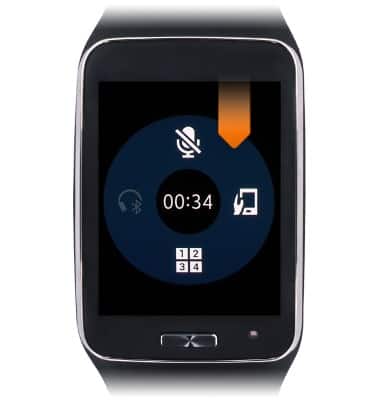
- Swipe down from the the top edge of the screen to return to the call screen.
- Tap the End Call icon to end the call.
In-call options
Samsung Gear S (R750A)
In-call options
This tutorial shows how to use in-call options such as mute and speakerphone.
INSTRUCTIONS & INFO