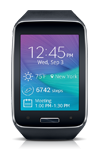
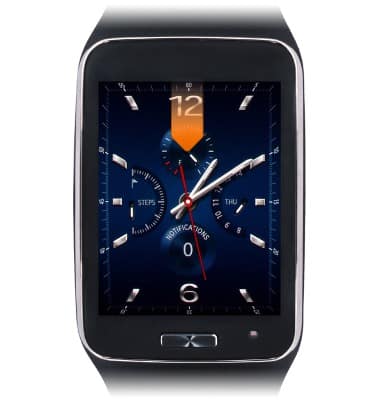
- From the clock screen, swipe down from the top edge of the screen.
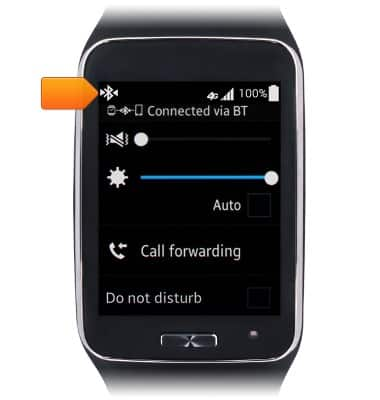
- While connected to your galaxy device via Bluetooth, the Bluetooth paired icon will be displayed in the moments bar.
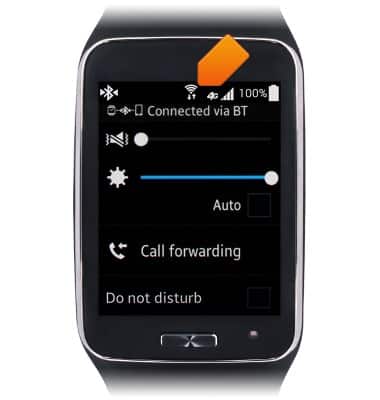
- When connected to a Wi-Fi network, the Wi-Fi icon will be displayed in the moments bar.
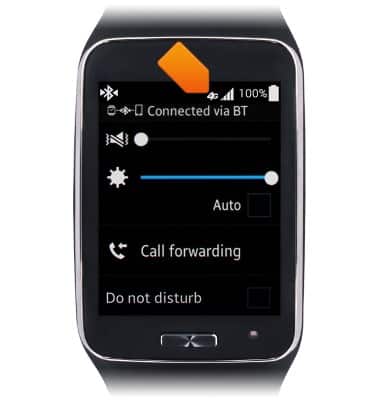
- While connected via Mobile data, the Signal Strength icon will display the strength of the network signal. When you are within range of a cellular tower the indicator will show more bars. If you are not in range of a cellular tower, you will have fewer bars/less signal strength.
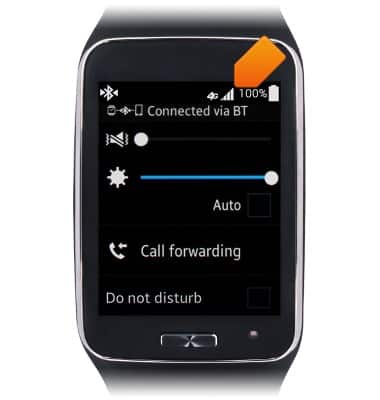
- If 4G is available, the 4G icon will be displayed in the Notifications Bar.
Signal & data availability
Samsung Gear S (R750A)
Signal & data availability
This tutorial shows how to view the signal and data availability.
INSTRUCTIONS & INFO