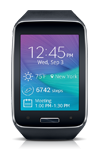
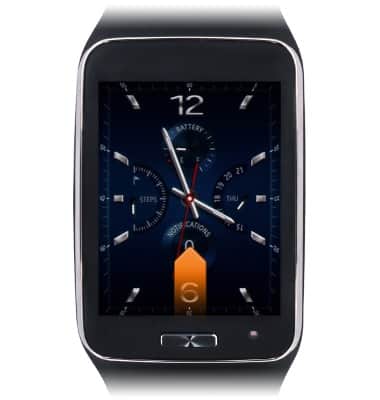
- From the clock screen, swipe up from the bottom edge of the screen.
- Tap Email.
Note: New accounts and account settings are managed via your Galaxy phone.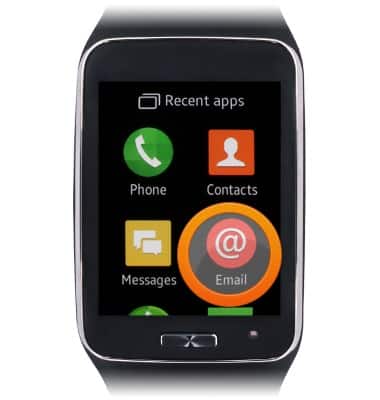
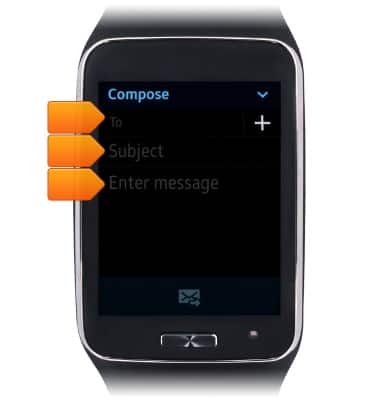
- To compose an email, tap Compose.
Note: If Compose is not displayed, swipe down to reveal it.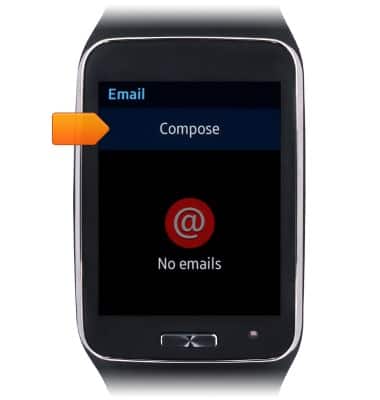
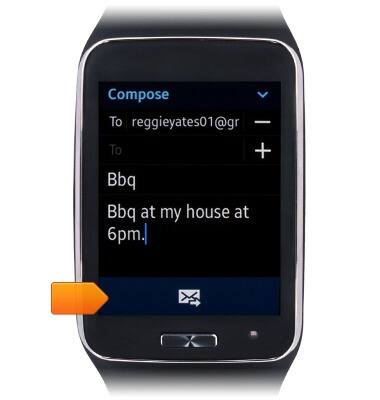
- Enter the recipient, subject, and message body.
- Tap the Send icon to deliver the email.
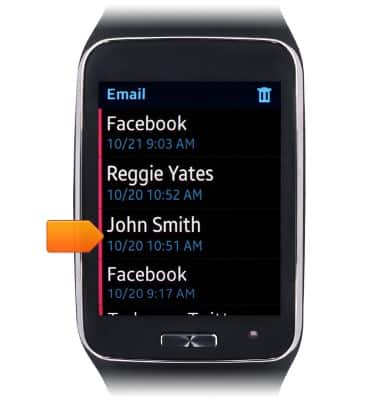
- To read an email, scroll to, then tap the desired email.
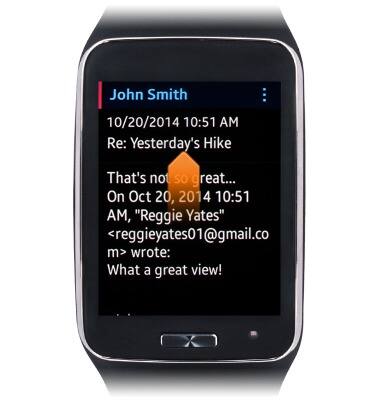
- Swipe up to read the email.
- Tap the Reply icon to reply to the email.
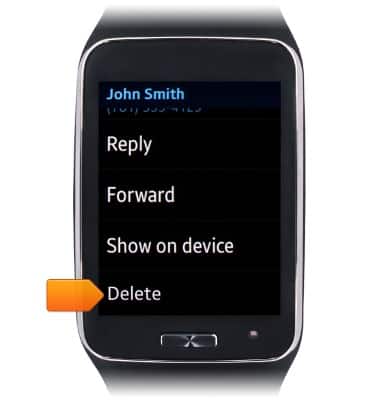
Note: The email will be deleted from the Gear S only.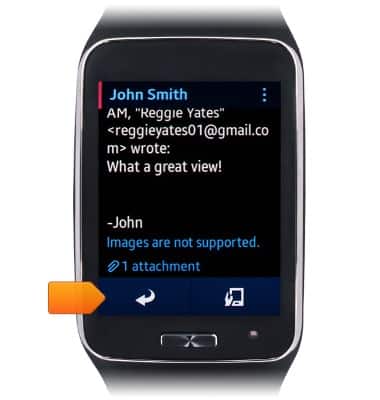
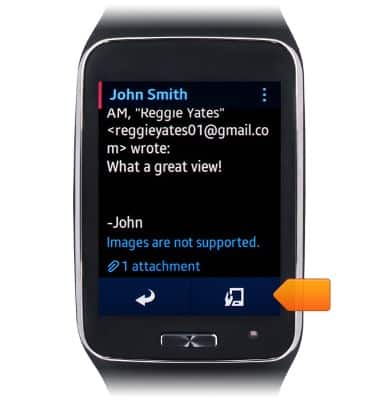
- Tap the Show On Device icon to display the email on your Galaxy device.
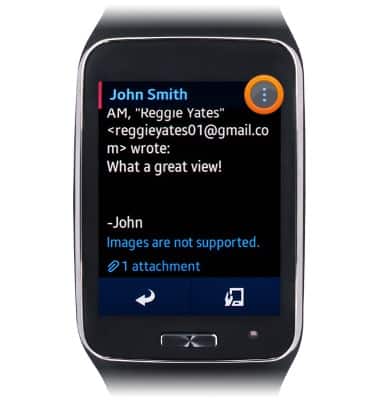
- For more email options, tap the Menu icon.
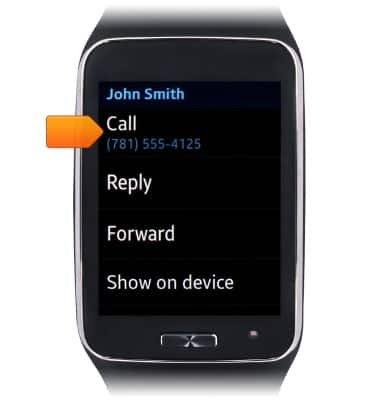
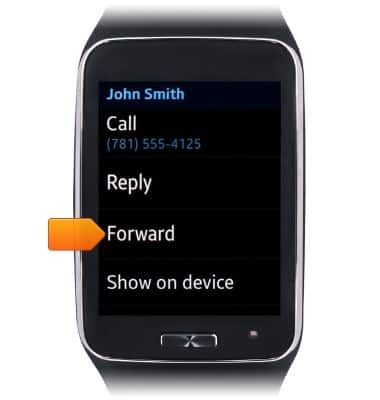
- To call the sender, tap Call.
- To forward the email, tap Forward.
- To delete the email, scroll to, then tap Delete.
Manage email
Samsung Gear S (R750A)
Manage email
This tutorial shows how to manage email on your device.
INSTRUCTIONS & INFO