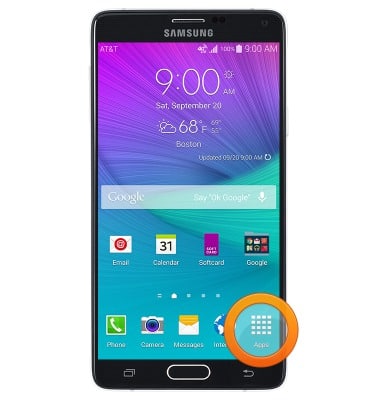
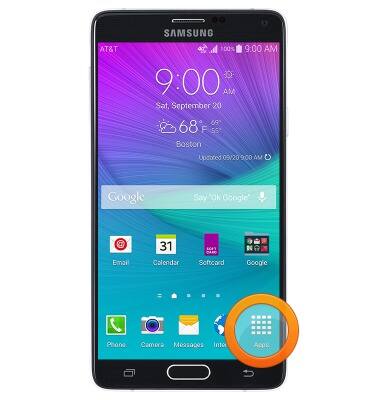
- From the home screen, tap Apps.
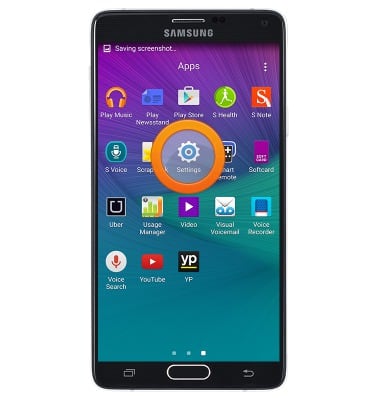
- Swipe to, then tap Settings.
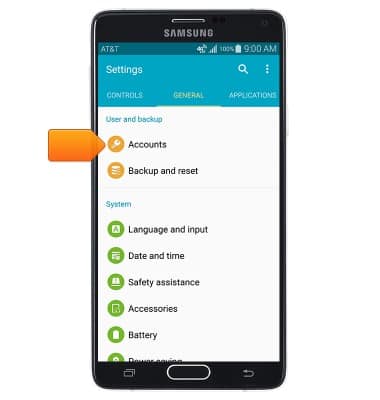
- Swipe to GENERAL, then tap Accounts.
- Tap Add account.
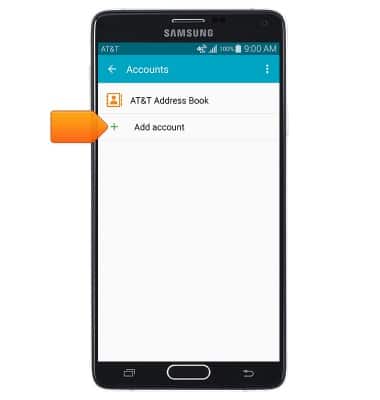
- Tap Samsung account.
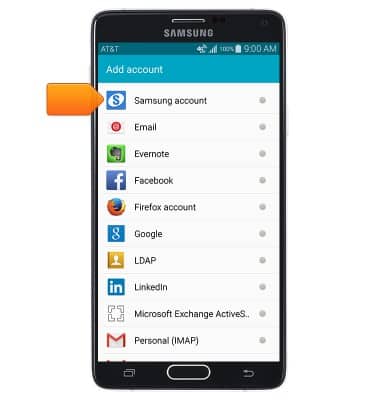
- Tap Sign in.
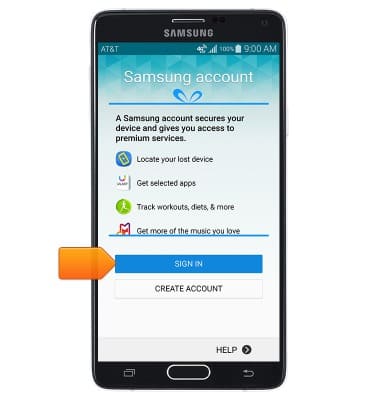
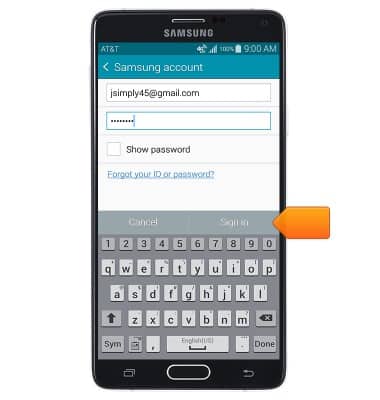
- Enter your account information, then tap Sign in.
- From the home screen, tap Apps.
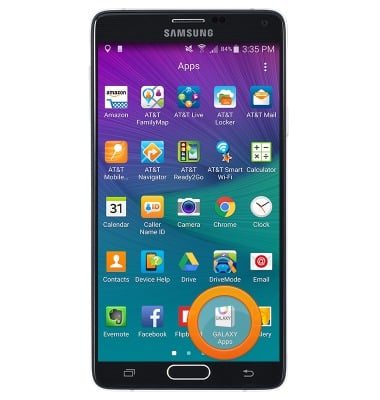
- Tap GALAXY Apps.
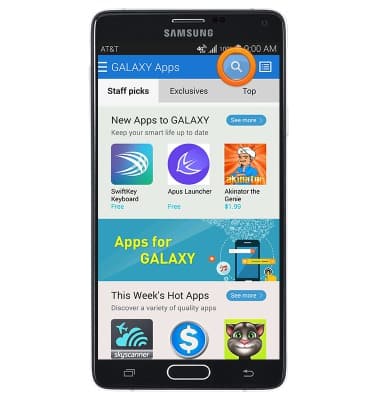
- Tap the Search icon.
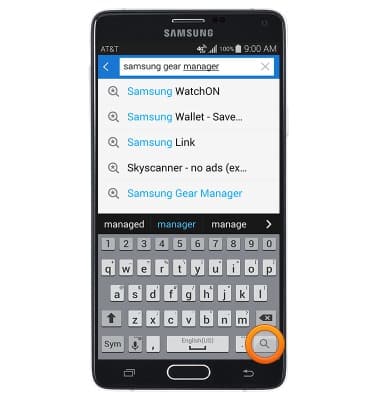
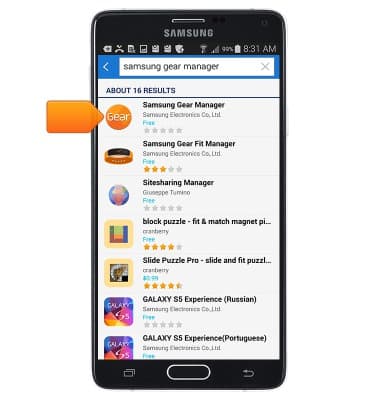
- Enter "Samsung Gear Manager", then tap the Search icon.
- Tap Samsung Gear Manager.
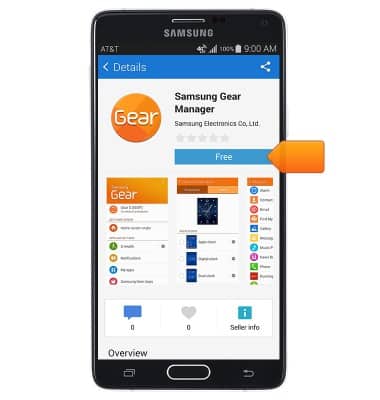
- Tap Free.
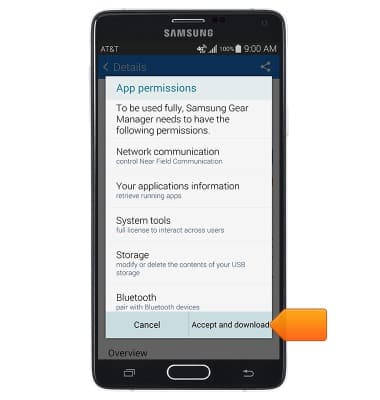
- Tap Accept and download.
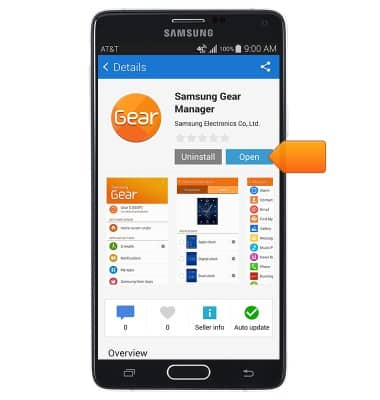
- Tap Open.
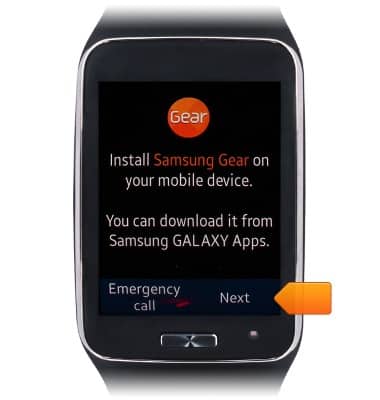
- After installing Gear manager, on the Gear S, tap Next.
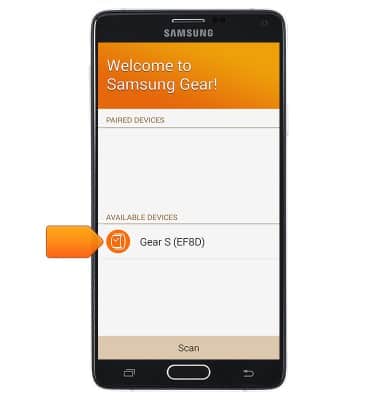
- Tap the desired device.
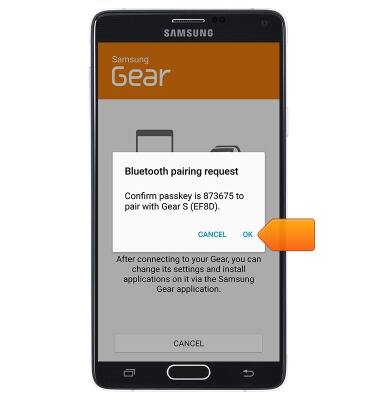
- Tap OK.
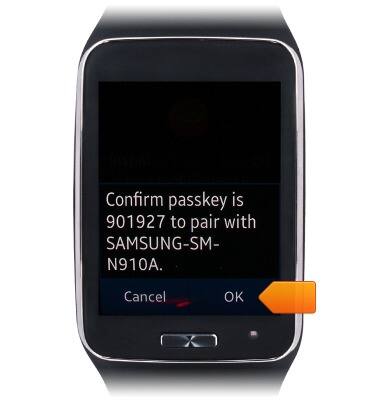
- Confirm the passkey on the Gear S by tapping OK.
- Scroll to read the End User License Agreement.
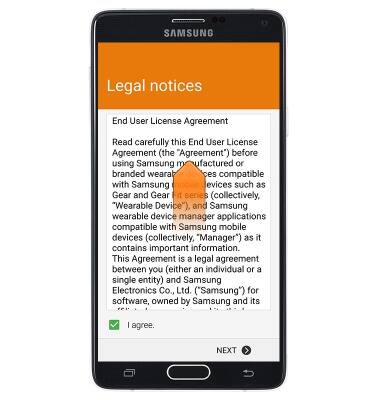
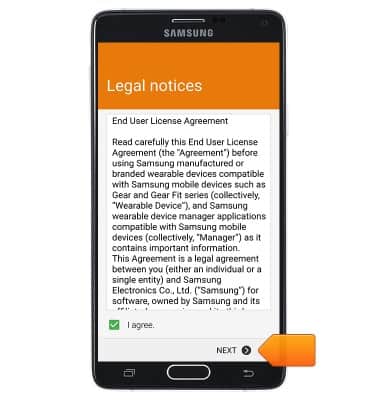
- Tap the I agree. checkbox then tap Next.
- Tap, to choose a specific service.
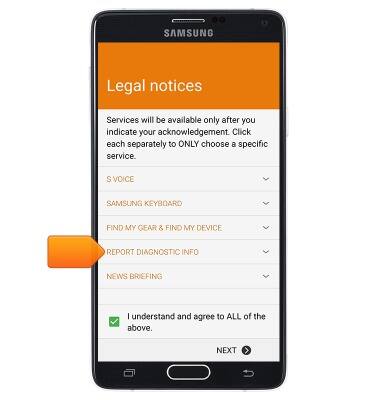
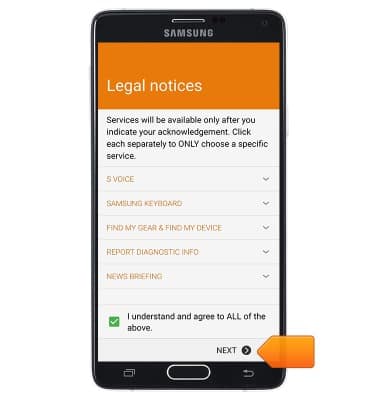
- Tap Yes or alternatively, tap I understand and agree to ALL of the above, then tap Finish.
- Tap the desired applications, or tap the Select all checkbox.
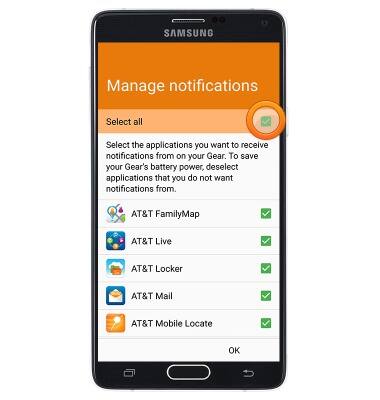
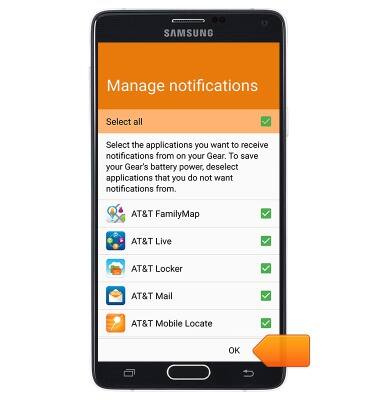
- Tap OK.
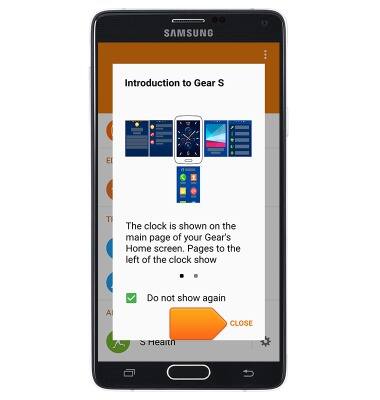
- Tap CLOSE.
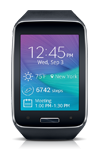
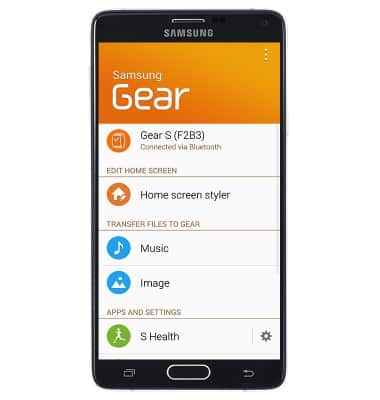
- The Gear S is now connected and ready for use.
Getting started with Gear S
Samsung Gear S (R750A)
Getting started with Gear S
Android Wear must be installed to use your smart watch.
INSTRUCTIONS & INFO