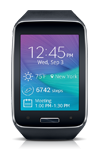
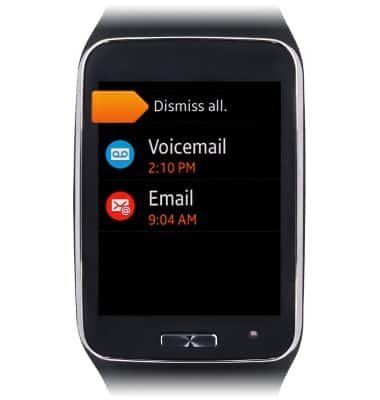
- To access the notifications board, from the clock screen, swipe right.
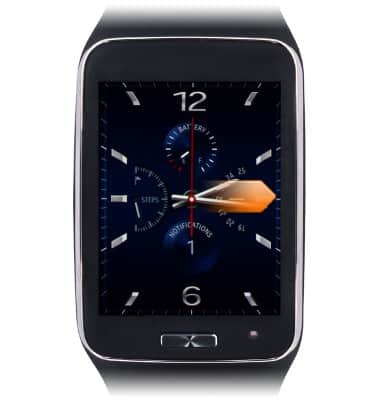
- Alternatively, from the clock screen, tap Notifications.
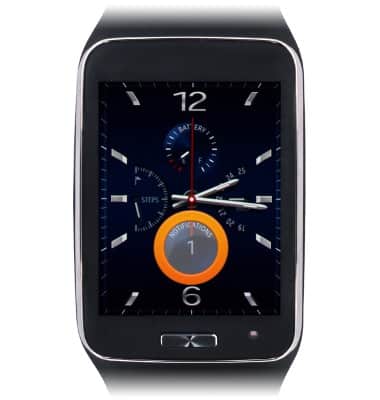
- Tap the desired notification to view it. To dismiss all notifications, swipe down.
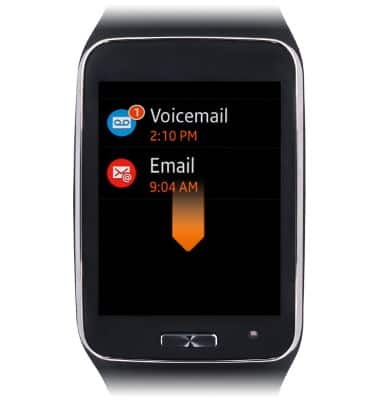
- Tap Dismiss all.
Notifications & icons
Samsung Gear S (R750A)
Notifications & icons
This tutorial goes through the notifications and icons of the device.
INSTRUCTIONS & INFO