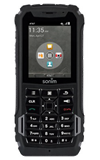
- Press the Volume keys to adjust media or call volume.
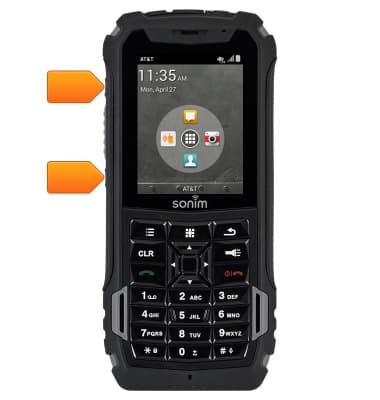
- The SIM card slot is located under the back cover of the device. The device uses a Micro-SIM card.
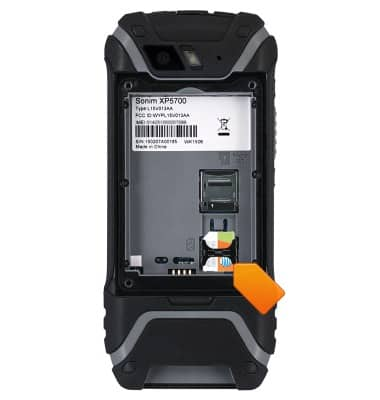
- The microSD card slot is located under the back cover of the device above the SIM card slot. A microSD card of up to 64GB (Sold separately) can be used.
- Press the Back key to return to the previous screen.
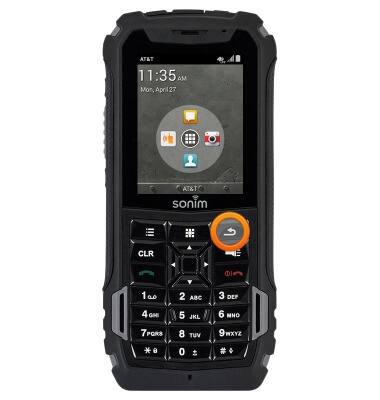
- Press the Menu key to access additional applications. Press and hold to open the recent applications list.
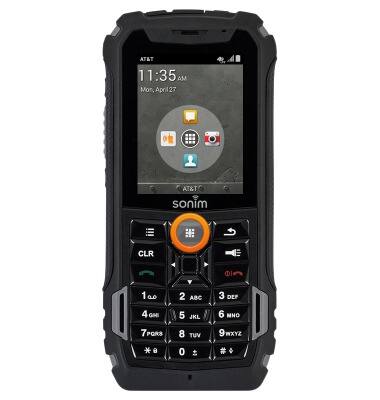
- Press and hold the Flashlight key to to turn on and off.
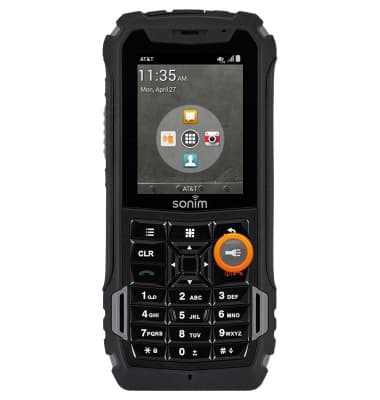
- Press the Options key to display the current screens menu.
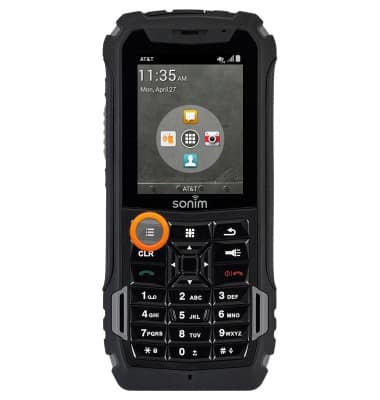
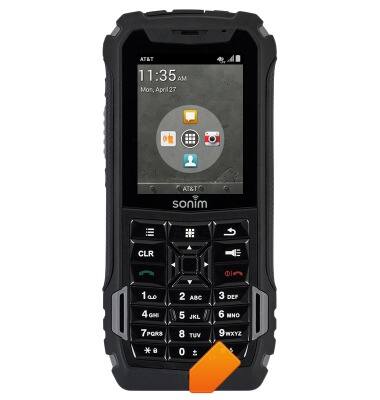
- The USB/Charging port is located on the bottom of the device.
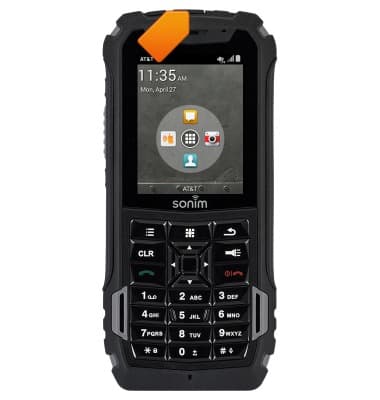
- The Headphone jack is located on the top of the device.
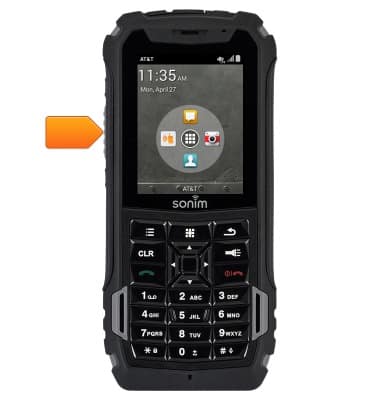
- Press the EPTT key to activate or place a EPTT call.
- Press the Navigation keys to navigate in up, down, left and right directions.
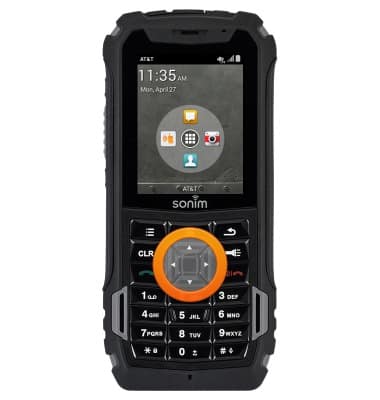
- Press the Center Nav key to perform a specific operation on a selected application.
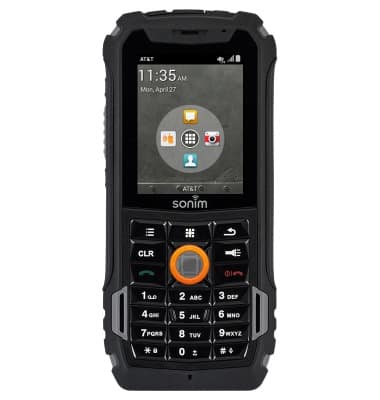
- Press the Call/Accept/Send key to answer or place a call.
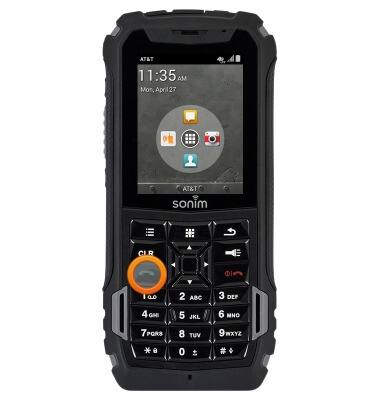
- Press the Power/End call key to power the device on or off, reject an incoming call or end a current call.
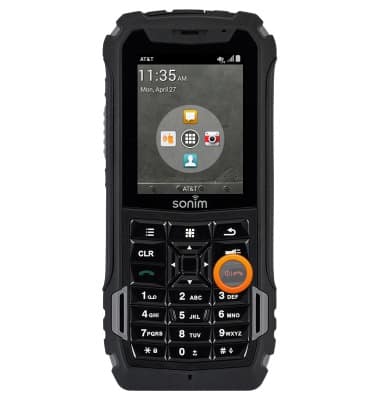
- Press the CLR key to delete the last character, press and hold to delete all of the text.
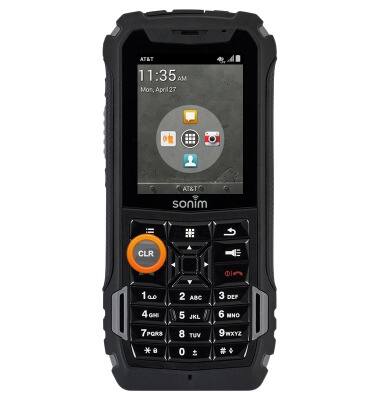
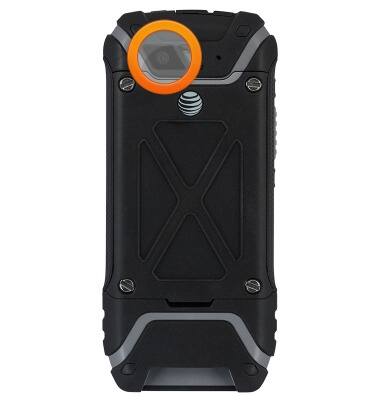
- The Rear camera is located on the back of the device.
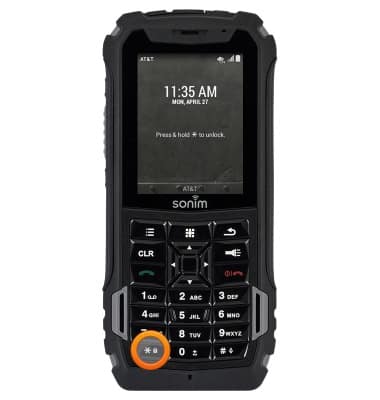
- Press and hold the * key to unlock the screen.
Device layout
Sonim XP5 (XP5700)
Device layout
Provides an overview of the device layout.
INSTRUCTIONS & INFO