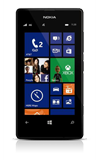
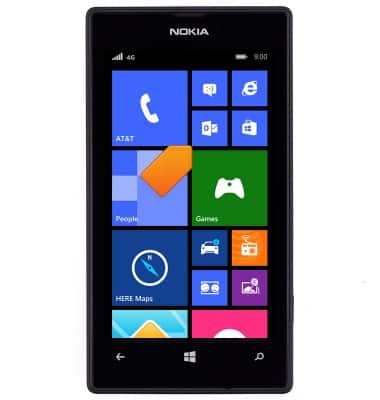
- From the home screen, tap the Email tile.
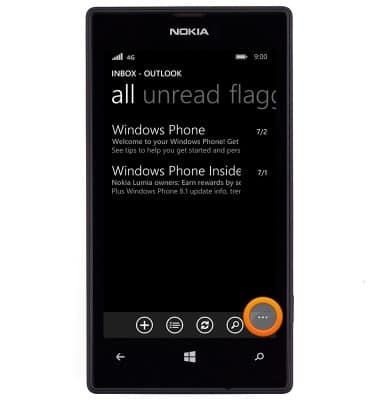
- Tap the Menu icon.
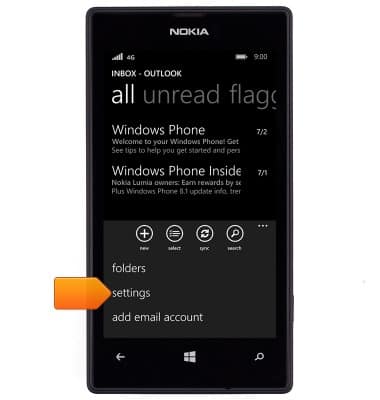
- Tap settings.
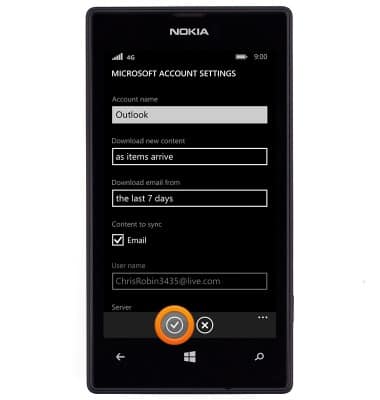
- To set the email check frequency, tap sync settings > Download new content field > Desired option > Save icon.
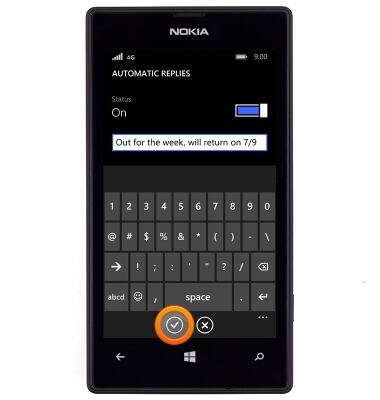
- To set an automatic reply, tap automatic replies > Status switch > type your message field > Enter the desired automatic response > Save icon.
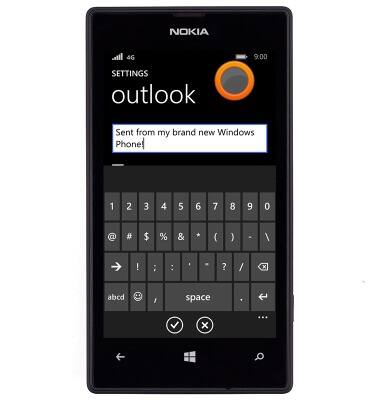
- To edit the message signature, tap the Signature field > Enter the desired signature > Tap an empty space to stop editing the field.
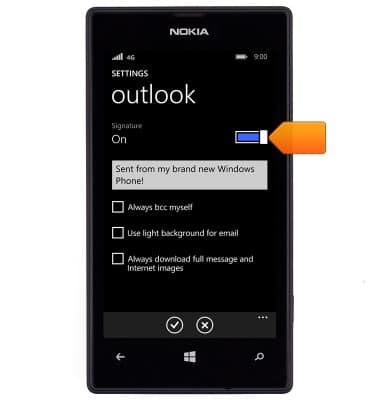
- To toggle the message signature on or off, tap the Signature switch.
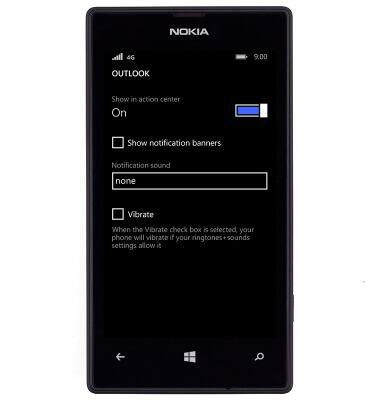
- To edit the email notifications settings, tap notifications+actions from the settings menu > Scroll to, then tap the desired email app > Change settings as desired.
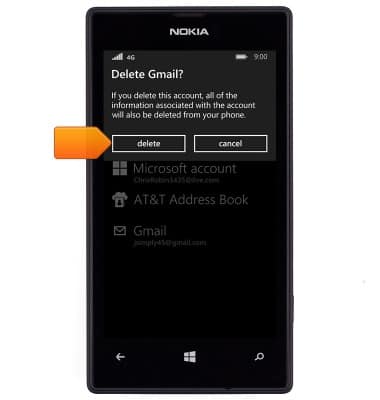
- To delete an email account, tap email+accounts from the settings menu > Touch and hold the desired email account > Tap delete > Tap delete.
Email settings
Nokia Lumia 520
Email settings
Manage email settings such as sync frequency, server settings, signature, deleting an email account, and more.
INSTRUCTIONS & INFO