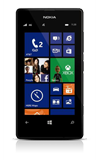
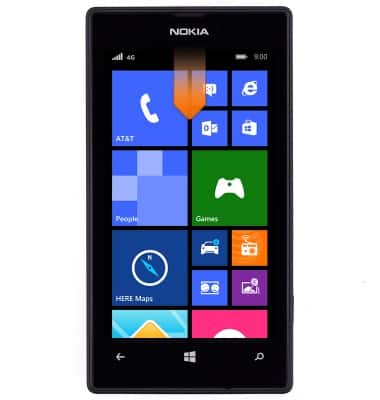
- From the home screen, swipe down from the top of the screen to reveal the Action Center.
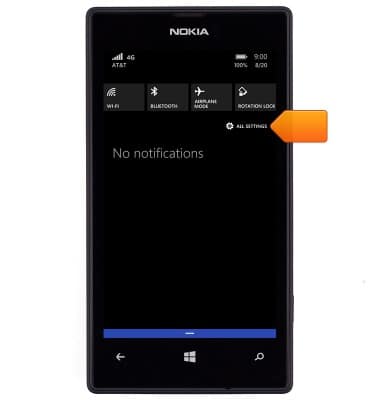
- Tap ALL SETTINGS.
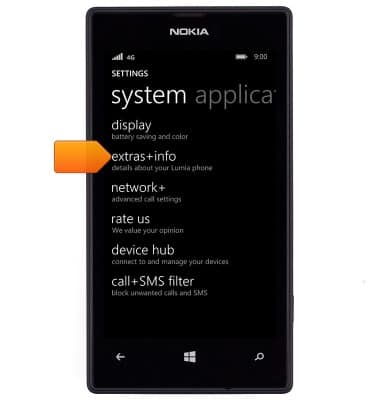
- Scroll to, then tap extras+info.
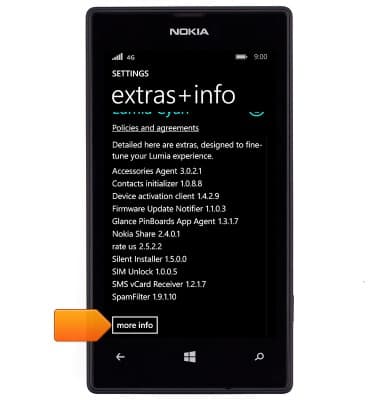
- Scroll to, then tap more info.
- The IMEI is displayed.
Note: You can also view your IMEI by entering *#06# from the keypad.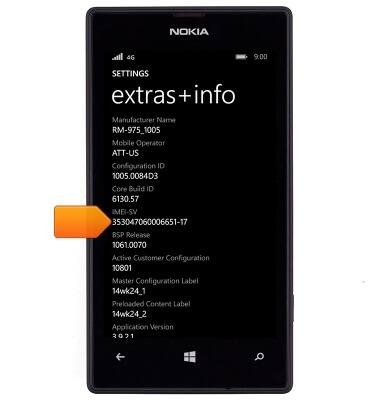
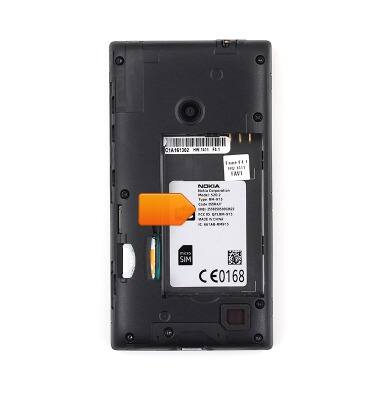
- Alternatively, the IMEI is located underneath the battery.
Find IMEI & serial number
Nokia Lumia 520
Find IMEI & serial number
View the device IMEI, phone, SIM (ICCID) & serial number.
INSTRUCTIONS & INFO