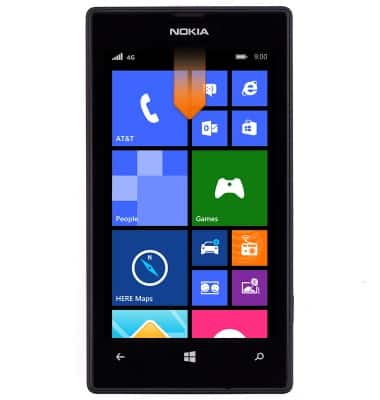
- To enable Battery saver, swipe down from the top of the screen to reveal the Action center.
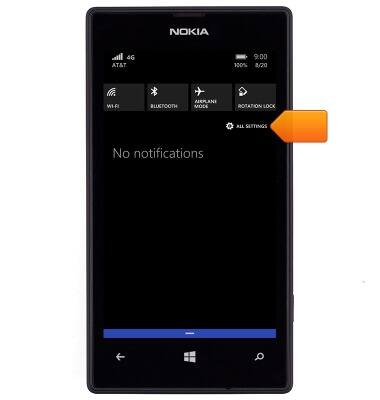
- Tap ALL SETTINGS.
- Scroll to, then tap battery saver.
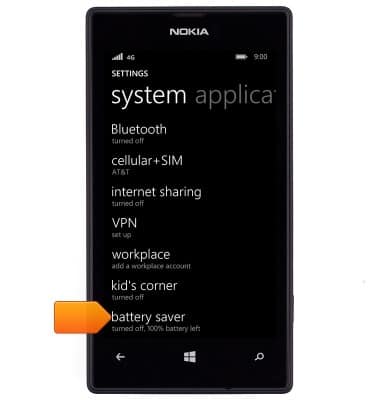
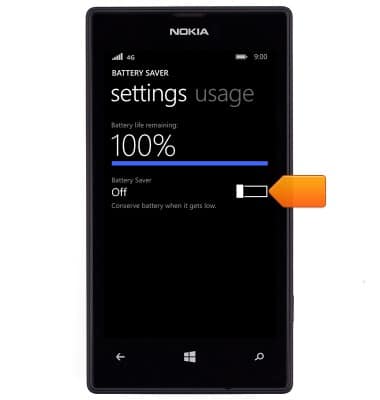
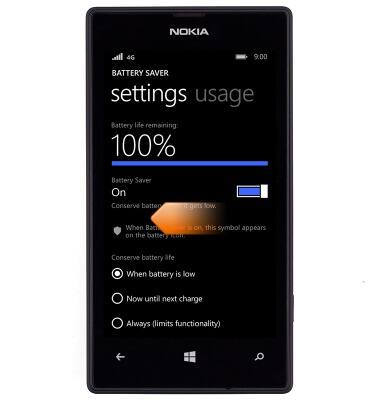
- Tap the Battery Saver toggle.
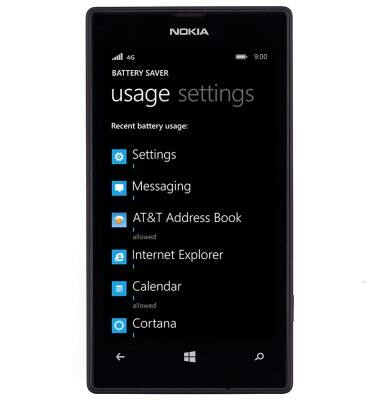
- To view individual app battery usage, swipe left.
- Tap the desired app to view the details.
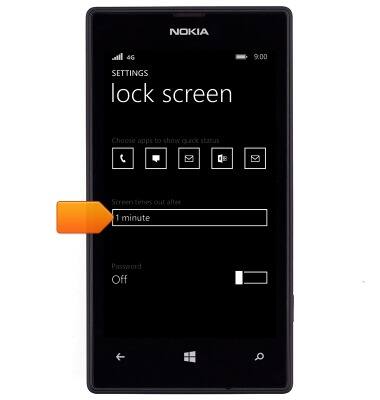
- Set the screen time out to the lowest setting by swiping down from the notification bar > ALL SETTINGS > lock screen > Screen times out after field.
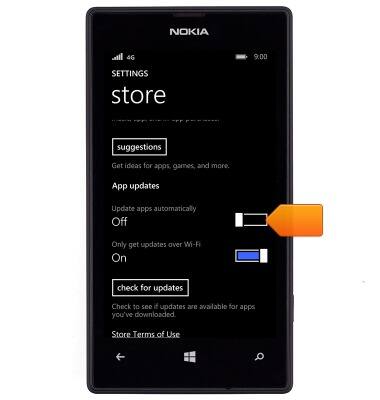
- Turn off auto-update by swiping down from the notification bar > ALL SETTINGS > Swipe to applications > store > Update apps automatically switch.
- Ensure that brightness is set to Auto/Low.
Note: To access, from the home screen > Action Center > ALL SETTINGS > brightness.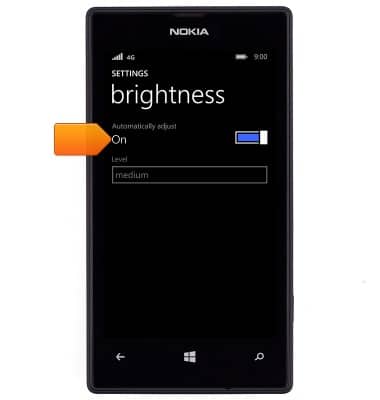
- Charging to completion prolongs battery life.
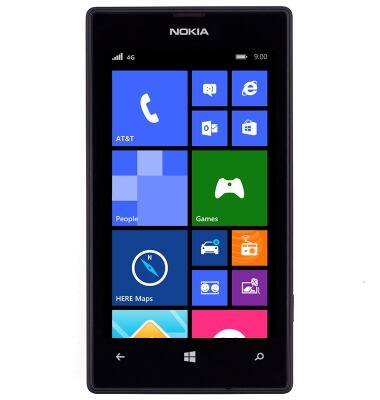
- Make sure Bluetooth, Wi-Fi and mobile data are disabled when not in use.
Note: To access, from the home screen > Quick actions.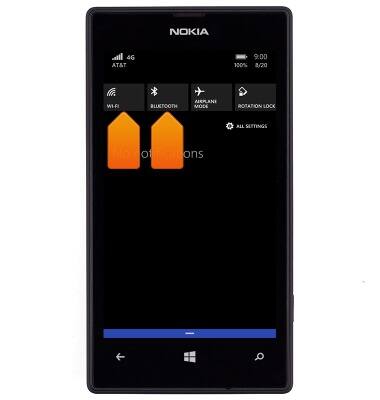
- Turn on Airplane mode.
Note: Airplane mode will disable all signals.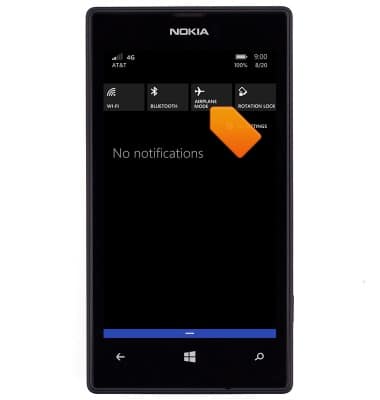
- Ensure location services are disabled to preserve battery life.
Note: To access, from the home screen > ALL SETTINGS > location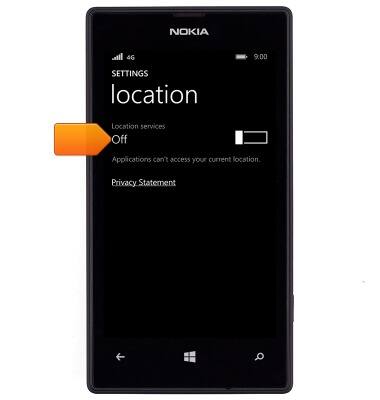
- For information about charging your battery, search tutorials for ‘Charge battery’.
Note: To buy additional charging accessories, visit the AT&T shop page.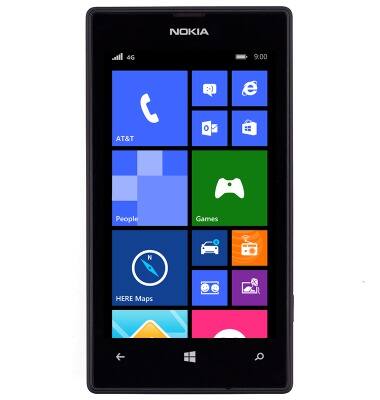
Battery life
Nokia Lumia 520
Battery life
Tips & tricks to extend your battery performance.
INSTRUCTIONS & INFO