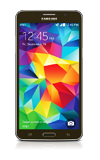
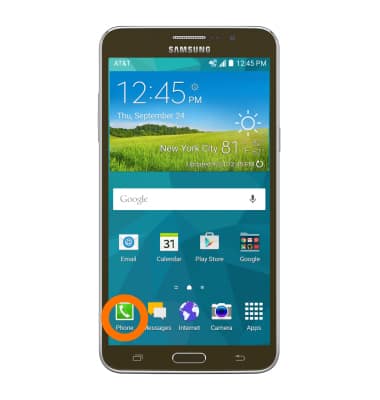
- To access speed dial, tap the Phone icon on the home screen.
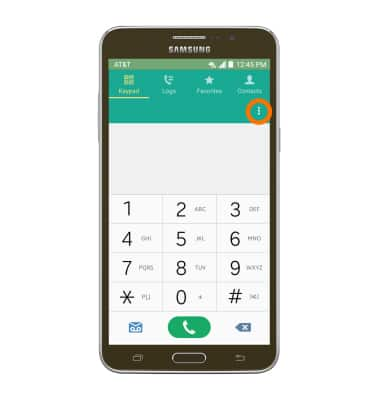
- Tap the Menu icon.
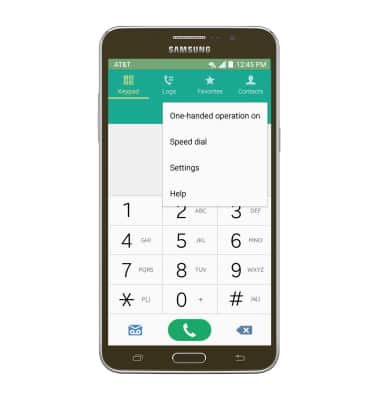
- Tap Speed dial.
- Tap the Plus icon next to the desired number you would like to assign a number.
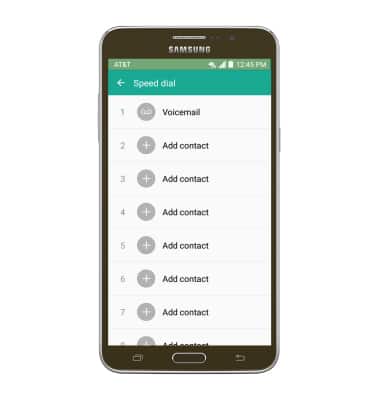
- Scroll to and then tap the Desired contact you wish to link to the assigned number.
Note: If a contact contains more than one phone number, tap the Desired number.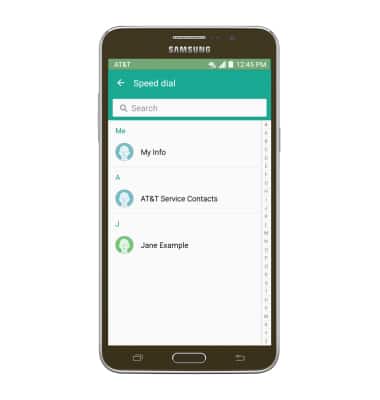
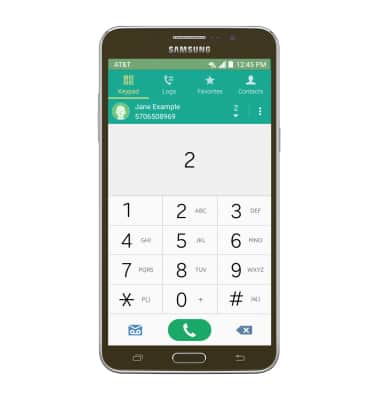
- To place a speed dial call from the dial pad, touch and hold the Number assigned to the desired contact.
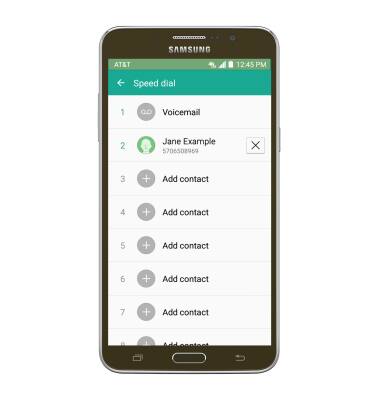
- To delete a speed dial number, tap the X icon next to the assigned contact.
Speed dial
Samsung Galaxy Mega 2 (G750A)
Speed dial
Use speed dial and manage speed dial contacts.
INSTRUCTIONS & INFO