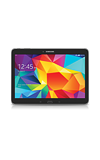
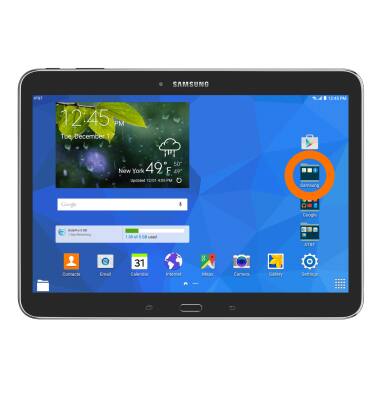
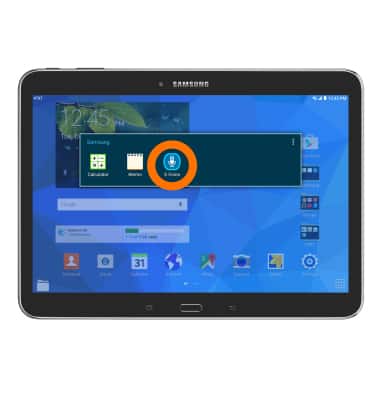
- To access voice control, from the Home Screen, tap the Samsung folder.
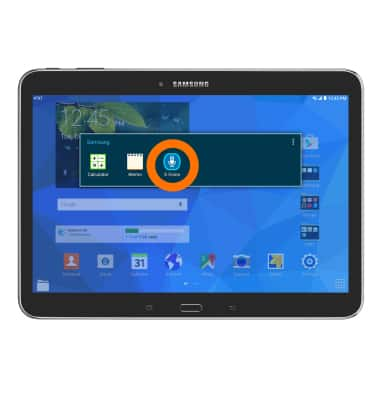
- Tap the S Voice icon.
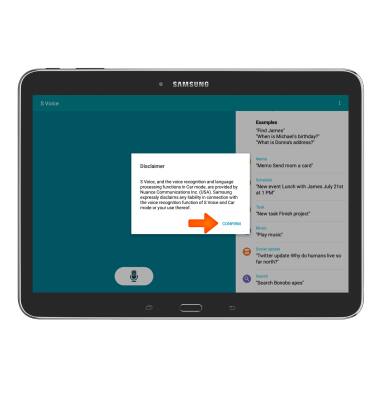
- Tap CONFIRM.
- Tap I AGREE to agree to the S Voice terms of service.
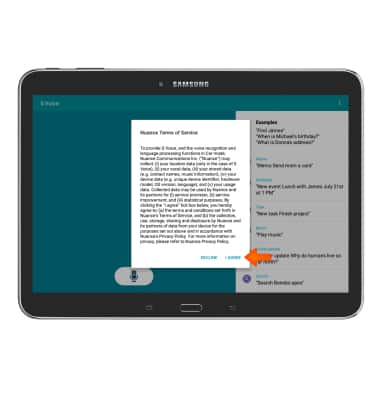
- Read through the S Voice Tutorial, tapping Next to continue.
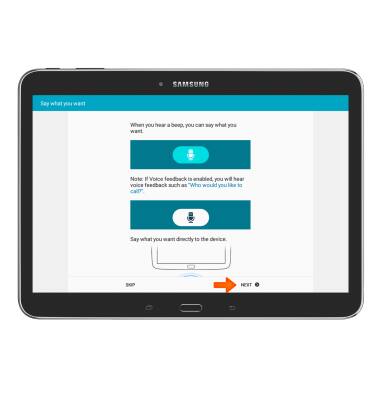
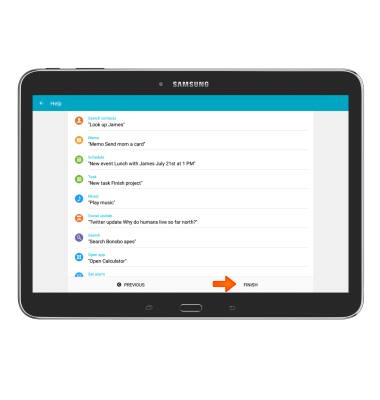
- Once you've completed the S Voice tutorial, read through the Voice commands list and tap Finish.
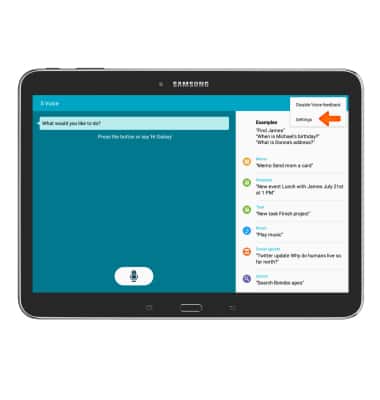
- To access voice control settings, tap the Menu icon.
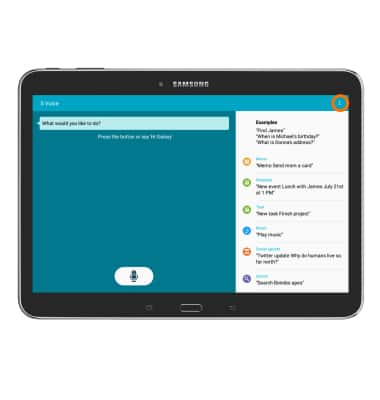
- Tap Settings.
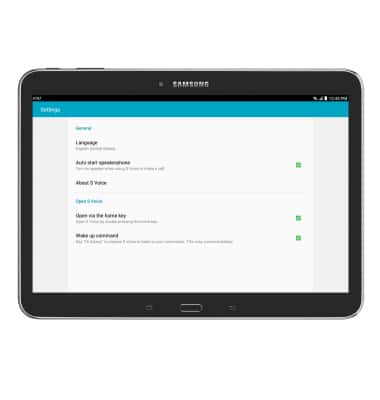
- Make Desired changes to your S Voice Settings.
- To use voice control from the Samsung folder, tap the S Voice icon.
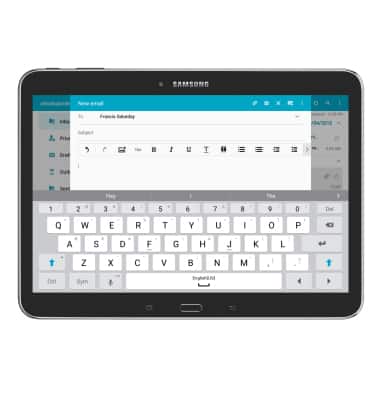
- The voice command app will open. Say your command aloud.
Note: For this example, "Email Francis" was used.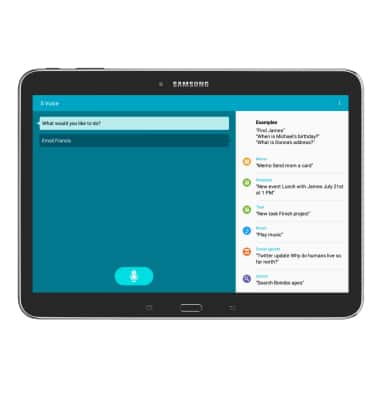
- Your command will now be turned on.
Voice control
Samsung Galaxy Tab 4 (T537A)
Voice control
Use voice commands to control your device and access voice control settings.
INSTRUCTIONS & INFO