- Inserting a memory card (microSD card) into your device allows you to transfer and store contacts, music, pictures, and videos. MicroSD cards are sold separately.
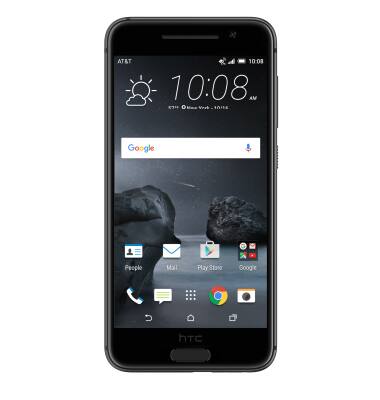
- To save and paste contacts from the device to the memory card, from the home screen, tap People.
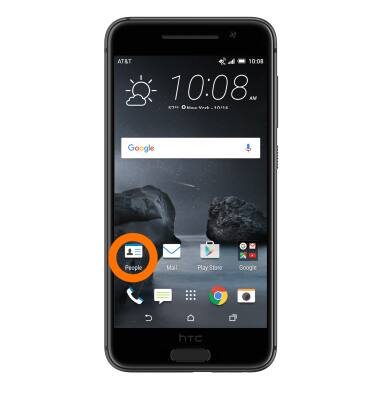
- Tap the Menu icon.
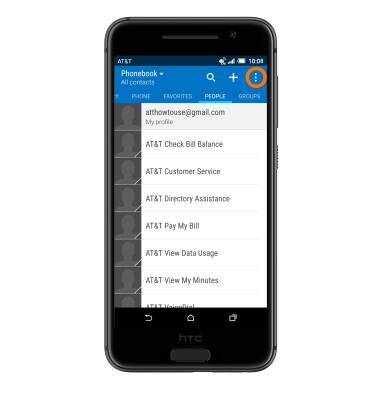
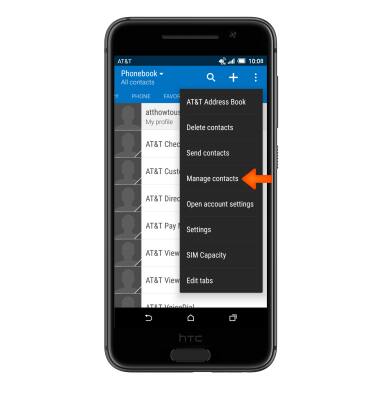
- Tap Manage contacts.
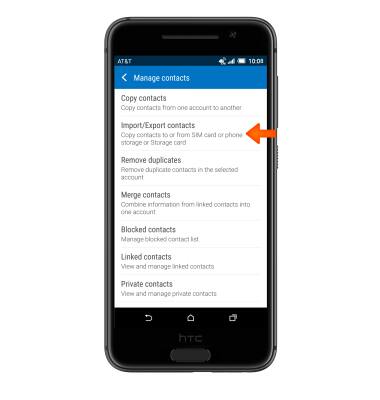
- Tap Import/Export contacts.
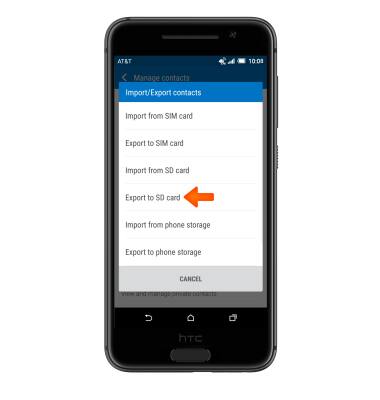
- Select Desired option. Note: For this demonstration, ‘Export to SD card’ was selected.
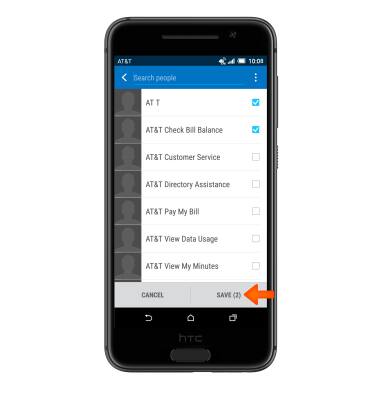
- Select Desired option(s).
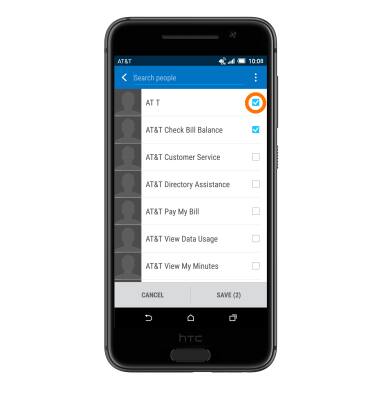
- Tap SAVE.
Backup and restore with memory card
HTC One A9 (2PQ9120)
Backup and restore with memory card
Backup contacts, photos, and files to increase device memory or transfer to another device.
INSTRUCTIONS & INFO