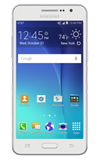
- Use the Original charger and battery to maintain optimal battery performance over the life of your device.
Note: The initial charge and subsequent charges will take approximately XX hours to achieve 100% charge when charging via a power outlet.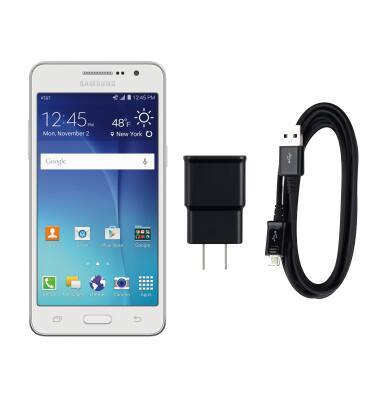
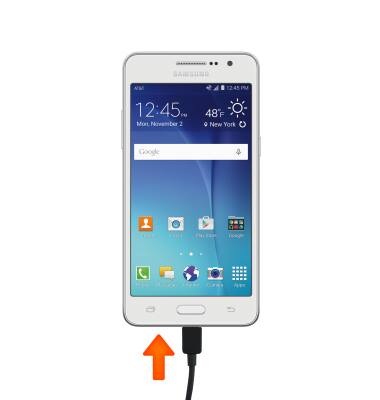
- Insert the microUSB end of the microUSB cable into the microUSB port at the base of the device.
- Plug the Charger into a wall outlet. If necessary, connect the USB cable to the charger.

- Alternatively, you can insert the USB end of the cable into a computer to charge.
Note: Your device charges quicker using a power outlet then when connected to a laptop or other power source.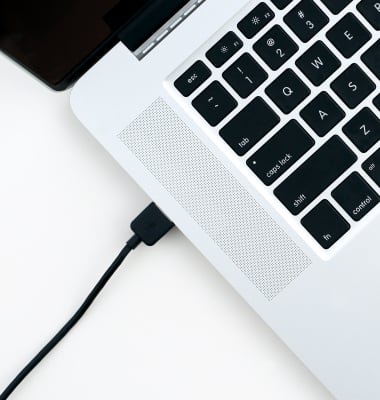
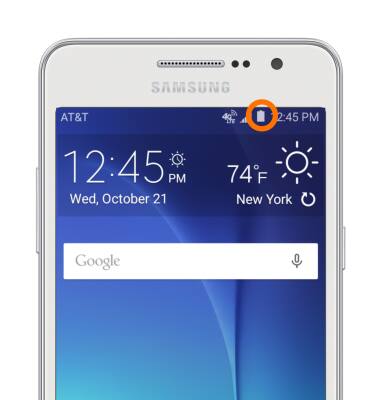
- When the phone is charging, the Charging icon will be displayed in the Notification bar.
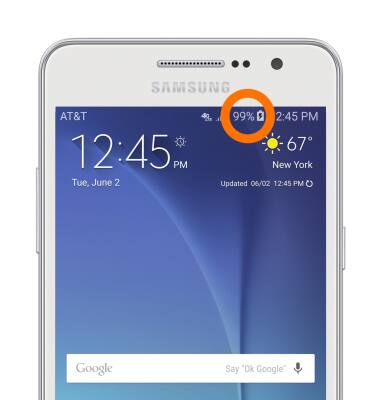
- When the phone is fully charged, the Fully charged icon will be displayed in the Notification bar.
- This phone’s maximum talk time is 28 hours and standby time is 14 days.
- To learn more about charging your battery, from a computer, download the User manual at http://www.att.com/devicehowto.
Note: For information about extending your battery performance, search tutorials for 'Battery life'.
Charge the battery
Samsung Galaxy Go Prime (G530A)
Charge the battery
Tips on charging your battery.
INSTRUCTIONS & INFO