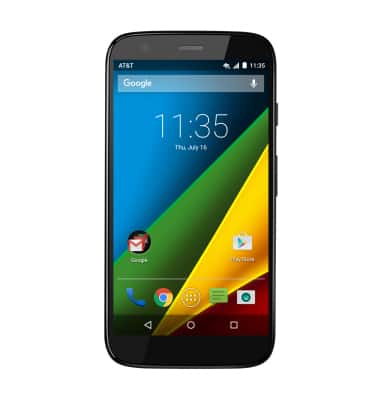
- This device is available with 8GB RAM of internal, usable memory and the option to add a MicroSD card (sold separately) up to 32GB.
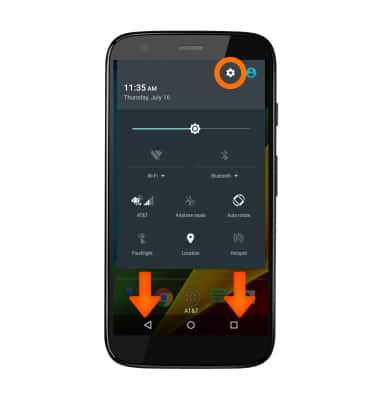
- To view device memory, swipe down from the top of the screen, then tap the Settings icon.
- Scroll to then tap Storage.
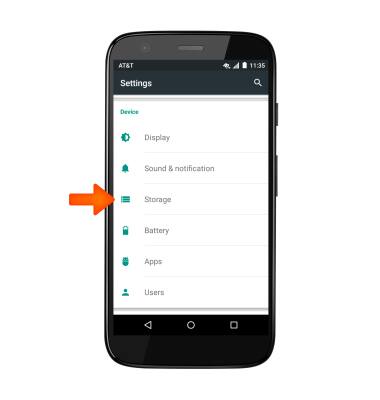
- Available internal memory space will be listed under Available.
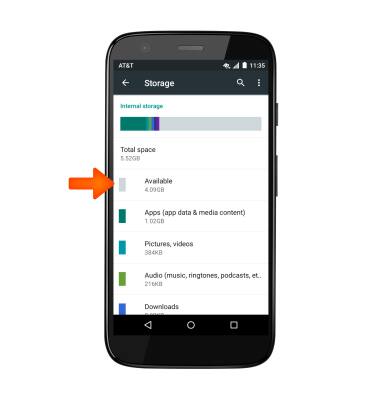
- Available memory card space will be listed under SD card.

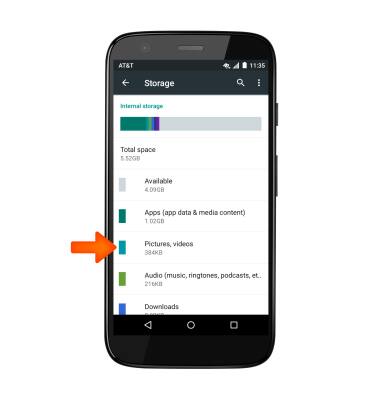
- To free up memory on your device, delete unwanted pictures, music, and videos by tapping the Desired field. Here for the demo we will select Pictures, videos.
- Tap and hold the desired pictures and videos to Select.
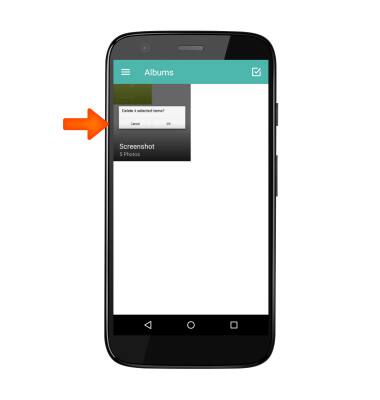
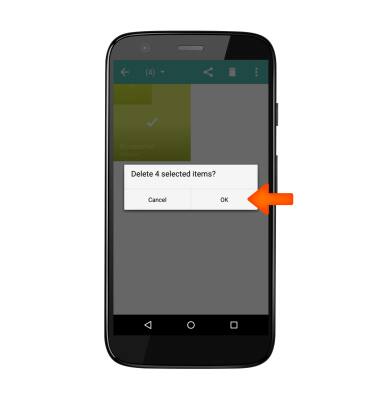
- Select the files you wish to delete, tap the Trash icon, then tap OK.
- Remove unused apps by tapping Apps in Storage.
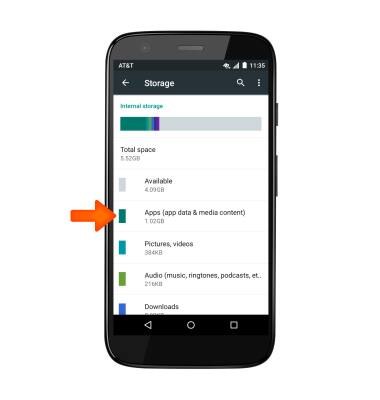
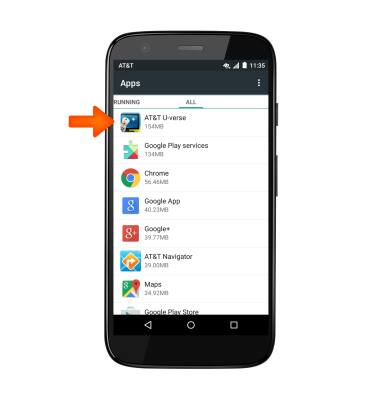
- Then tap the Desired app.
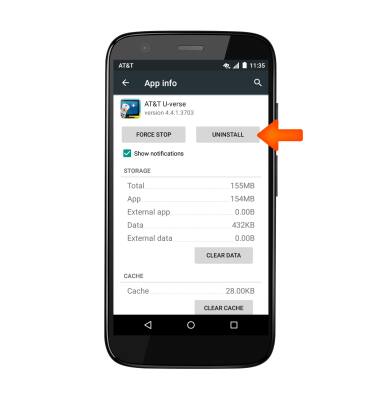
- Tap UNINSTALL to no longer use the app.
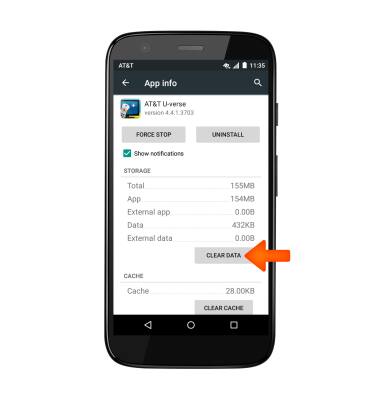
- To clear the app data, tap CLEAR DATA.
- Use a cloud storage app, such as Google Drive, to leave more space free on your phone. You can also download cloud storage apps via the Play Store.
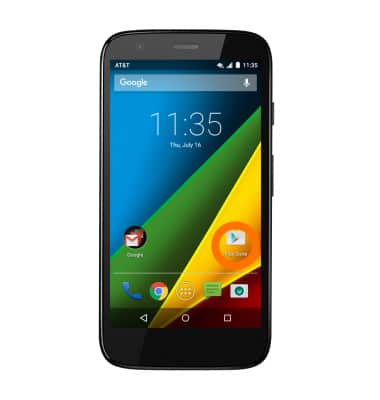
Available memory
Motorola Moto g (XT1045)
Available memory
Check the available device storage.
INSTRUCTIONS & INFO