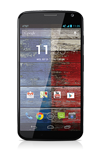
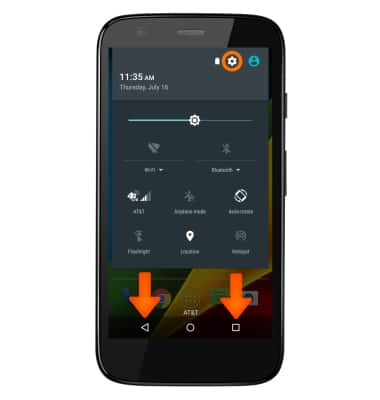
- Tap the Settings icon.
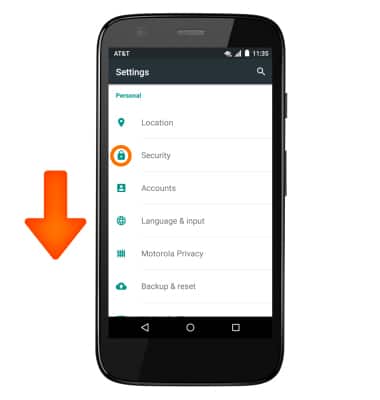
- Scroll to and tap Security.
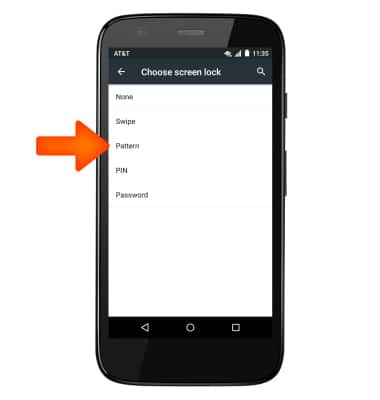
- Tap Pattern.
- Now draw your desired pattern and tap continue.
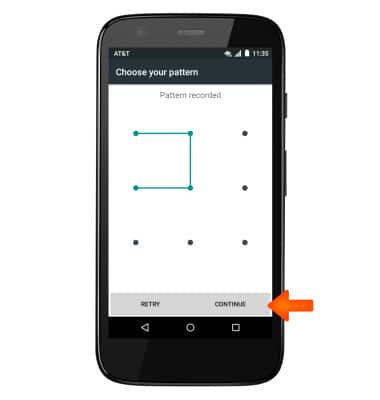
- Repeat this process. Again draw your desired pattern and tap confirm.
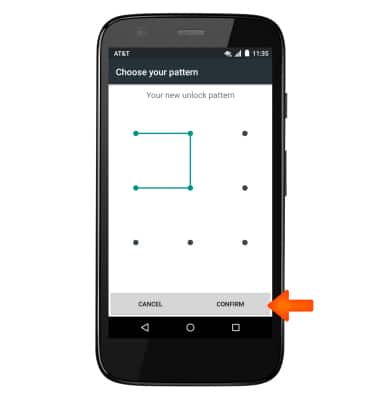
- Now your pattern lock is set, if you forget the pattern, you must perform a master alternate reset.
Note: See the Troubleshooting tutorial for more information.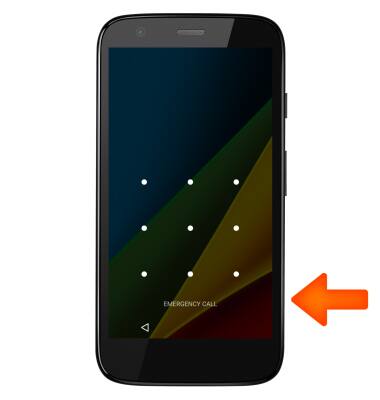
Reset pattern lock
Motorola Moto g (XT1045)
Reset pattern lock
Reset a forgotten pattern lock.
INSTRUCTIONS & INFO