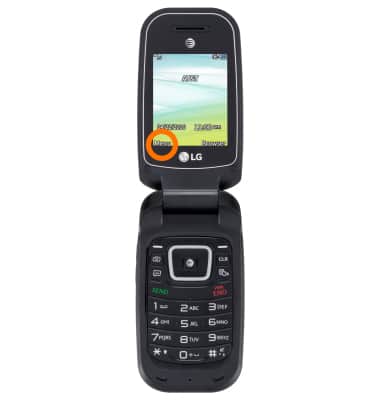
- To access the photos and videos, select Menu.
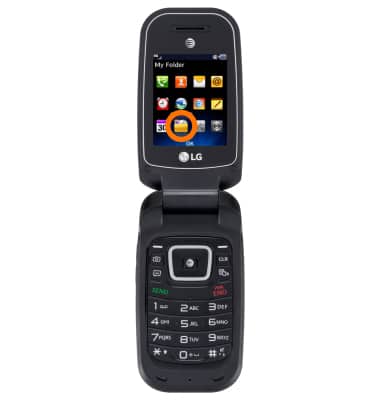
- Select My Folder.
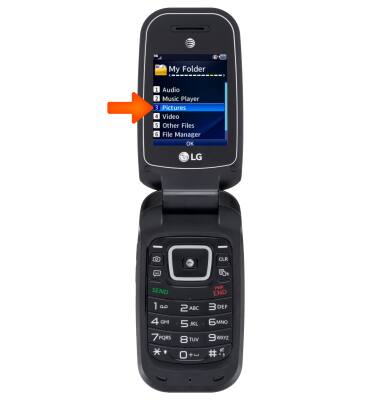
- Select Pictures to view photos, or Video to view videos.
- Highlight the desired photo or video.
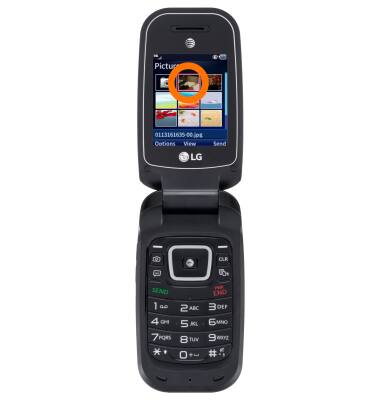
- Select View.
Note: Select Play for videos.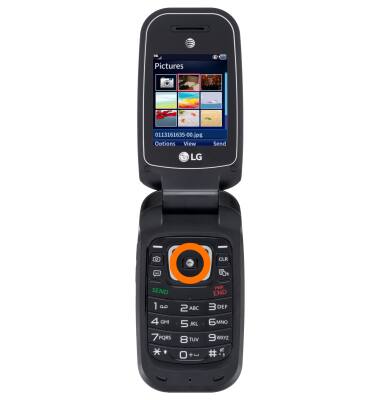
- To share a photo or video, Higlight the desired photo or video, then select Send.
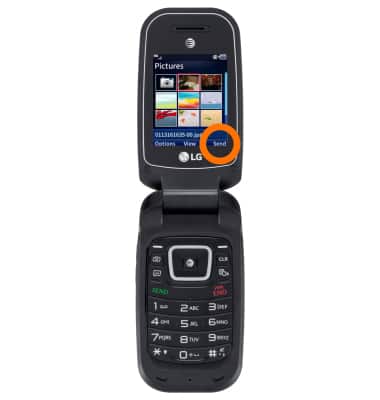
- Select the desired sending method and follow the on screen prompts.
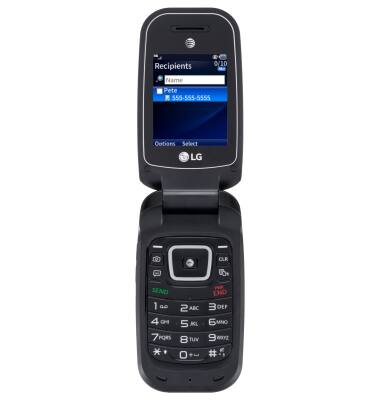
View & share photos or videos
LG B470/B471
View & share photos or videos
Access, view, and share your photos and videos.
INSTRUCTIONS & INFO