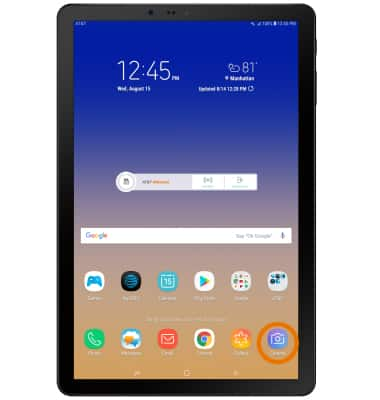
- SET STORAGE LOCATION: From the home screen, select the Camera app.
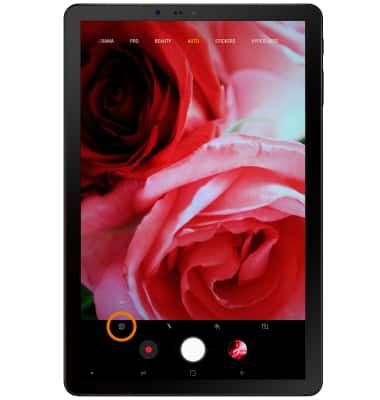
- Select the Settings icon.
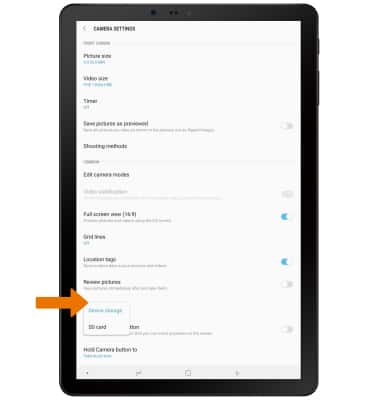
- Scroll to and select Storage location.
Note: Storage location is only accessible if an SD card is installed.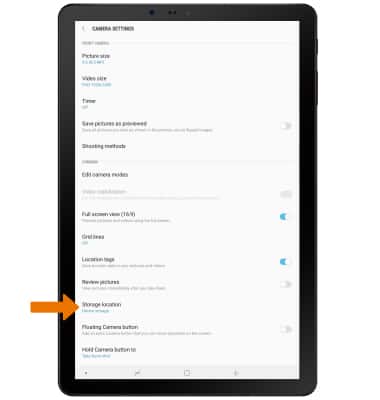
- Select the desired location.
- ACCESS PHOTOS/VIDEOS: From the Camera app, select the Gallery icon.
Note: Alternately, from the home screen select the Gallery app.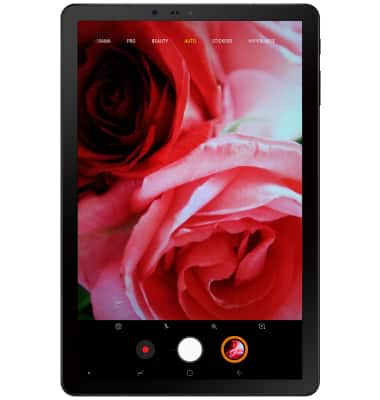
Access, Store Photos & Videos
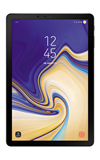
Samsung Galaxy Tab S4 (SM-T837A)
Access, Store Photos & Videos
Learn how to access and store Photos & Videos.
INSTRUCTIONS & INFO