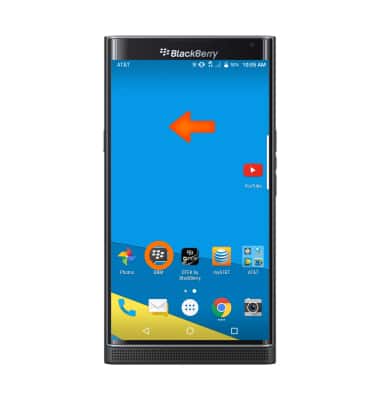
- Swipe left on the home screen and tap BBM.
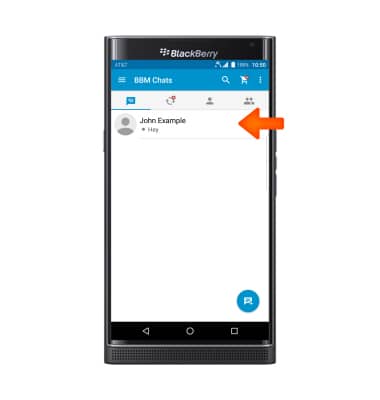
- Tap the desired message to view.
- To view an attachment, tap the attachment.
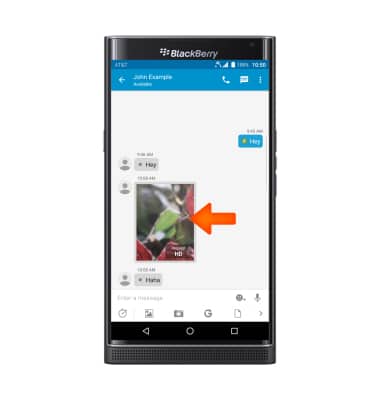
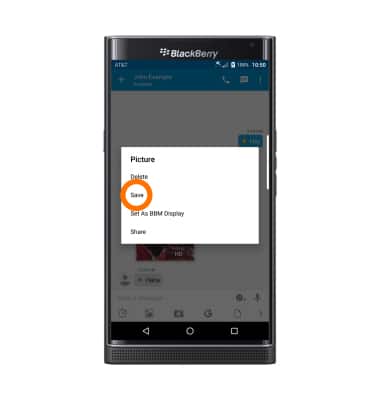
- To save an attachment, tap and hold the attachment, then tap Save.
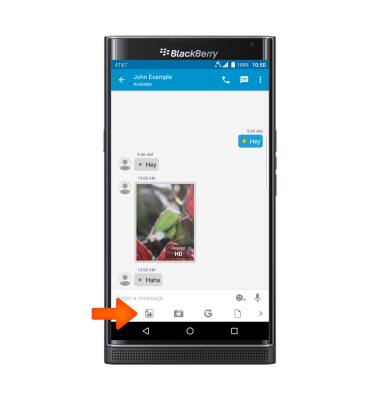
- To send a BBM message with an attachment, tap the icon of the desired attachment type, then select desired attachment.
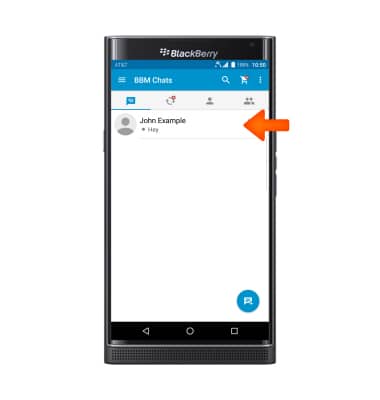
- To end the chat, tap and hold the desired message thread.
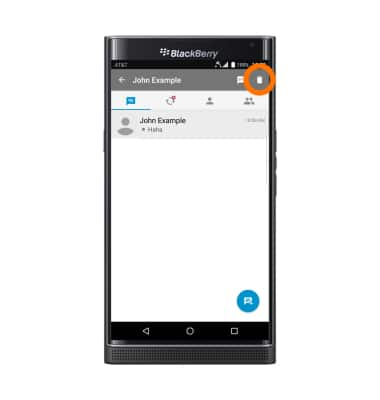
- Tap the Trash icon.
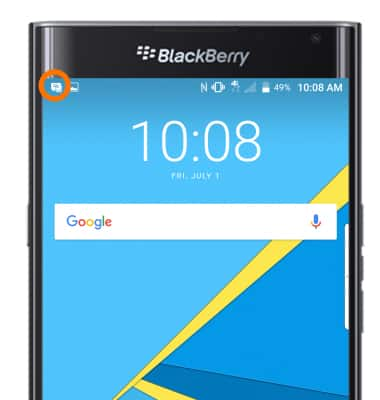
- When you receive a BBM, the BBM icon will appear in the Notifications bar.
BlackBerry Messenger
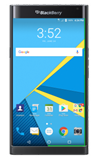
BlackBerry PRIV by BlackBerry (STV100-1)
BlackBerry Messenger
Use BlackBerry Messenger (BBM) to send and receive messages with other BBM users.
INSTRUCTIONS & INFO