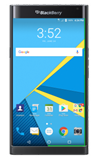
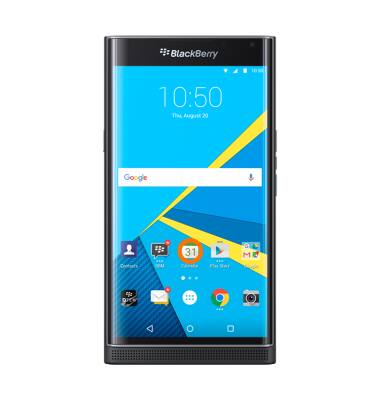
- From the homescreen tap the Calendar icon.
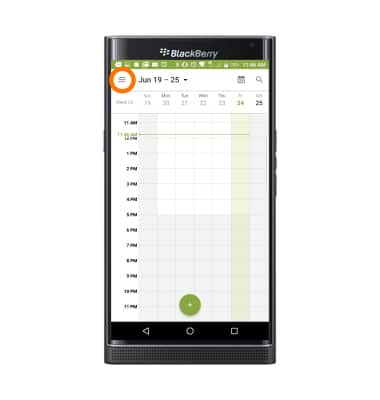
- To change the calendar view, tap the Menu icon.
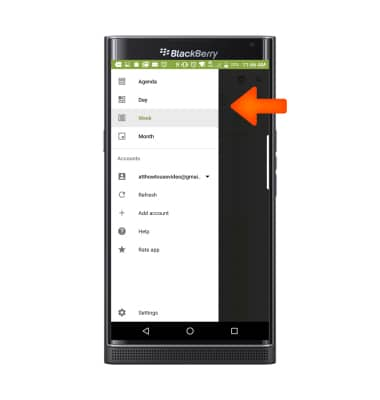
- Tap the Desired view option.
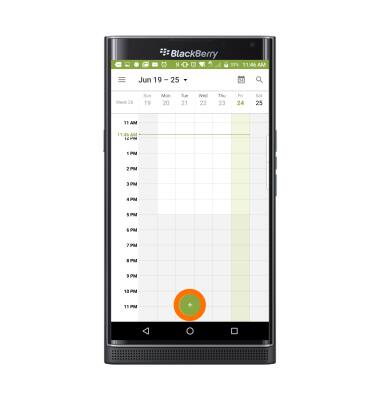
- To create a new calendar event tap the Plus icon.
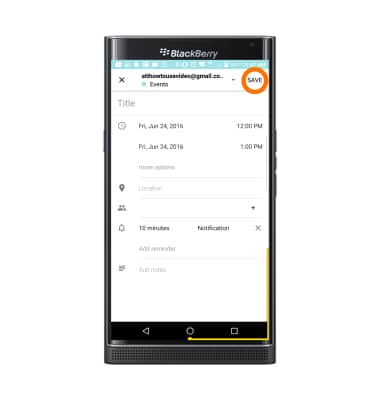
- Enter desired event information and then tap SAVE.
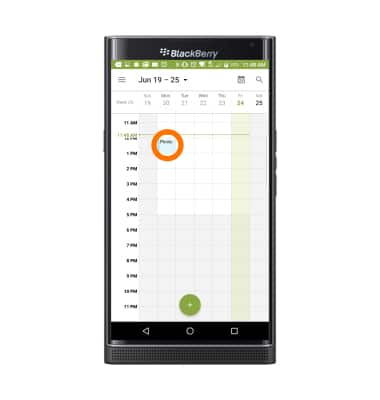
- To edit an existing event, tap on the Event day and then the Event.
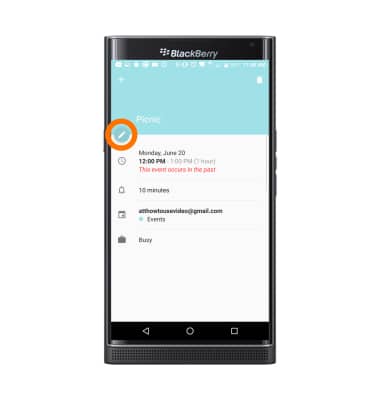
- Tap the Edit icon.
- Edit the desired information, then tap SAVE.
Note: You will only be able to edit events which you entered.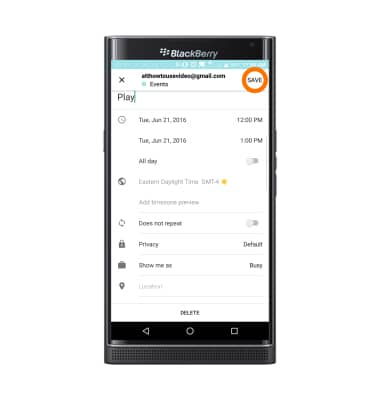
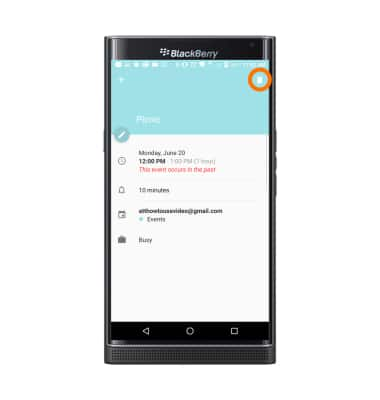
- To delete an event, tap the Delete icon.
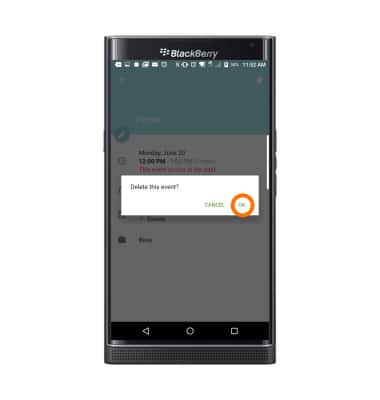
- Tap OK.
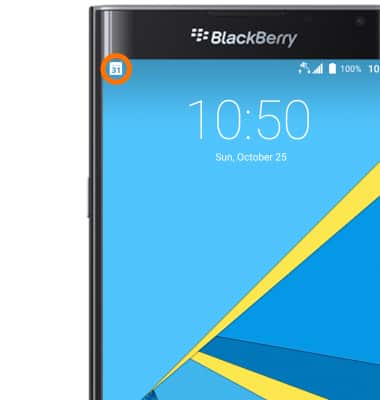
- The Event icon will be displayed in the Notification bar indicating an upcoming event in calendar.
Calendar
BlackBerry PRIV by BlackBerry (STV100-1)
Calendar
Access the calendar and manage events.
INSTRUCTIONS & INFO