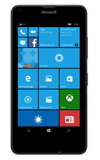
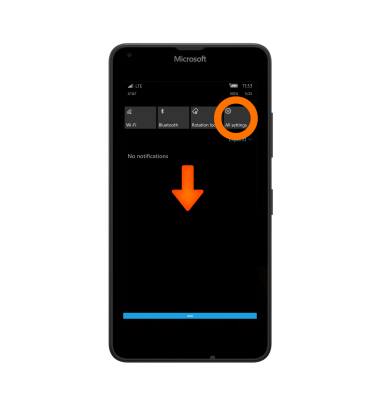
- To adjust the display options, swipe down from the Notficiation bar, then tap All settings.
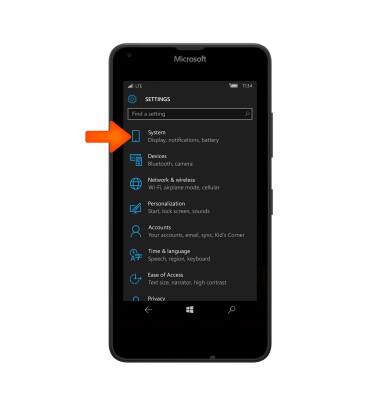
- Tap System.
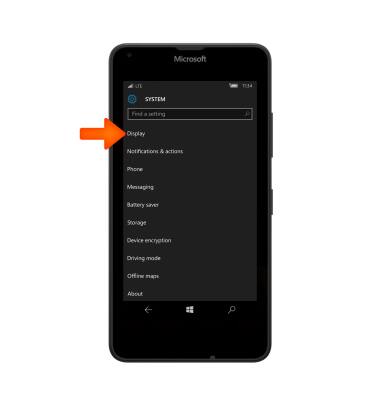
- Tap Display.
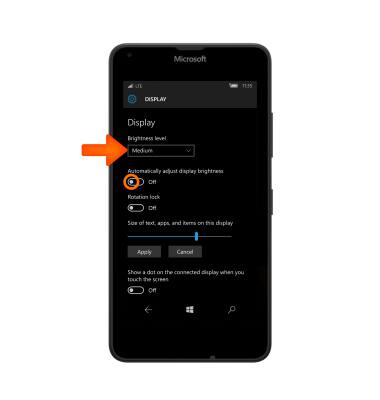
- To change the phone’s brightness either adjust manually via the Brightness level dropdown menu, or tap the Toggle to automatically adjust display brightness.
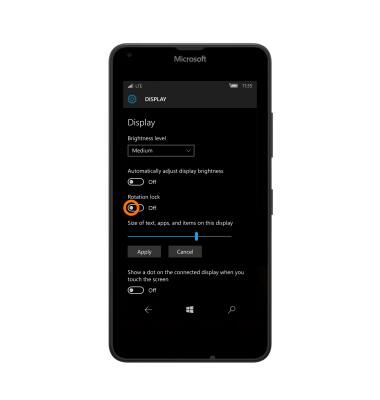
- To adjust the screen’s rotation,tap the Rotation lock toggle.
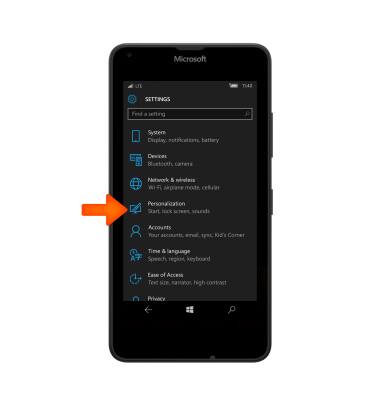
- To change the screen lock settings, from the settings menu, tap Personalization.
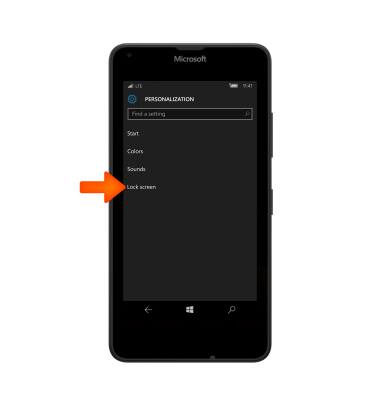
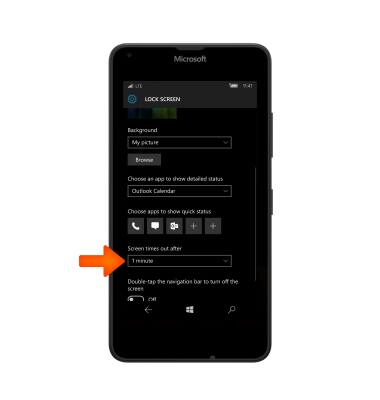
- Tap Lock screen.
- Scroll to and tap the Screen times out after field and adjust to the Desired time.
Display
Microsoft Lumia 640
Display
Change the display time out, brightness and orientation.
INSTRUCTIONS & INFO