- ANSWER/REJECT AN INCOMING SECONDARY CALL: While on a call, to answer an incoming call and place the current call on hold press the Flash button. To reject an incoming call, press the 0 button then press the Flash button.
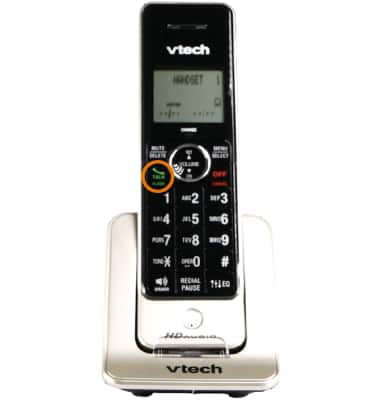
Note: Depending on your phone, the Flash button may be labeled the Phone button or Talk button.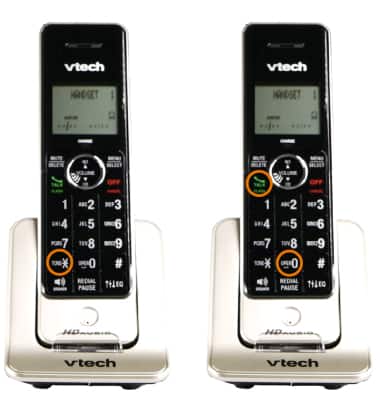
- PLACE CALL ON HOLD: While on an existing call, press the Flash button.
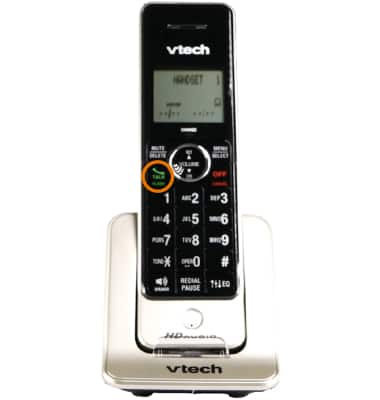
- SWITCH BETWEEN TWO CALLS: Press the Flash button anytime to switch back and forth between calls.
- MAKE A CONFERENCE CALL: While on an existing call, press the Flash button while on an existing call then dial the desired number.
Note: 10-digit dialing is required, even for local numbers.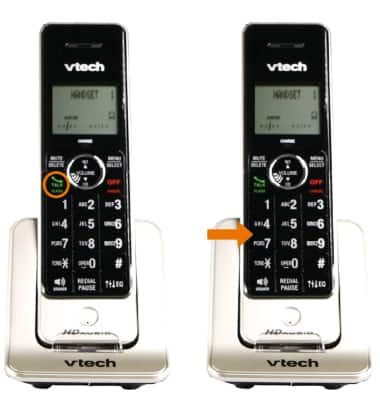
- With both calls on the line, press the Flash button again to complete the three-way connection.
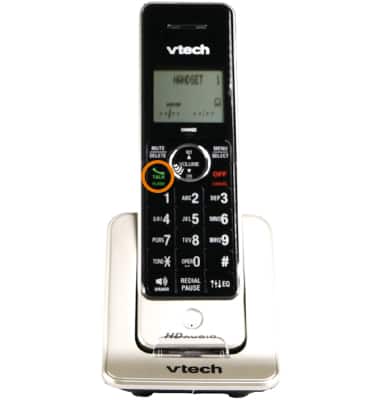
- DISCONNECT ONE CALL: Press the Flash button.
Note: If a person on the conference call wants to disconnect, they can hang up. Your call with the other member of the call will not be disconnected.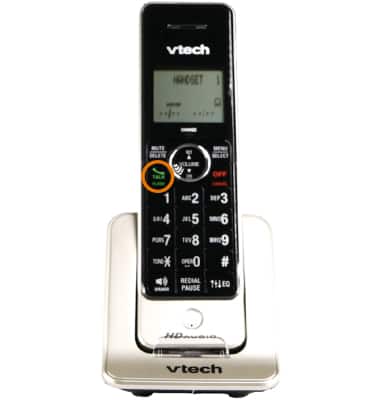
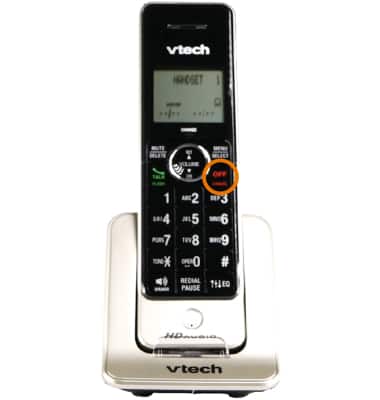
- END CALL: Hang up the phone to end both conversations.
Conference Calling
AT&T Wireless Internet (MF279)
Conference Calling
Add another person to your call, merge calls, place someone on hold and more.
INSTRUCTIONS & INFO