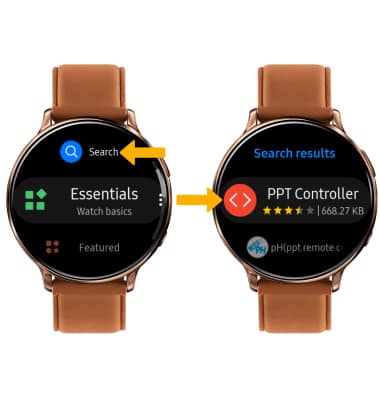
2. Select Search > enter PPT Controller > select the Search icon > select the PPT Controller app.
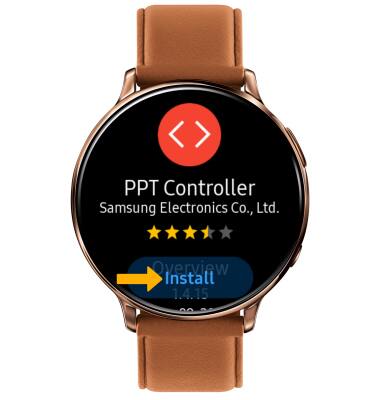
3. Select Install.
Note: When prompted with a permission request, select the Checkmark icon to continue.
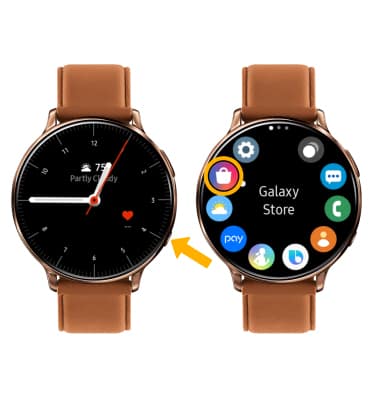
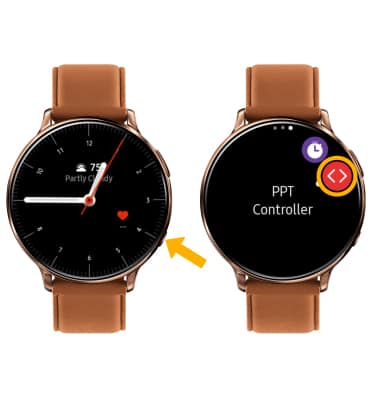
4. Once the app has finished downloading, from the clock screen press the Power/Home button then select the PPT Controller app.
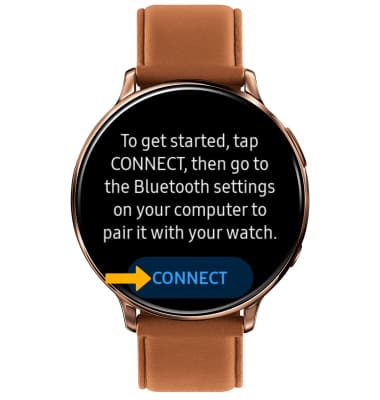
5. Select CONNECT.
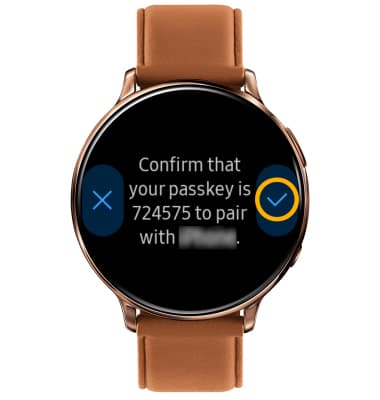
6. Select the Checkmark icon to pair the watch to your computer.
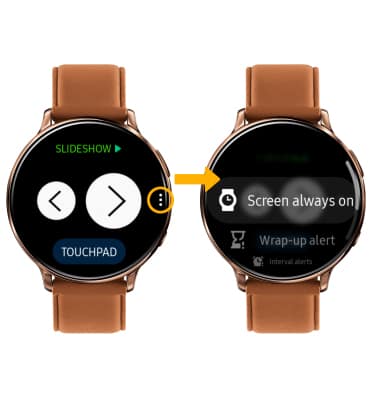
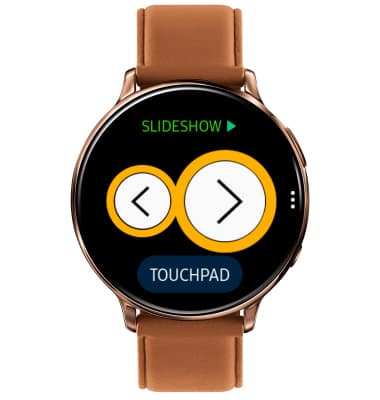
7. USE PPT CONTROLLER: Select the Arrow icons to scroll through slides.
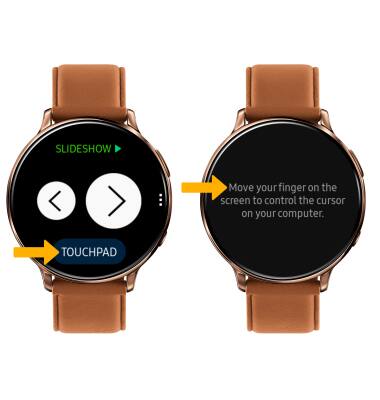
8. Select TOUCHPAD to use your watch screen as a cursor.
9. ACCESS SETTINGS: Select the Menu icon. Adjust settings as desired.