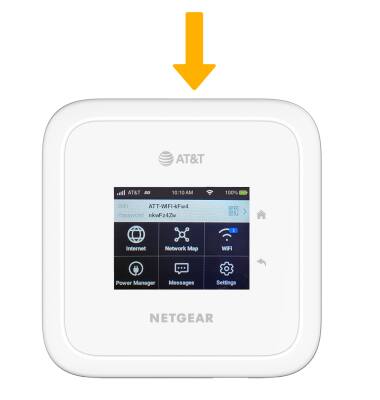
Set up screen lock
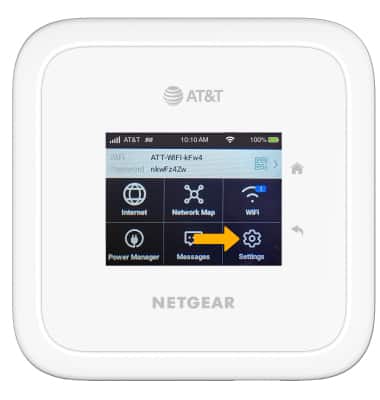
1. From the device homescreen, select Settings.
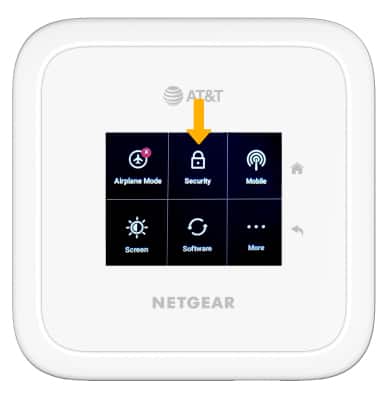
2. Select Security.
3. Select Screen Lock.
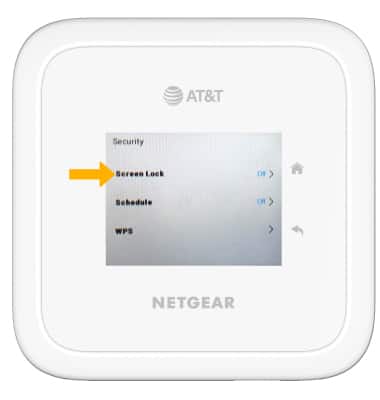
4. Select the Screen Lock switch and follow the prompts to complete set up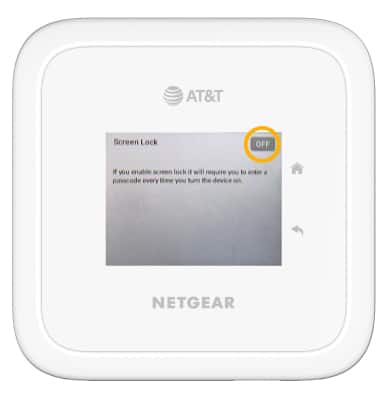
Log in using the screen lock
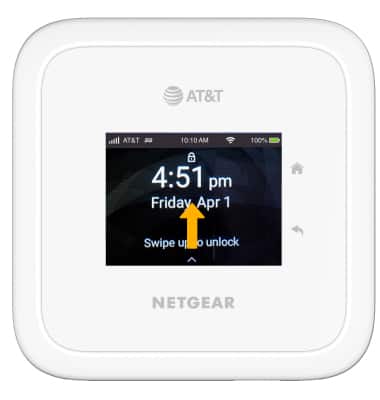
1. Swipe up from the device homescreen.
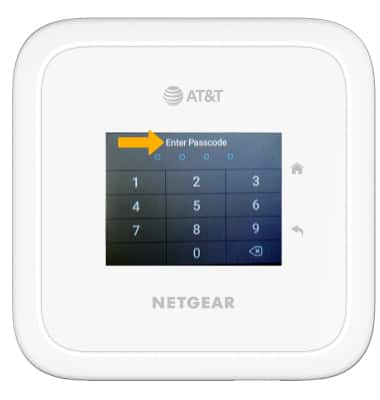
2. Enter the device passcode.
Lock device
Press the Power button on the front of the device.