
Overview | Orientation | Tasks

 Previous
|
Next
Previous
|
Next 
Task: Add a New Call Group, continued
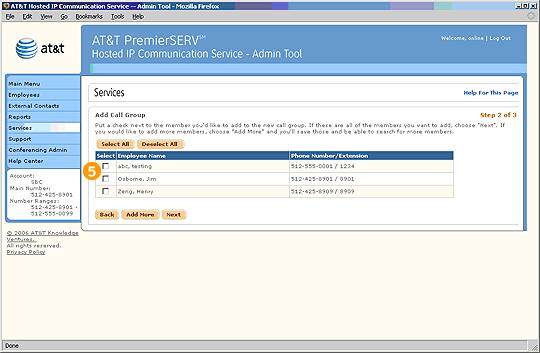
Step 2 of 3 (second screen)

Select Employees from the list that is generated from your search.
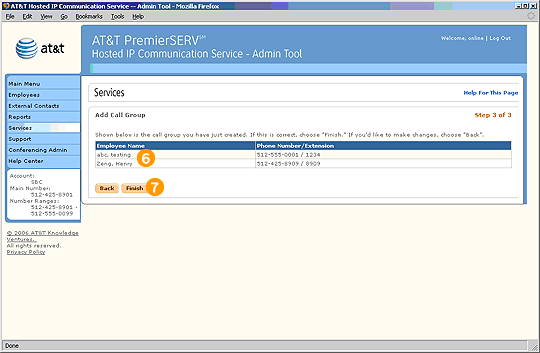
Step 3 of 3

Verify the names and phone numbers of the Employees you've added to the Call Group.

Select Finish to save the new Call Group.
Related Pages
Previous
|
Next