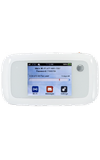
- From the home screen, tap Wi-Fi.
Note: For GoPhone Users: Your device will have a different home screen showing ‘To check your data balance, go to att.com/mygophone’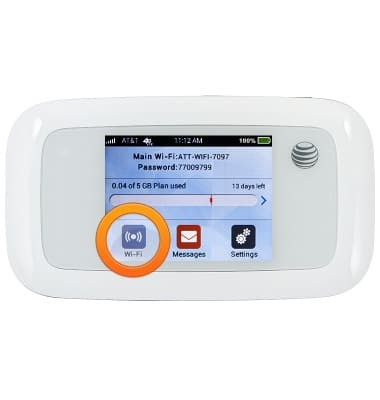
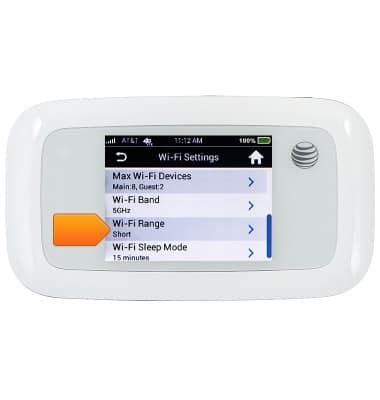
- Scroll to, then tap Wi-Fi Range.
- Tap the desired range.
Note: Longer ranges consume more battery power.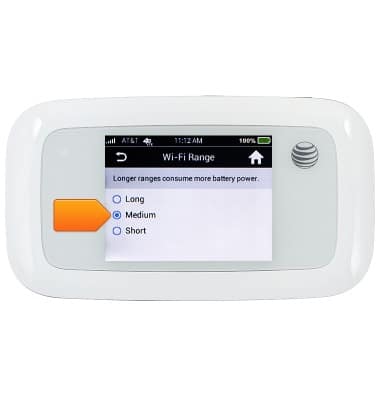
Adjust Wi-Fi range
AT&T Velocity (MF923)
Adjust Wi-Fi range
This article describes how to Optimize the Wi-Fi signal strength.
INSTRUCTIONS & INFO