- Plug the smaller end of the microUSB cable into your AT&T Velocity.
Note: An enterprise variant Velocity is available with connectivity via tethering disabled and drivers removed.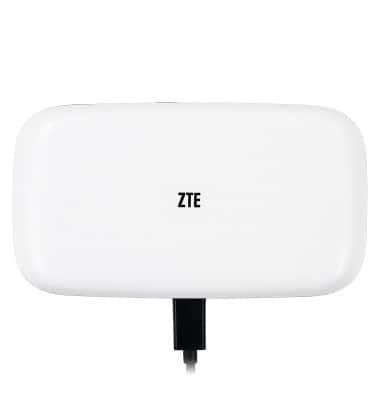
- Plug the larger end into the USB port on your computer.
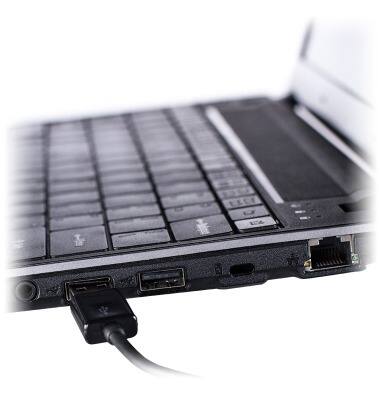
- The mobile hotspot will automatically install drivers (software) onto your computer.
Note: You may need to reboot the computer once the installation is complete. For GoPhone Users: Your device will have a different home screen showing ‘To check your data balance, go to att.com/mygophone’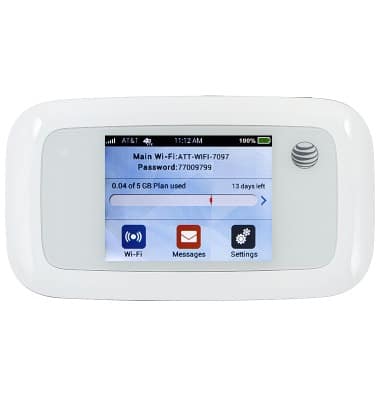
- The mobile hotspot should now be accessible without using Wi-Fi, and if there is a microSD card present in the device, its contents will be accessible.
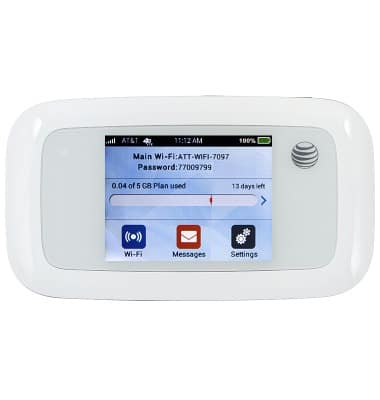
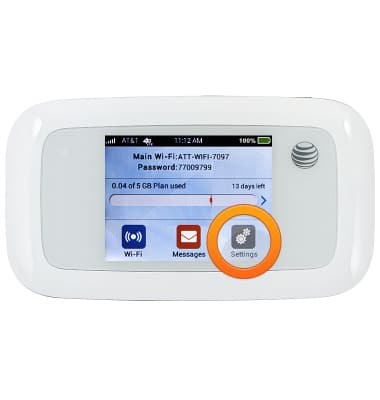
- From the home screen, tap Settings.
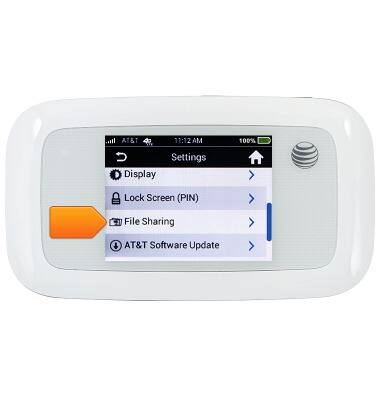
- Scroll to, then tap File Sharing.
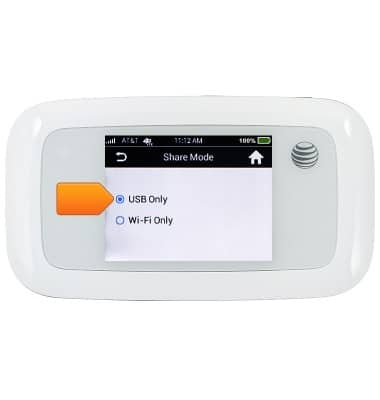
- Tap Share Mode.
Note: A Micro SD Card must be inserted to complete this tutorial.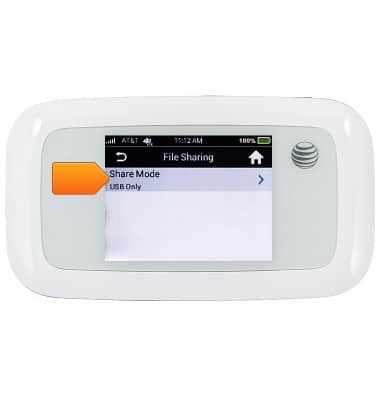
- Tap USB Only.
USB tether to your device
AT&T Velocity (MF923)
USB tether to your device
Learn how to USB tether with the device.
INSTRUCTIONS & INFO