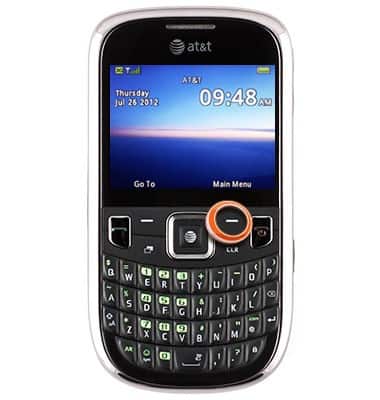
- From the home screen, press the Right Soft key.
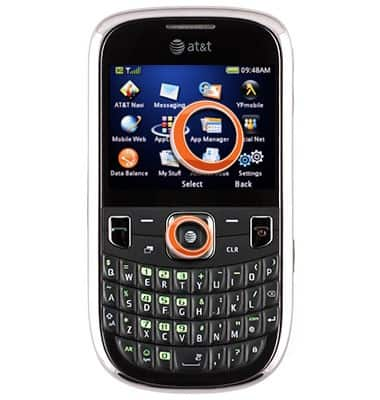
- Scroll to App Manager, then press the Center Nav key.
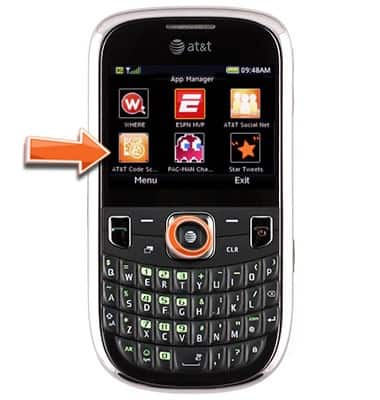
- Scroll to AT&T Code Scanner, then press the Center Nav key.
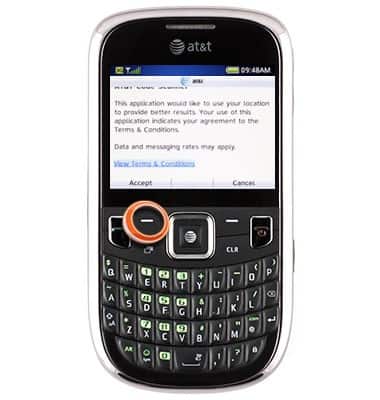
- Press the Left Soft key to accept the terms and conditions.
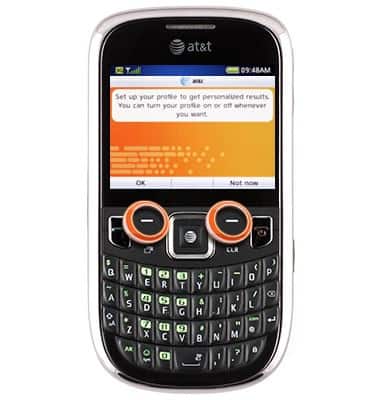
- Press the Left Soft key to choose OK or press the Right Soft key to choose Not now.
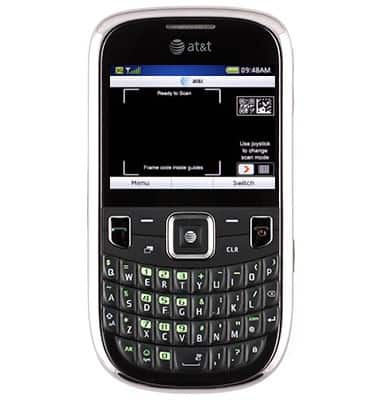
- Line the code up in the Ready to Scan area.
AT&T Code Scanner
ZTE Z431
AT&T Code Scanner
Scan barcodes to easily compare prices, read product reviews or get coupons.
INSTRUCTIONS & INFO