
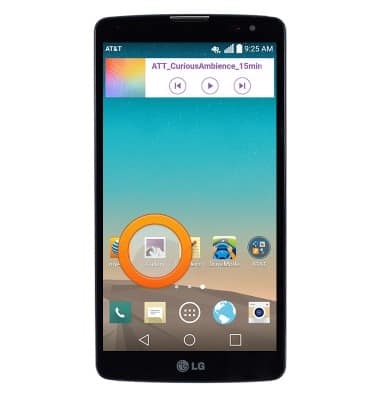
- From the home screen, swipe to then tap Gallery.
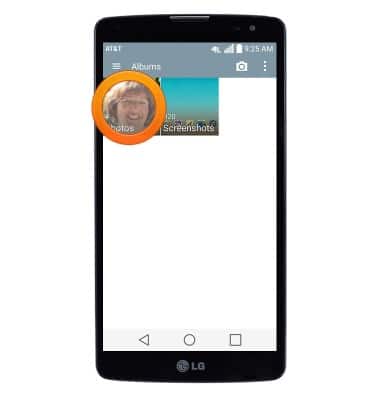
- Tap to navigate to the desired photo or video.
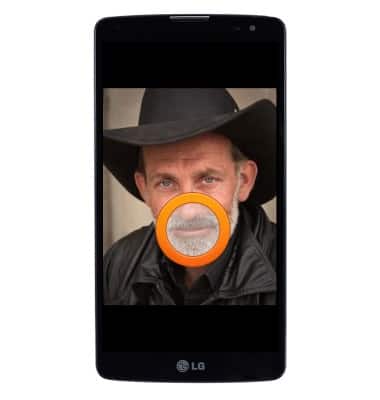
- Tap to display options.
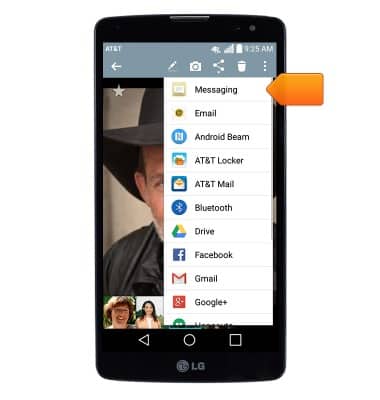
- Tap the Share icon.
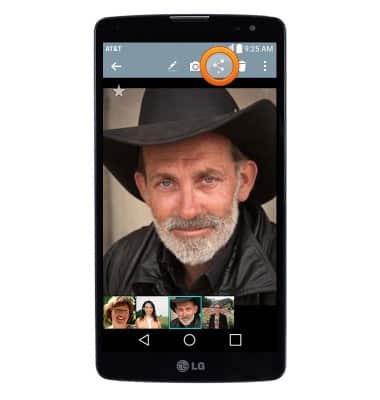
- Tap the desired sharing method then follow on-screen prompts.
View & share photos or videos
LG G Vista (D631)
View & share photos or videos
Access, view, and share your photos and videos.
INSTRUCTIONS & INFO