- After powering on the device for the first time, select the desired language, then tap next.
Note: Before setting up your device, make sure you have completed the online activation process. Please see Activate your new phone or SIM for more information.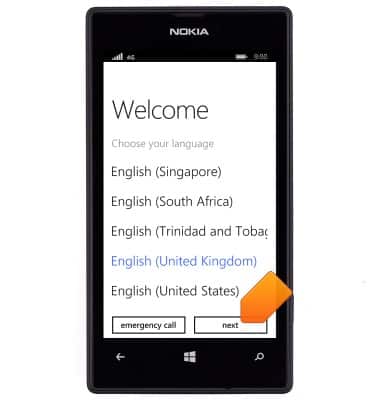
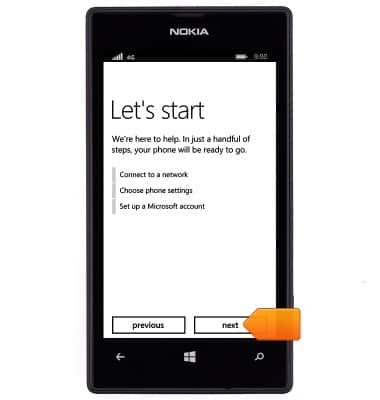
- Tap next.
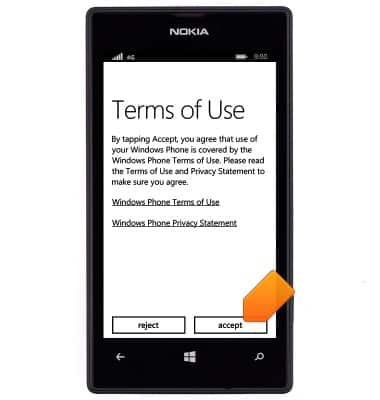
- Review the terms of use, then tap accept.
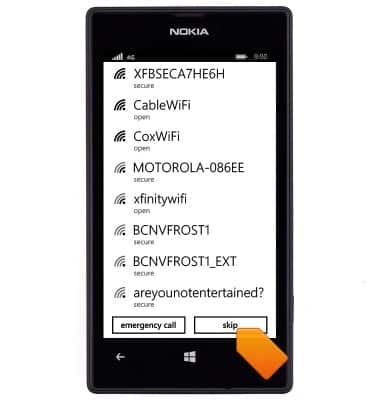
- Tap the desired Wi-Fi network.
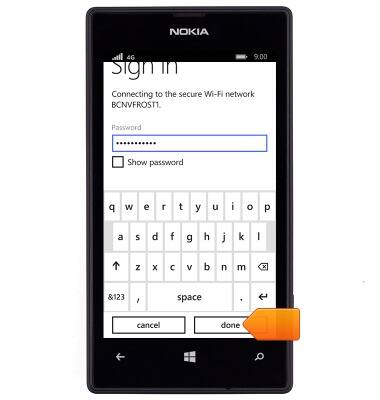
- If prompted, enter the required network password, then tap done.
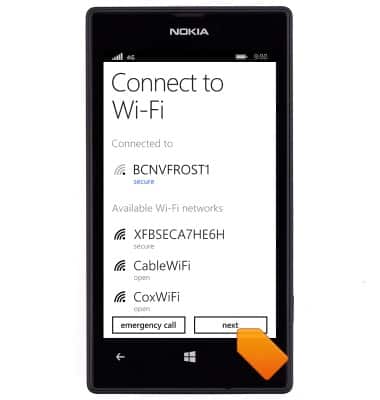
- Tap next.
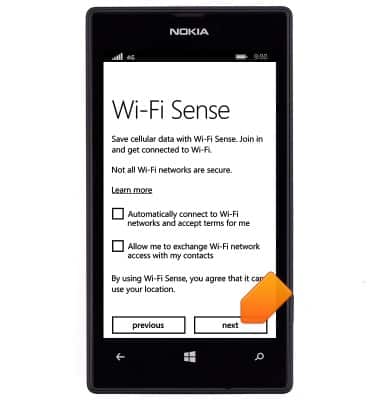
- Select the desired options, then tap next.
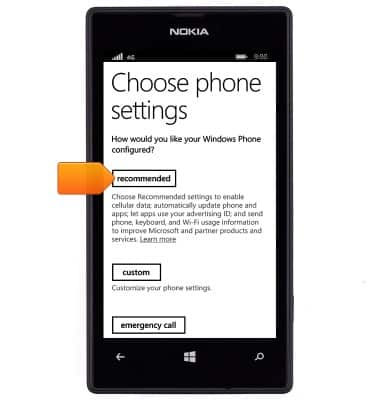
- Tap recommended.
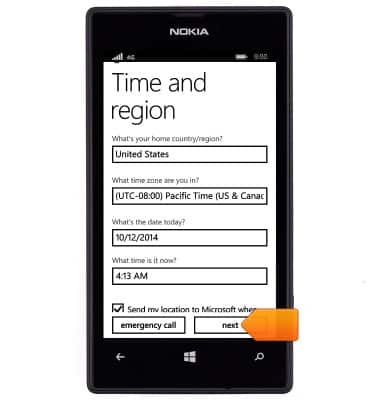
- Enter the desired time, date and region, then tap next.
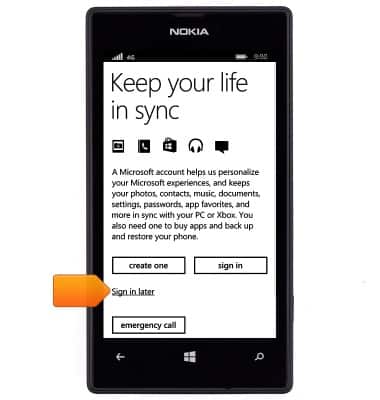
- Tap the desired option.
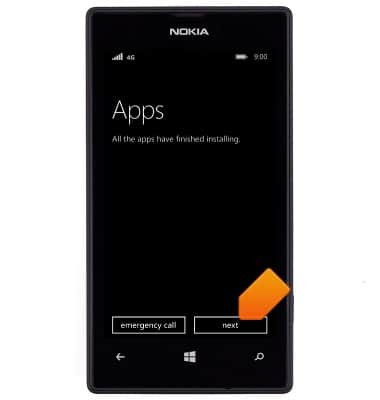
- Tap next.
- Tap done.
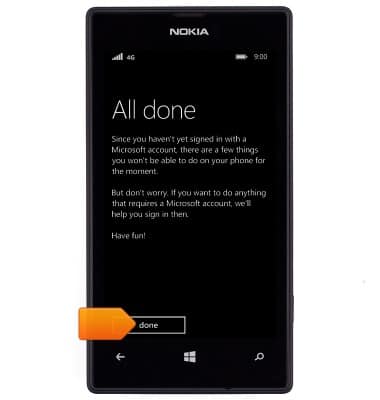
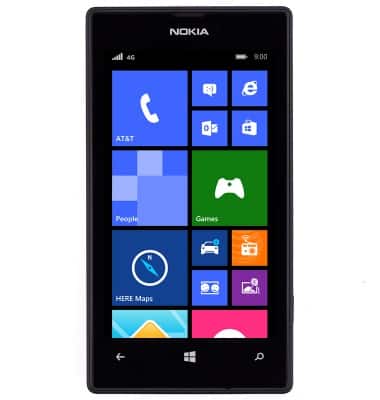
- The device is now ready for use.
Device set up
Nokia Lumia 520
Device set up
Set up your device for the first time or after having done a factory reset.
INSTRUCTIONS & INFO