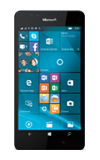
- To set up your device for the first time, or following a factory reset, tap desired language then tap Next.
Note: For information on activating service click here.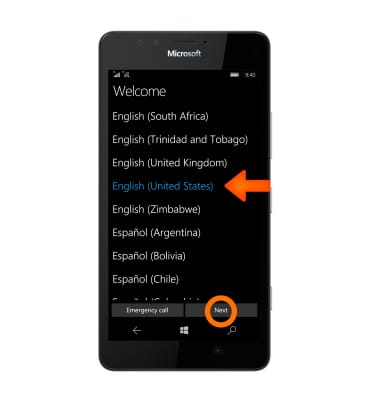
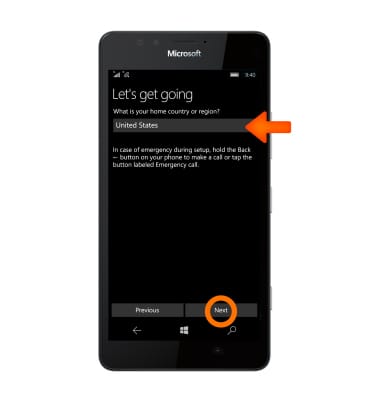
- Enter home country or regiong then tap Next.
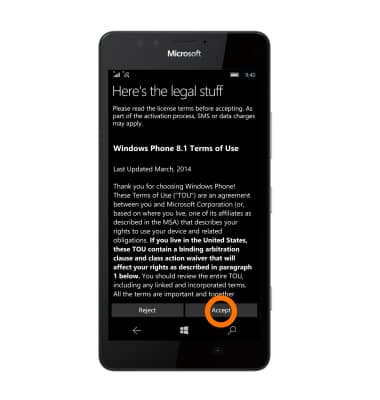
- Tap Accept to agree to the terms of use.
- On the Wi-Fi Sense screen, tap desired wifi network to sign in, then tap Next. To skip Wi-Fi setup, tap Skip.
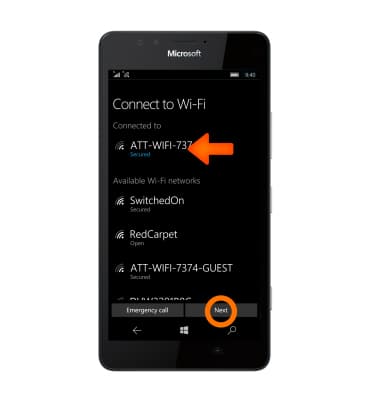
- Tap Express.
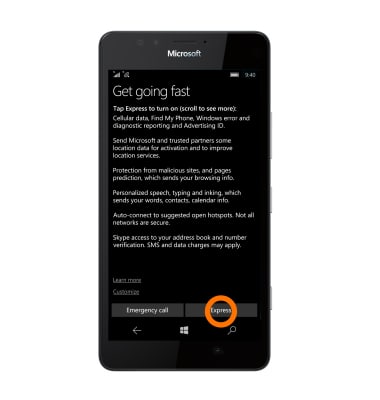
- To sign in, tap Sign in, then enter your Microsoft account information. If you choose not to sign in or create a Microsoft account, tap Sign in later to skip.
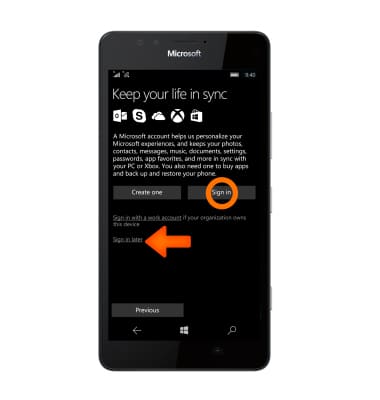
- Wait until the Apps finish installing, then tap next.
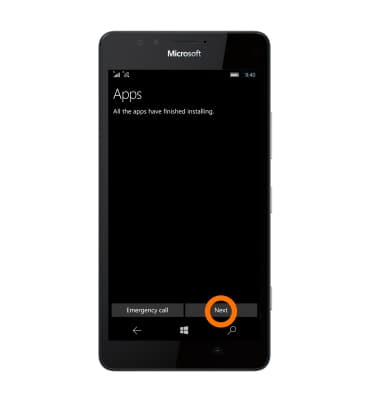
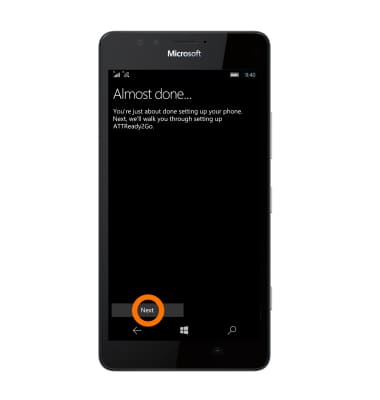
- Tap Next.
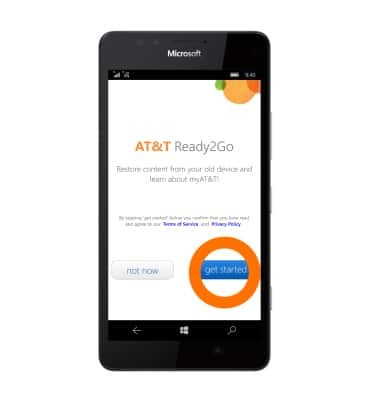
- Ready2Go helps you to setup your device to get your contacts, photos, emails, cloud services and social accounts set up. To use Ready2Go tap get started.
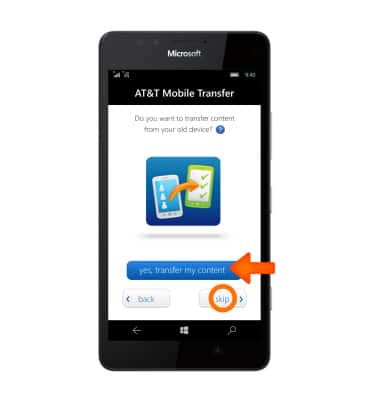
- If desired, tap yes, transfer my content and follow prompts to transfer content from your old device. Tap skip to continue.
- Tap OK.
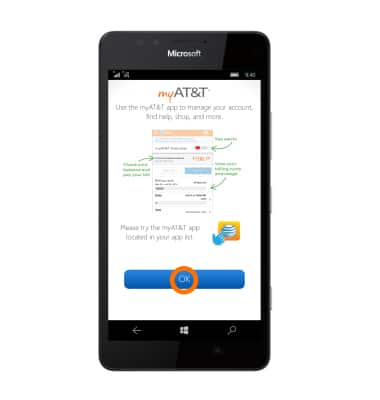
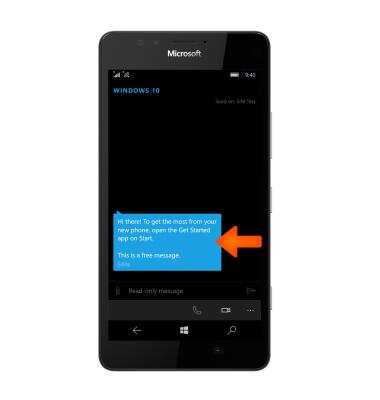
- You will receive a text message when your setup is complete.
Device setup
Microsoft Lumia 950
Device setup
Set up your device for the first time or after having done a factory reset.
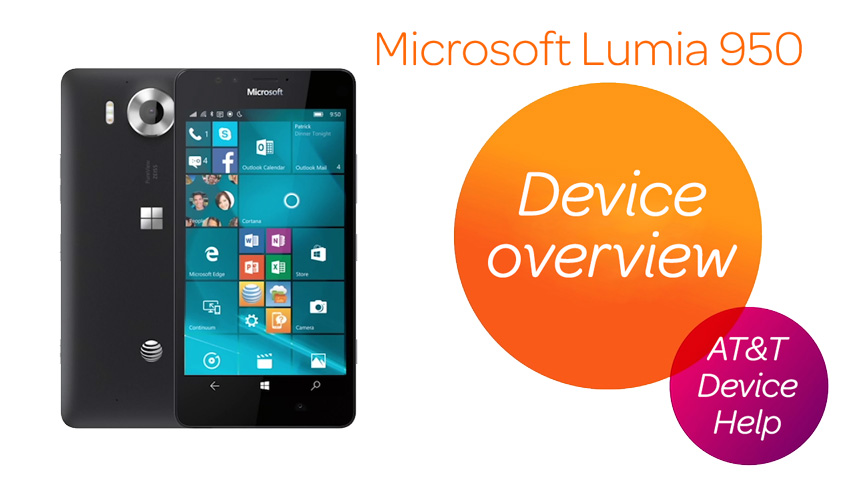
Device overview
Hardware features and software navigation of your device.
Device overview
1:27
INSTRUCTIONS & INFO