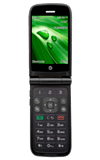
- To view device memory, from the home screen, select Menu.
Note: This device is available with approximately 21.9MB of internal, usable memory.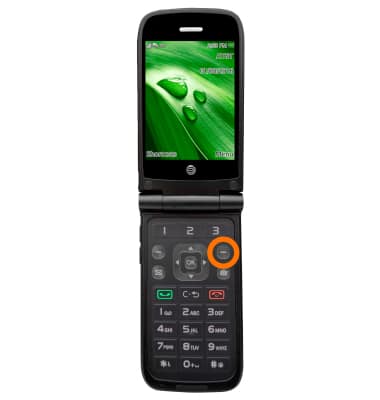
- Select Settings.
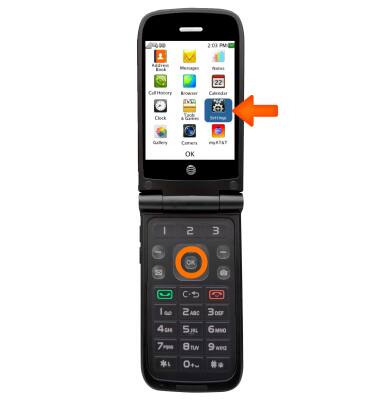
- Select Memory.
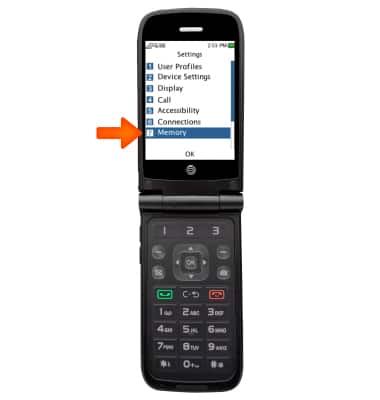
- Select Used Space > Phone Common.
Note: Available memory will then be displayed.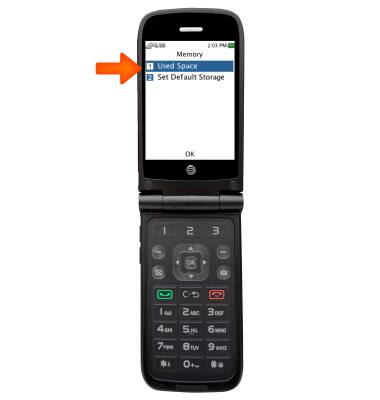
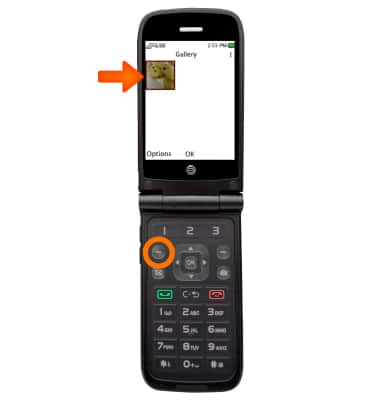
- To free up memory on your phone, select unwanted picures and music to delete. From the Gallery and Media Player menus, select the desired photos or song and select Options.
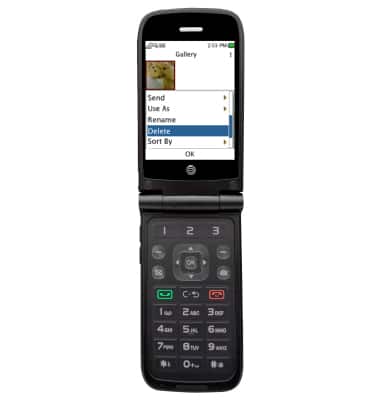
- Scroll to Delete and press OK on the key pad.
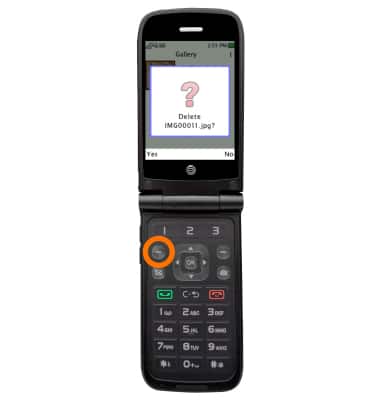
- Press Yes to delete the image or video.
Available Memory
AT&T Cingular Flip (M3620)
Available Memory
Check the available device storage.
INSTRUCTIONS & INFO