- VIEW THE IMEI/PHONE NUMBER: Press the Rotating Side button from the clock-screen.
Note: You can also view your IMEI by entering *#06# from the keypad in the phone app.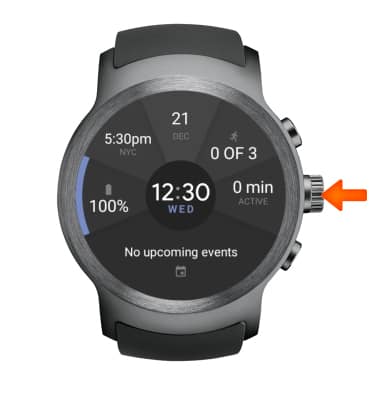
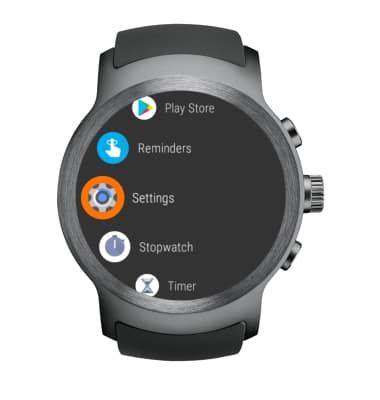
- Select Settings.
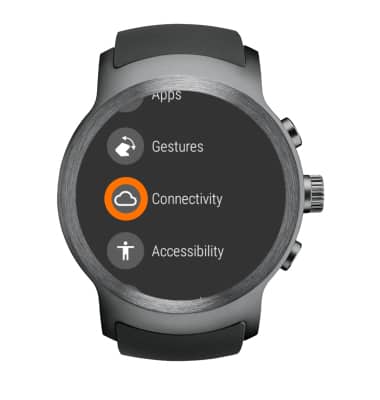
- Select Connectivity.
- Select Cellular.
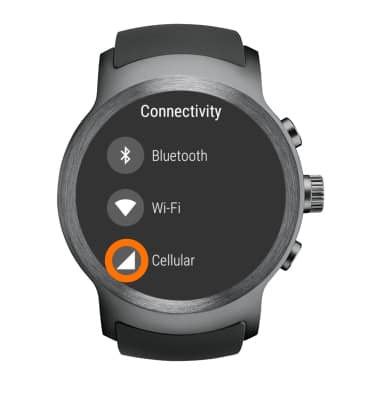
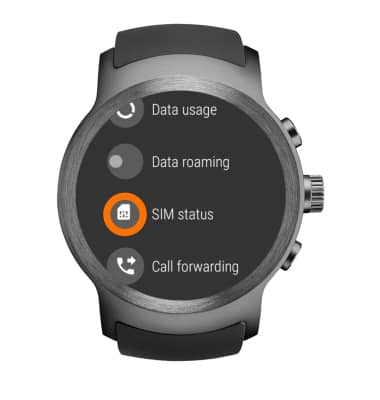
- Select SIM status.
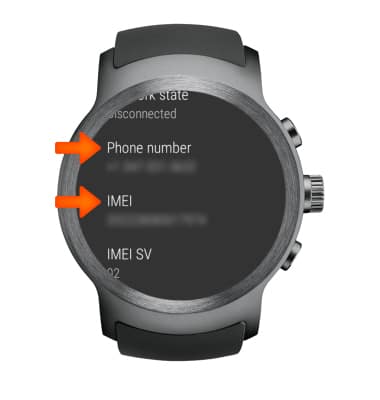
- Scroll down to view the device Phone number and IMEI.
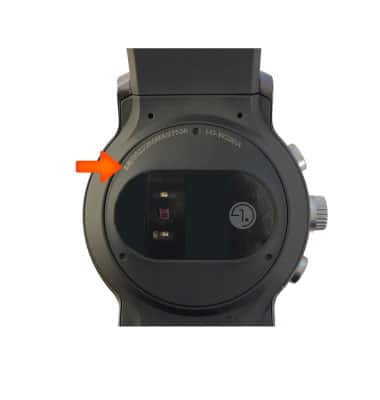
- VIEW IMEI ON THE DEVICE: The IMEI is also displayed on the back of the device.
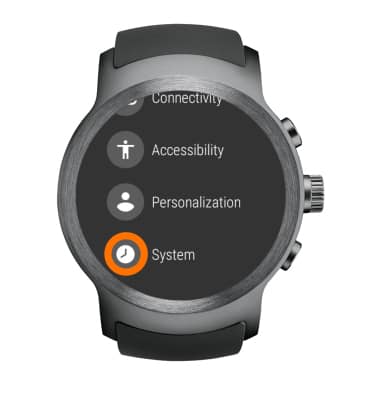
- VIEW DEVICE SERIAL NUMBER: Select System from the settings screen.
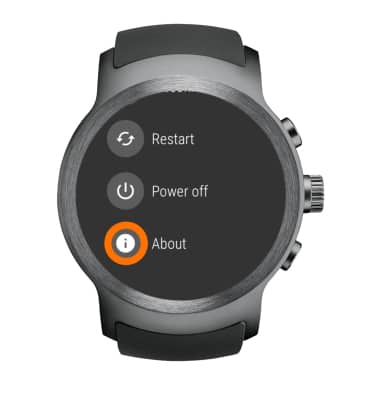
- Select About.
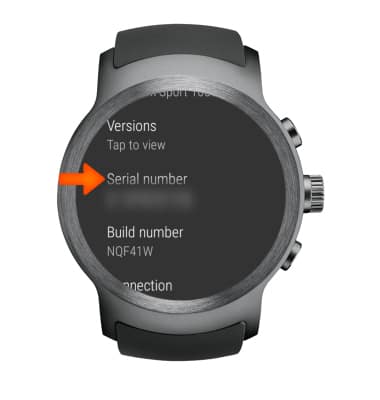
- Scroll down to view the device Serial number.
Find IMEI, Serial Number & Phone Number
LG Watch Sport (W280A)
Find IMEI, Serial Number & Phone Number
View the device IMEI, phone and serial numbers.
INSTRUCTIONS & INFO