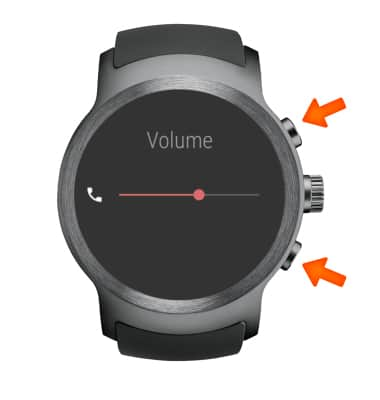
- INCREASE OR DECREASE VOLUME: While on an active call, press the Top-right button to increase the call volume. Press the Bottom-right button to decrease the call volume.
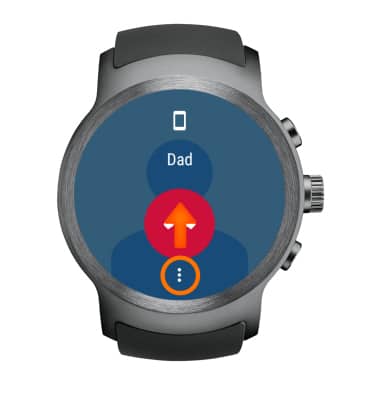
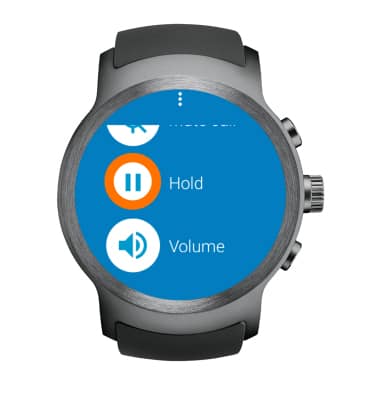
- ACCESS CALL OPTIONS: Select and drag the Menu icon up to access the Call options screen.
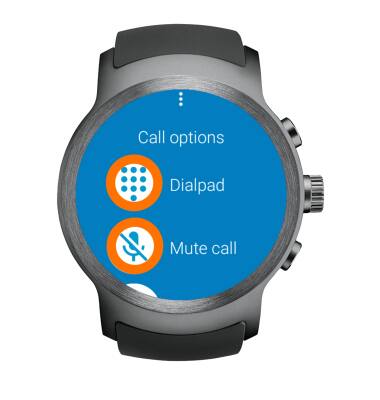
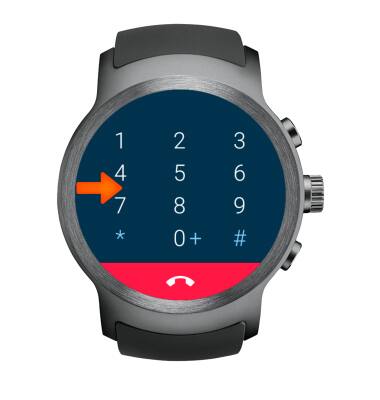
- MUTE/SHOW THE DIALPAD: Select Dialpad to show the dialpad. Select Mute call to mute the call.
- HIDE THE DIALPAD: Swipe right across the dialpad screen.
- PLACE CALL ON HOLD: Select Hold from the Call options screen.
- ACCESS THE HOME SCREEN: Swipe right across the call screen.
Note: To return to an active call, press the Rotating Side button then select Phone.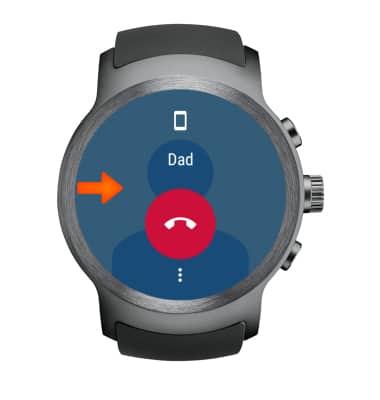
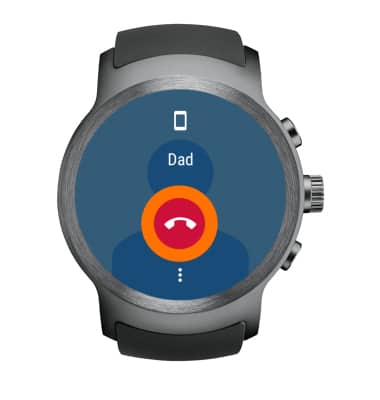
- END A CALL: Select the End icon.
In-Call Options
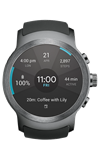
LG Watch Sport (W280A)
In-Call Options
Learn what features are available while on an active call.
INSTRUCTIONS & INFO