- ACCESS ACCESSIBILITY FEATURES: Press the Rotating Side button from the clock-screen.
Note: Accessiblity features allow you to improve the usability of your device for users affected by impaired vision or hearing, cognitive difficulty, or reduced dexterity.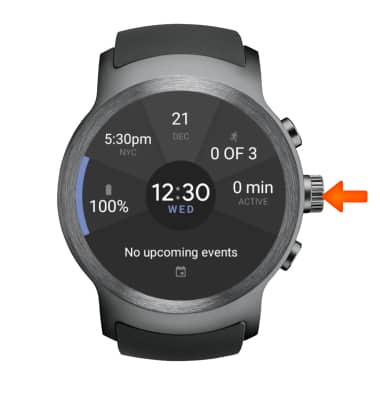
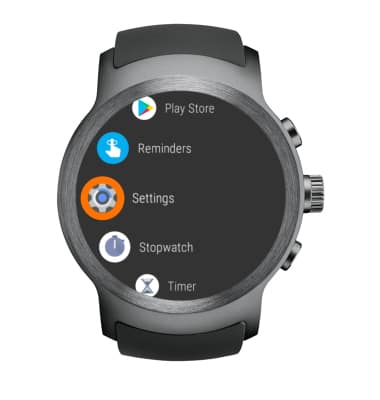
- Select Settings.
- Select Accessibility.
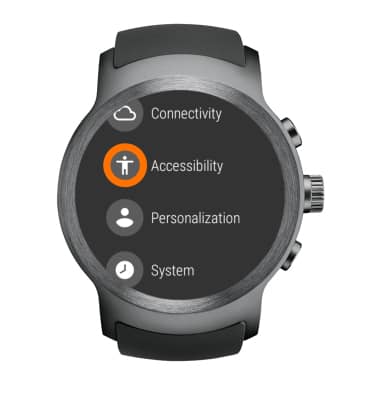
- Enable or disable Accessibility features by selecting a corresponding switch.
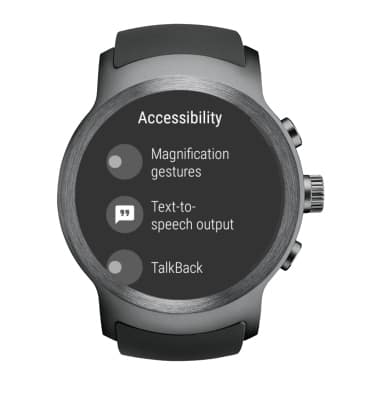
- ENABLE TALKBACK: Select the TalkBack switch.
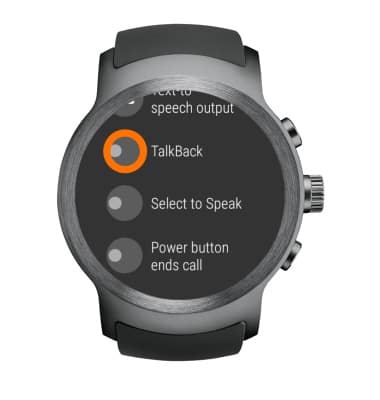
- Select Enable. Review permissions and if you agree, select the checkmark icon.
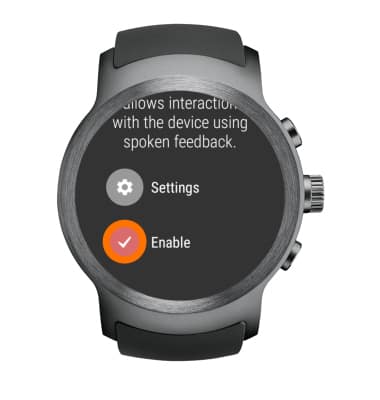
- Select Launch tutorial to walk through a TalkBack tutorial. Select Turn off TalkBack if you would like to turn off TalkBack. Press the Rotating Side button to skip the TalkBack tutorial.
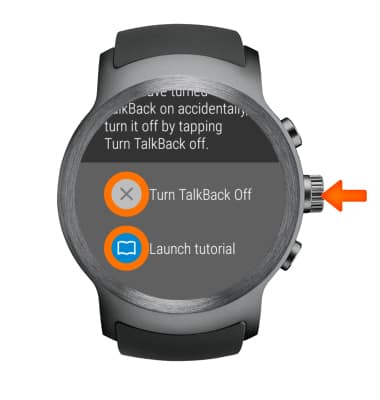
- DISABLE TALK BUTTON: Press the Rotating Side button from the clock-screen.
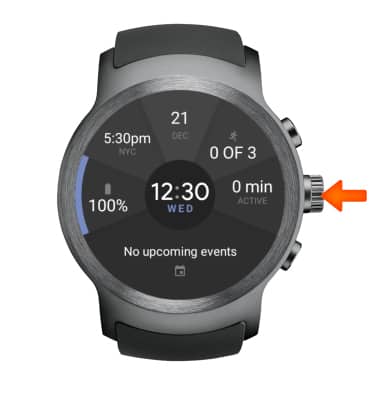
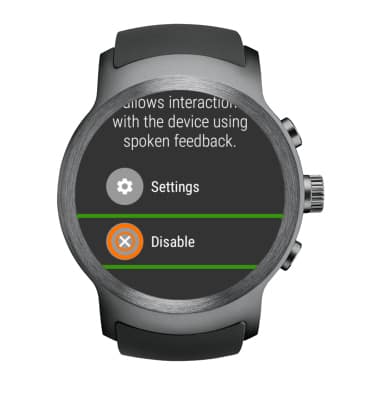
- Double-tap Settings > double-tap Accessibility > double-tap TalkBack > double-tap Disable.
Accessibility
LG Watch Sport (W280A)
Accessibility
Turn on features such as TalkBack, Hearing aid mode, and more.
INSTRUCTIONS & INFO