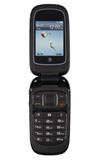
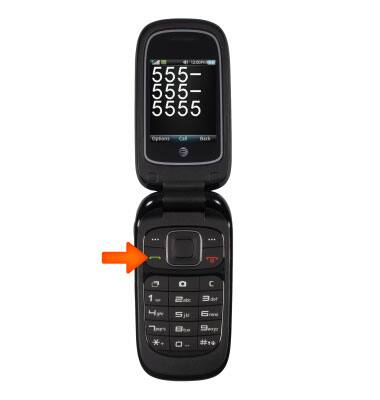
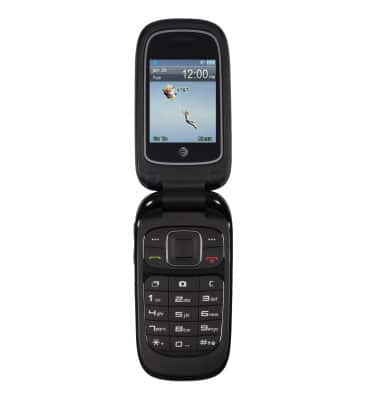
- To make a call, from the home screen, simply enter the number and press the green call key.
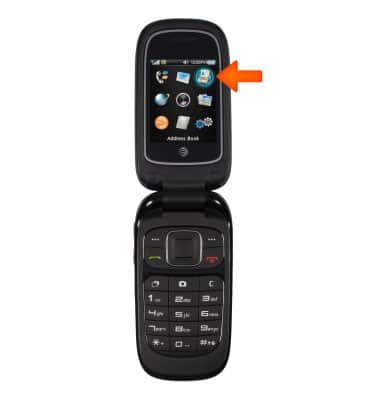
- To call a contact, from the home screen, tap Menu, then select Address Book.
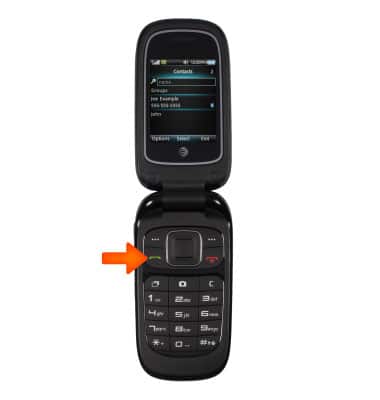
- Select the desired contact and press the Call key.?
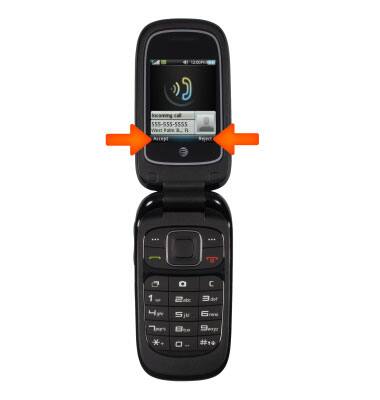
- To answer an incoming call, or a call waiting call, select Accept (or the Green Call button). To decline the call, tap Reject (or the red End Call button).
- To learn about calling or using your device in other countries, visit the AT&T International website.
Make & receive a call
ZTE Z223
Make & receive a call
Place, receive, and reject a call.

0:00
INSTRUCTIONS & INFO