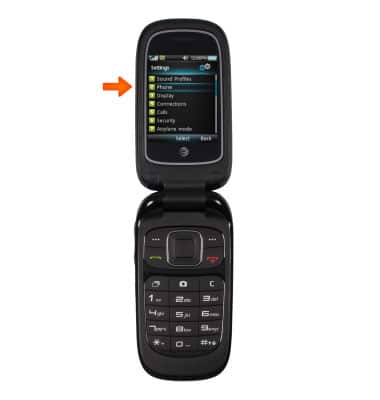
- From the Menu, navigate with the arrow keys to and press Settings.
Note: The device will automatically attempt to set the date and time from the network. This tutorial demonstrates how to manually set the date and time on your device.
- Select Phone.
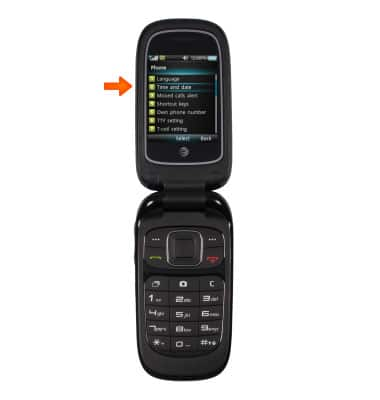
- Select Time and date.
- Scroll down to Auto Update and use the right arrow key to select Off.
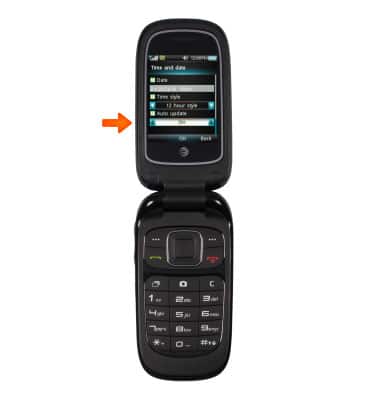
- To change Date, use the right arrow to select individual numbers. Use the keypad to enter desired numbers.
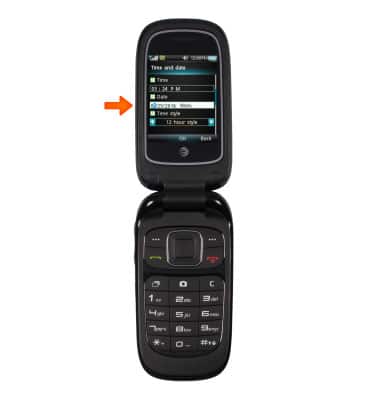
- Under Time Style, use the right arrow to switch between 12 hour style and 24 hour style.
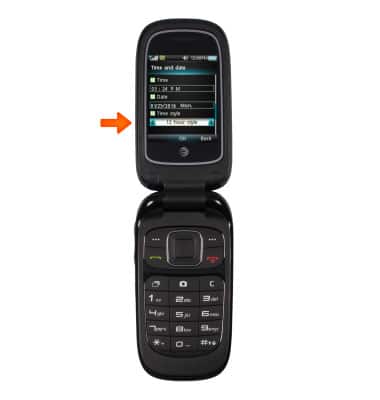
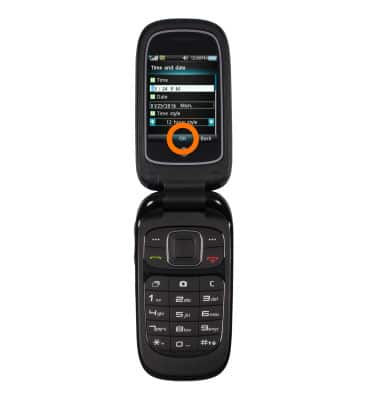
- Press OK to save the time and date.
- To use the Alarm and Stopwatch, from the Settings menu, select My Stuff.
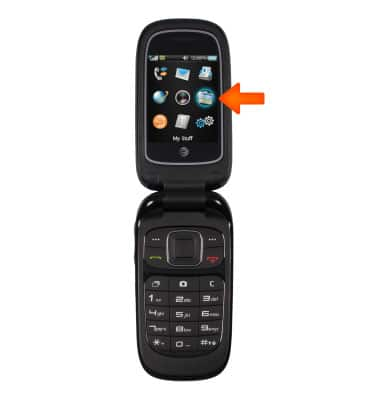
- Select Tools.
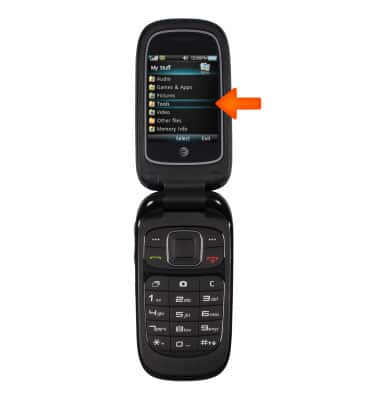
- Select Alarm.
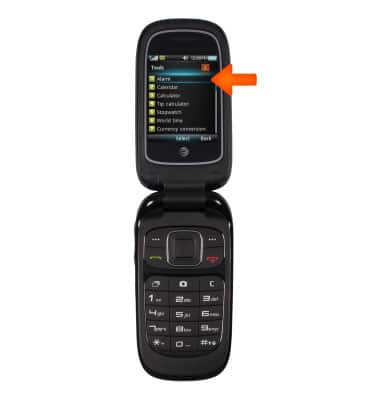
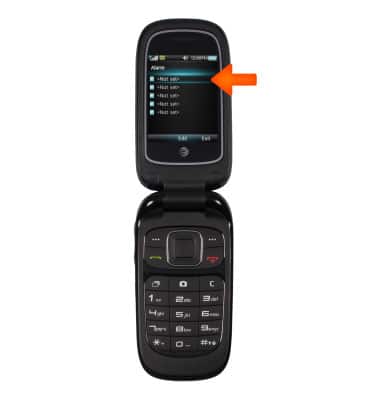
- Select an Alarm and select Edit.
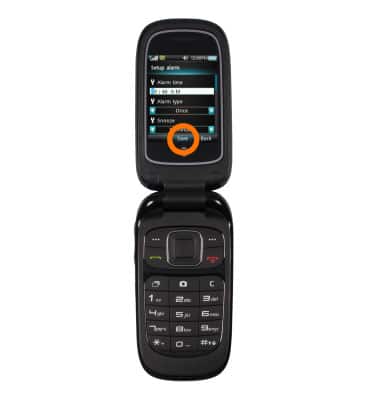
- Adjust your preferences and select Save.
- To use the Stopwatch, from the Tools menu, select Stopwatch.
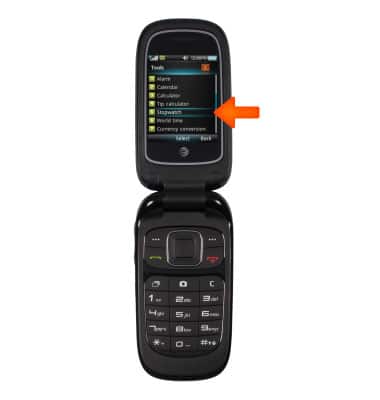
- To start the stopwatch, select Start.

Date & time
ZTE Z223
Date & time
Set the date and time.
INSTRUCTIONS & INFO