
Overview | Orientation | Tasks

 Previous
|
Next
Previous
|
Next 
Call Centers
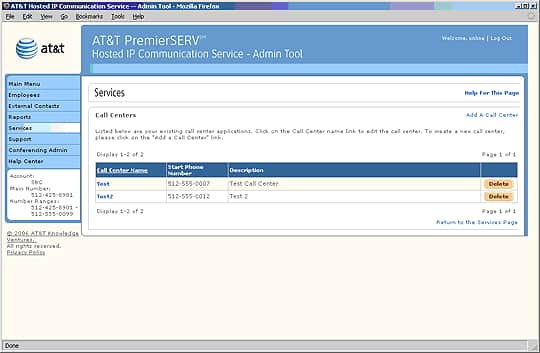
The Call Centers page displays information about all of your company's Call Centers.
 A Call Center is a special telephone number where incoming calls are queued (put in line) to be answered in the order the calls are received.
For example: You can set up a Call Center for a customer support phone number. When customers call for support, they will be on hold until the next representative is available, ensuring that calls are not missed. Employees who are members of the Call Center can check themselves in and out of the Call Center using special feature keys on their phones.
Select an Call Center name to view and edit information about it.
Select an underlined column header to sort the entries by that column. Selecting the header again will reverse the order.
Select Add A Call Center to add a new Call Center.
Related Pages
Previous
|
Next