Learn about AT&T internet equipment
Get details about the equipment used to provide an AT&T internet service to your home.
AT&T Fiber and AT&T Internet equipment
Your AT&T All-Fi Hub® or Wi-Fi® gateway provides your connection to AT&T Internet or AT&T Fiber®. It connects from your home to our broadband network. You also get your Wi-Fi connection from the hub or gateway. We provide the equipment when you set up internet at your home. Common models include: BGW720, BGW620, BGW320, BGW210, Pace 5268, NVG599, and NVG589. If you cancel your internet service, you’ll have to return your Wi-Fi internet equipment and its power supply.
Heads up: You may have a different model than one of these.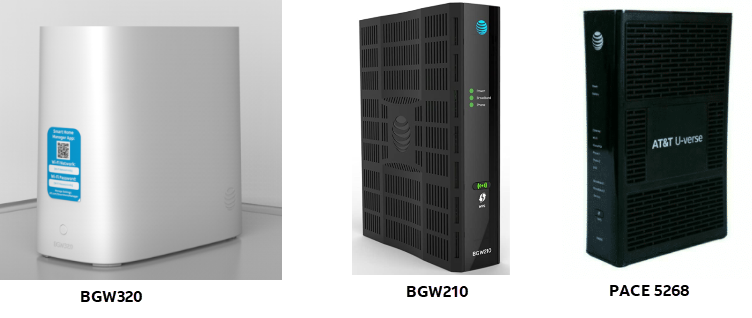
AT&T Internet Air equipment
Your All-Fi Hub provides your connection to AT&T Internet Air®. It connects from your home to our wireless network. You also get your Wi-Fi connection from the hub. We provide the hub when you set up internet at your home. Common models include the BGW830, BGW530, and CGW450. If you cancel your service, you'll have to return your All-Fi Hub and its power supply.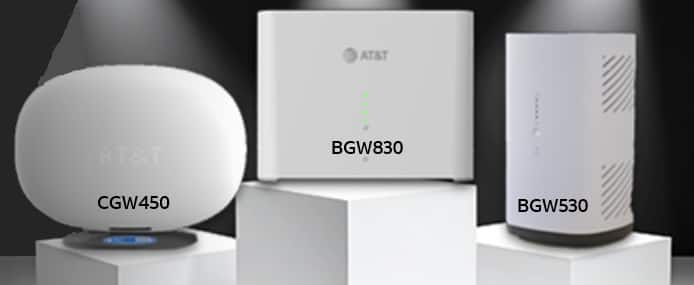
Wi-Fi extenders
If you add Extended Wi-Fi Service to your internet plan, we'll include an AirTies 4971 or 4991 Wi-Fi extender. This provides Wi-Fi coverage to hard-to-reach areas in your home. If you cancel your internet, you'll have to return any AirTies 4971 or 4991 extenders and their power supply.
You may also have older models, including the AirTies 4920 or 4921. These were available for purchase and won’t have to be returned.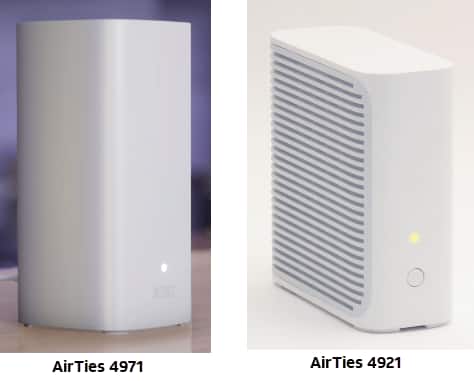
Ethernet cables
We provide Cat6 Ethernet cables with our internet equipment. Need to replace an Ethernet cable? Make sure you get a Category 6 (or better). You can find the cable type on the packaging or on the cable itself. You don’t return cables you purchased to us.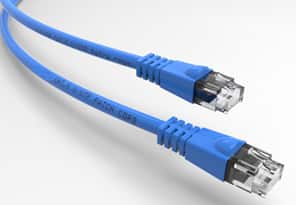
Optical Network Terminal (ONT)
The ONT helps provide internet to your home. It changes fiber light waves back to electrical waves. Then, it converts the waves to an electrical signal over Ethernet line to your Wi-Fi gateway.
We install an ONT when internet is first set up at your home, and it should never be removed. You may find one outside your home or inside your garage, closet, or utility area. The types of ONTs we use include: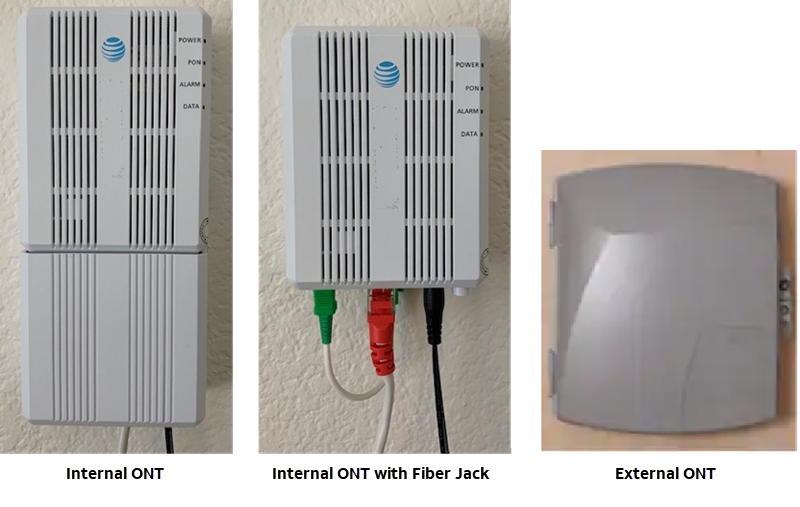
Fiber jack
Our field techs install Fiber jacks when AT&T Fiber® is first installed in your home. This connects to your ONT. It should never be removed.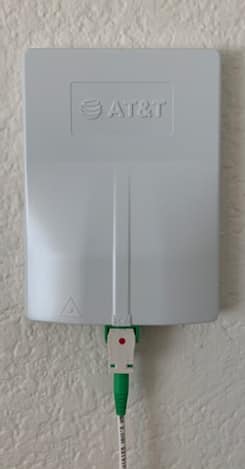
Ethernet jack
Our field techs install Ethernet jacks when your ONT isn’t close to your Wi-Fi gateway. Plug your Wi-Fi gateway into this jack after you have internet service. It should never be removed.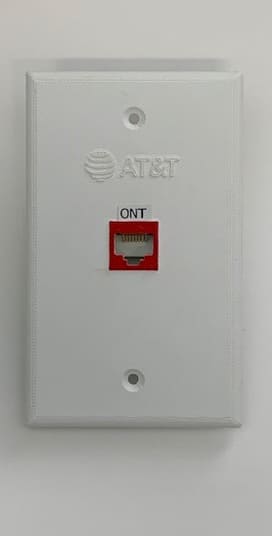
AT&T branded Jack
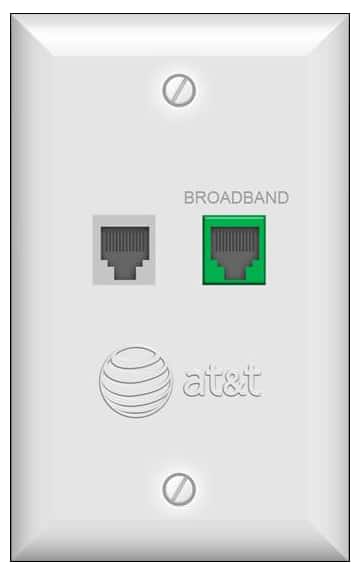
Our field techs may install AT&T branded Jacks when our copper-based internet is first installed in your home. This connects to your RG. It should never be removed.