Camera & Video Settings
Camera & Video Settings
Manage camera and video settings including flash, picture size, timer, and more.
INSTRUCTIONS & INFO

To access the Camera app, from the home screen, select the  Camera app.
Camera app.In this tutorial, you will learn how to:
• Access camera settings
• Change the picture size
• Turn the flash on or off
• Set a timer
• Turn the grid on or off
Access camera settings
From the Camera app, select the  Settings icon then edit Settings as desired.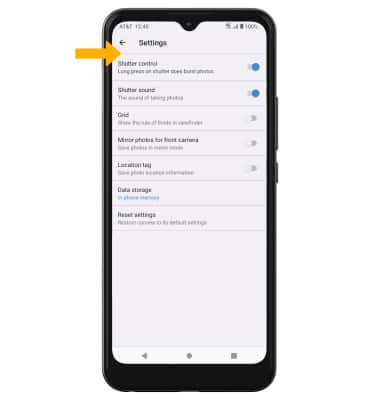
Change the picture size
From the camera screen, select the  Ratio icon then select the desired option.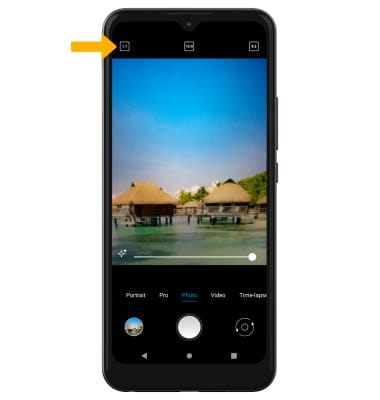
Turn the flash on or off
From the camera screen, select the  Flash icon then select the desired option.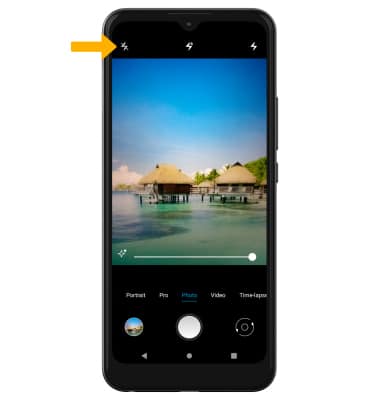
Set a timer
From the camera screen, select the  Timer icon then select the desired time.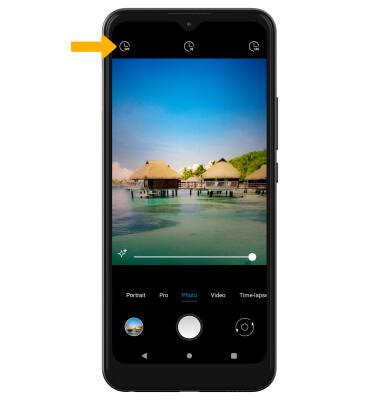
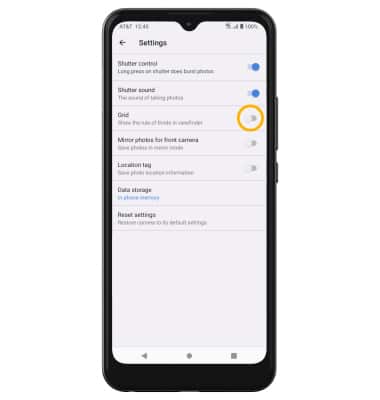
Turn the grid on or off
From the Camera settings screen, select the Grid switch.