Camera Remote
Camera Remote
Capture pics and videos using your watch as a camera remote for your paired device.
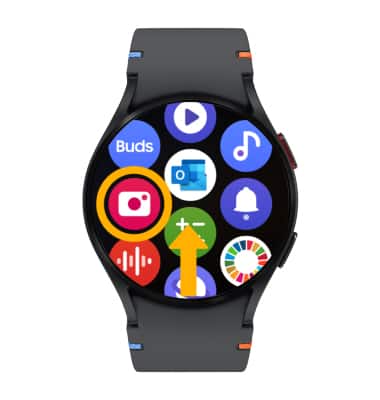
1. From the clock screen, swipe up from the bottom of the screen to access the Apps tray then select the Camera Controller app.
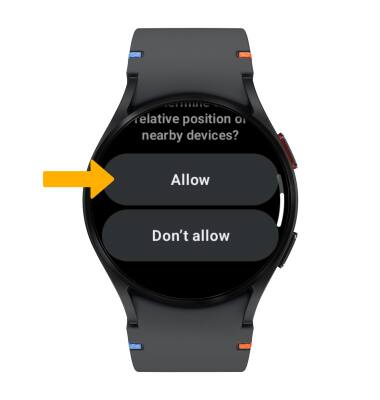
2. Review the app permissions prompt, then select Allow.
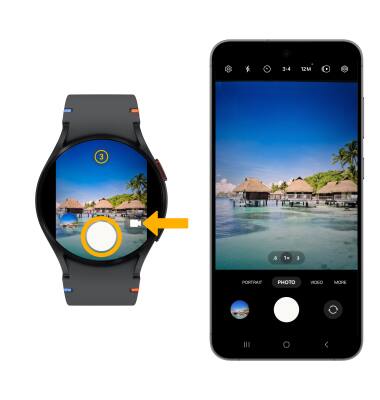
3. The Camera Controller app allows you to remotely capture pictures and videos from your watch. To take a picture, point the camera on your paired phone at the desired object or location then select the Capture icon on your watch. Select the Record icon on your watch to record a video.