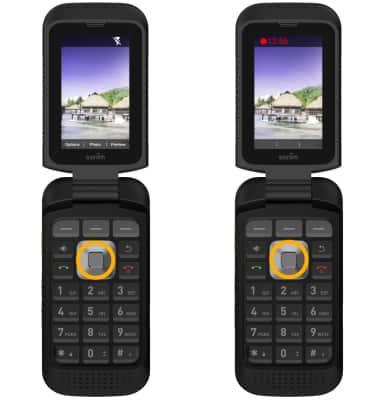
Take a Picture or Video
Take a Picture or Video
Take a picture or video, switch between camera and video modes, and more.
INSTRUCTIONS & INFO

For technical details about your camera, visit the Specifications tutorial.
In this tutorial, you will learn how to:
• Access the Camera app
• Zoom in and out
• Take a photo
• Switch to video mode
• Record a video
Access the Camera app
From the home screen, press the down navigation key to access the camera.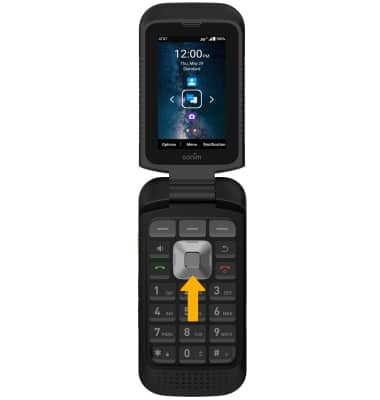
Zoom in and out
Press the right navigation key to zoom in. Press the left navigation key to zoom out.
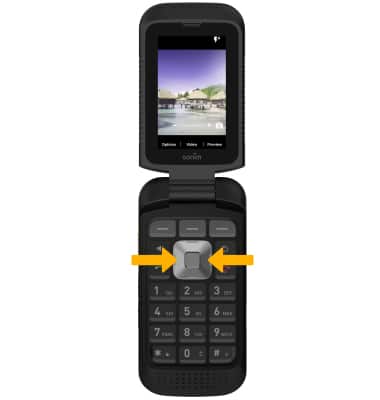
Take a photo
Press the Select button to take a picture. 
Switch to video mode
From the Camera screen, press the Center Dynamic key to select Video.
Note: Alternately, press the up navigation key to switch between Video and Photo mode.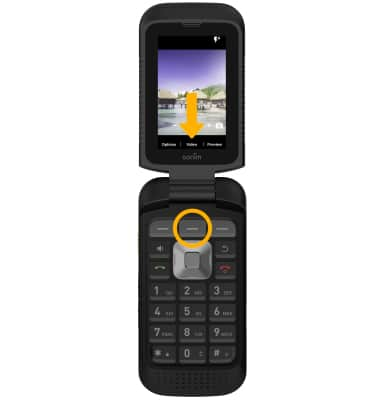
Record a video
Press the Select button while in Video mode to record a video. Press the Select button again to stop the recording.